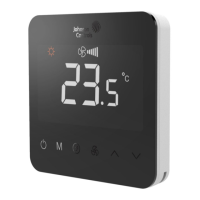
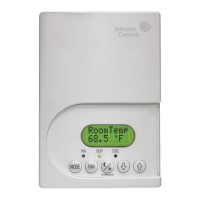
T9800
P/N 24-11448-00009 Rev. A Issue Date: 11 2020
English
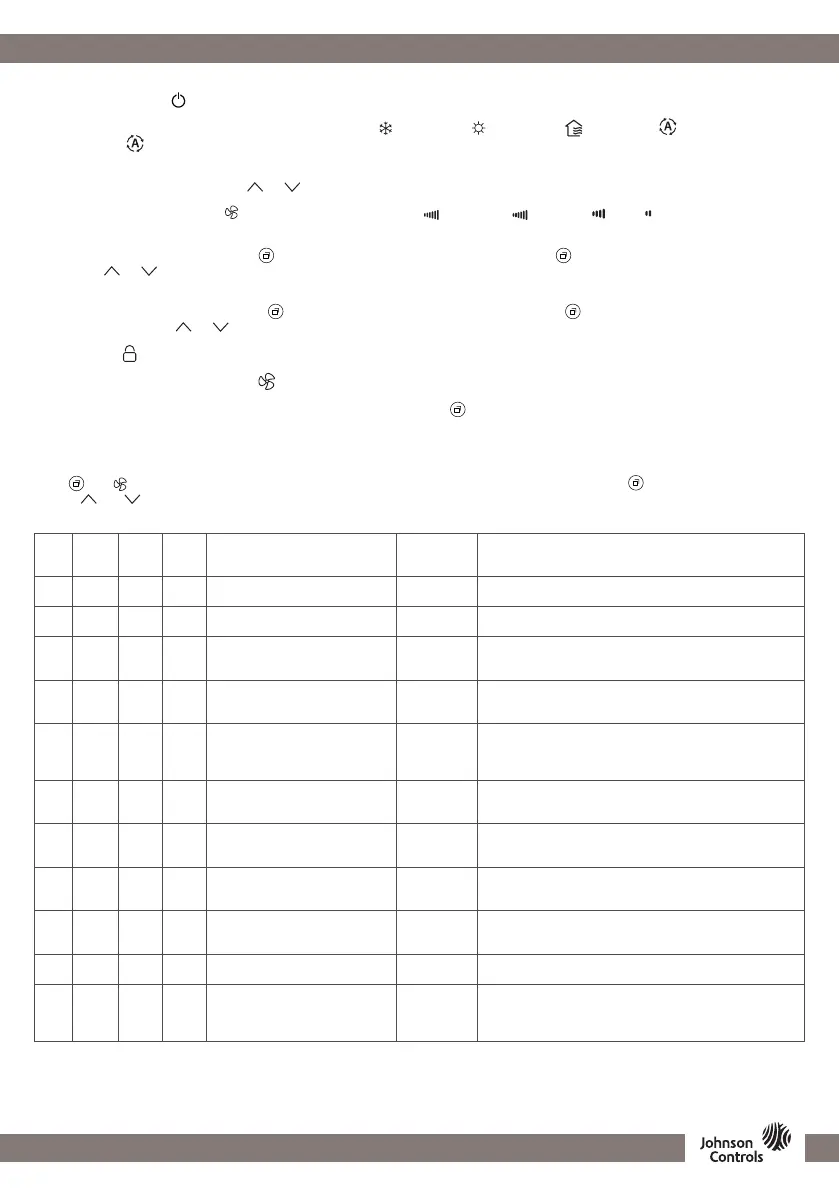
USER SETTING
Press
and
button for 5 seconds at power off mode to get in parameter list. Press M to scroll forward and to scroll backward in the list
and use
and
button to change parameter value.
PARAMETER SETTING (PART 1/2)
Code
T9800-
TF20-
1JS0
T9800-
TB21-
1JA0
T9800-
TF21-
1JS0 Parameter name Default Function
01
■ ■ ■
MAC (MS/TP) 128
Mac address for BACnet MS/TP:
6~128
02
■ ■ ■
MAC (Modbus) 01
Mac address for Modbus
1-96
04
■ ■ ■
MUTE 00
Enable/disable the beep when push touch button:
00: Disable
01: Enable
05
■ ■ ■
OFFSET
0°C/
0°F
Offset to be compensate the room temperature:
Step: 0.5°C (1°F)”
Range: 5°C~-5°C (9°F- -9°F)
06
■ ■ ■
UNOCC-CLG-SP
26°C/
79°F
Cooling setpoint unoccupied mode.
Not available for Boiler application
Step: 0.5°C (1°F)
Range: 22°C~32°C (72°F-90°F)
07
■ ■ ■
UNOCC-HTG-SP
18°C/
64°F
Heating setpoint unoccupied mode.
Step: 0.5°C (1°F)
Range: 10°C~21°C (50°F-70°F)
08
■ ■
SMPL-TM 10 s
Sample time,
PID parameter, only for PID
Range: 1~99 s
09
■ ■
PB 5
Proportion band,
PID parameter, only for PID
Range: 1~10
10
■ ■
KI 10
Integration parameter,
PID parameter, only for PID
Range: 0~99
11
■ ■ ■
BL-TIMER 30
Backlight timer.
Range: 5~99 s
12
■ ■ ■
PWR-F-RSTT 02
Restart after power failure:
00: OFF
01: ON
02: Recovery
...Continued...
INSTRUCTIONS
On/Off Setting: Press to turn on, press again to turn off, close the fan and valve.
Mode Selection: Press M to change the working mode, for cooling, for heating, for venting, for auto cooling or
heating mode. is available only for 4-pipe application or 2-pipe application when BI-FUNCTION is Change Over Sensor
input.
Temperature Setting: Press either or button to increase or decrease the temperature by 0.5°C/1°F.
Fan Speed Adjustment: Press to switch the fan mode, auto ash, high , medium , low fan.
Note: Fan stops at Floor Heating Mode, until FH-FAN parameter set to enable, for single stage oor heating application only.
Delay On/Off setup: Press and hold button 5 seconds, then “ON” appears, press button to switch On or Off delay,
then press or to adjust the minute by 30 minutes.
Note: Time-On/Off setting performs only once.
Delay On/Off Cancel: Press and hold button 5 seconds, then “ON” appears, press button to switch to check On or Off
delay time, then press or adjust the time to “00:00”.
Lock setup: If Lock function is enabled, the thermostat locks automatically after 30 seconds unused.
Unlock function: Press and hold the button 5 seconds to unlock.
Tio2/ESP Manual: When Tio2/ESP function is set to Manual, press button once, to switch Tio2/ESP On or Off.



 To Next Page
 Loading...