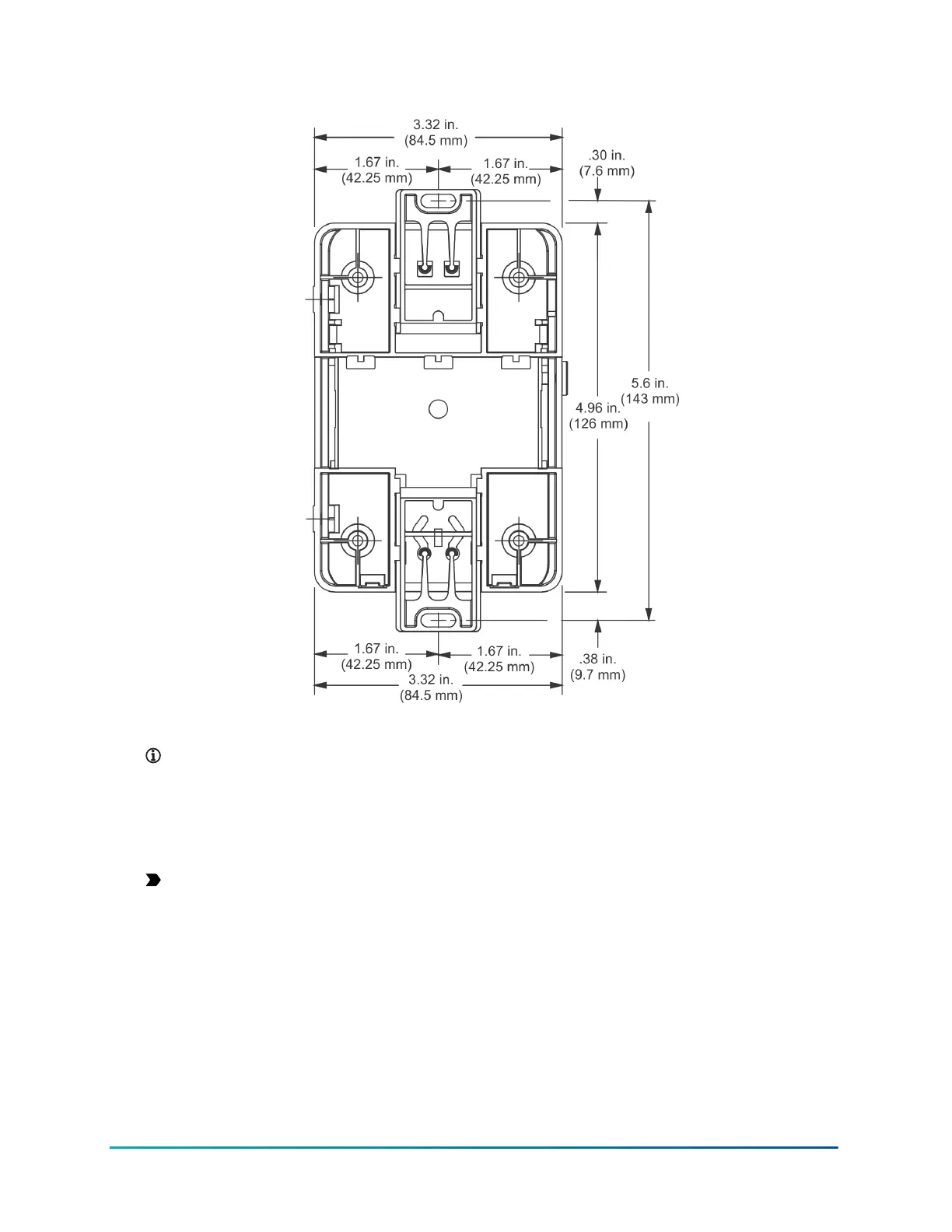
Figure 9: Mounting Holes, Flat Mounting, DIN Rail Screws
Note: The screw holes on the MAP Gateway can accommodate M3.5 and #6 screws.
3. Drill holes in the wall based on the locations marked in the preceding step, and insert wall
anchors for each hole (if necessary).
4. Hold the bracket in place, insert the screws through the mounting clips and into the screw
holes, and then carefully tighten all screws.
Important: Do not overtighten the mounting screws. Overtightening the screws may
damage the mounting clips or bracket.
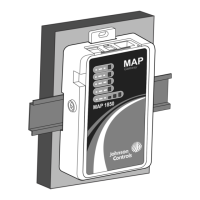
5. Place the MAP Gateway unit in the bracket and secure the bracket with the locking screw.
Wiring
Wiring Consideration and Guidelines
Observe the following guidelines when wiring the MAP Gateway:
• Do not allow the MAP Gateway to hang from a cable connection.
Mobile Access Portal Gateway Installation Guide14







 To Next Page