©2016 Johnson Level & Tool - Rev. 3 7
7. Using the Product
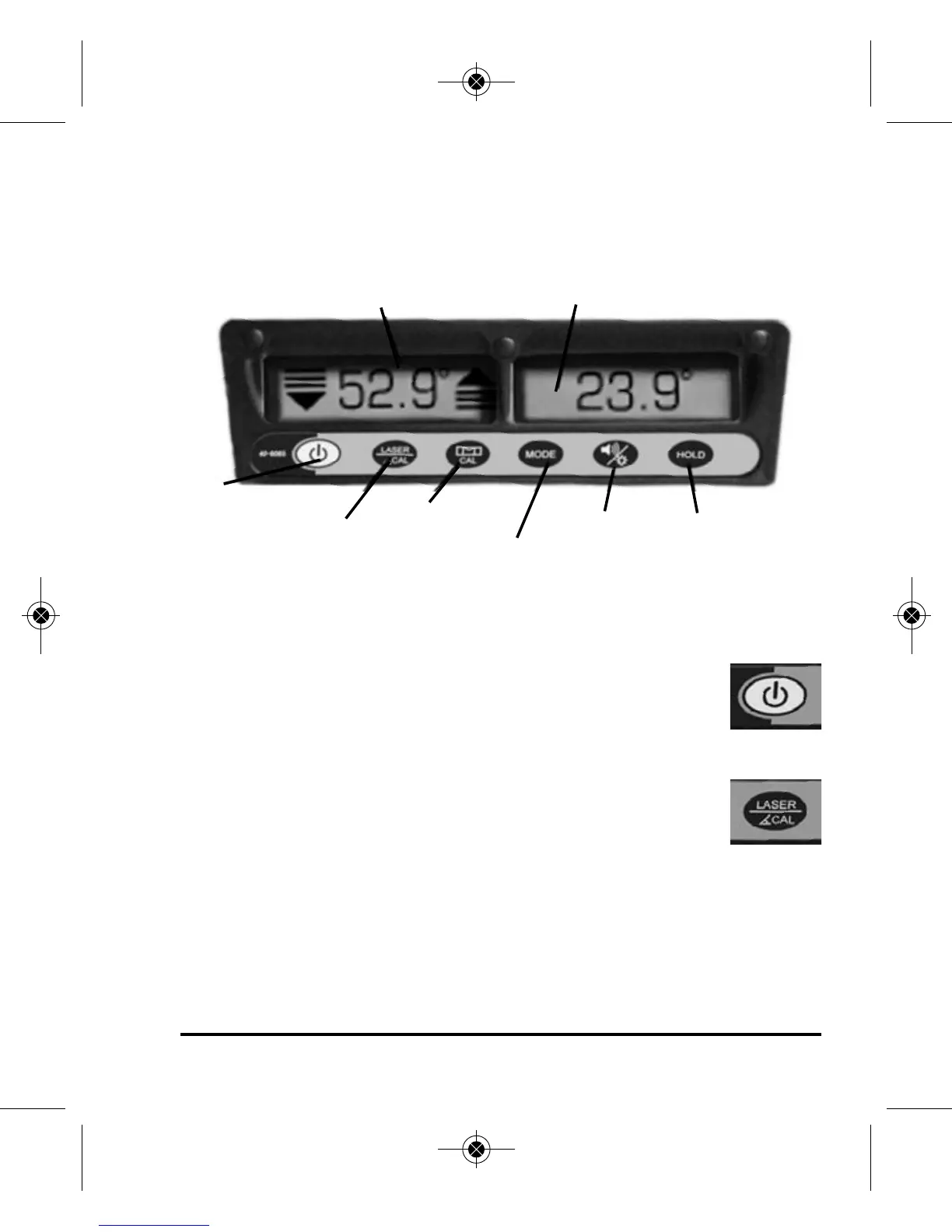
Key Guide
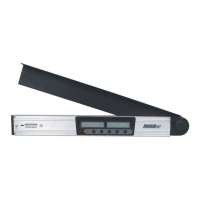
The instrument has six operating keys with their functions below:
Power Key
Power on and off the instrument by pressing this key. The
instrument will beep twice when turning it on and beep
once when turning it off.
Laser/Angle Calibration Key
Press and release this key and laser beam will turn on and
the laser icon will appear on the LCD. The instrument will
also beep once. Press and release this key again and laser beam will
turn off and laser icon will disappear on the LCD. Note: The instru-
ment must be turned on for the laser beam to work. Press and hold
this key (more than one second) and the unit will enter angle calibra-
tion mode. See “Self-Check and Calibration” section.
Display for Angle Locator
Display for Digital Level
Power
Laser/Angle
Calibration
Slope
Calibration
Mode
Sound/
Backlight
Hold
1150i-English_Manuals 6/10/16 9:56 AM Page 7


 To Next Page