B4i-M
4 - 7
4.6. ELECTRONIC BOARD REPLACEMENT
4.6.1. MICROPROCESSOR + POWER PCB
Dismounting
- Remove the front panel.
- Disconnect all cables from the board : J1, J2, J3, J4, J5, J6, J7, J8, J9, J10, J11, J12, J13, J14, P1, P2.
- Unscrew the 5 screws holding the board; one in each corner and one in the middle of the board.
Remove the board.
Refitting
Carry out the above operations in the reverse order, and do not forget to place the insulation sheet
between the board and its support.
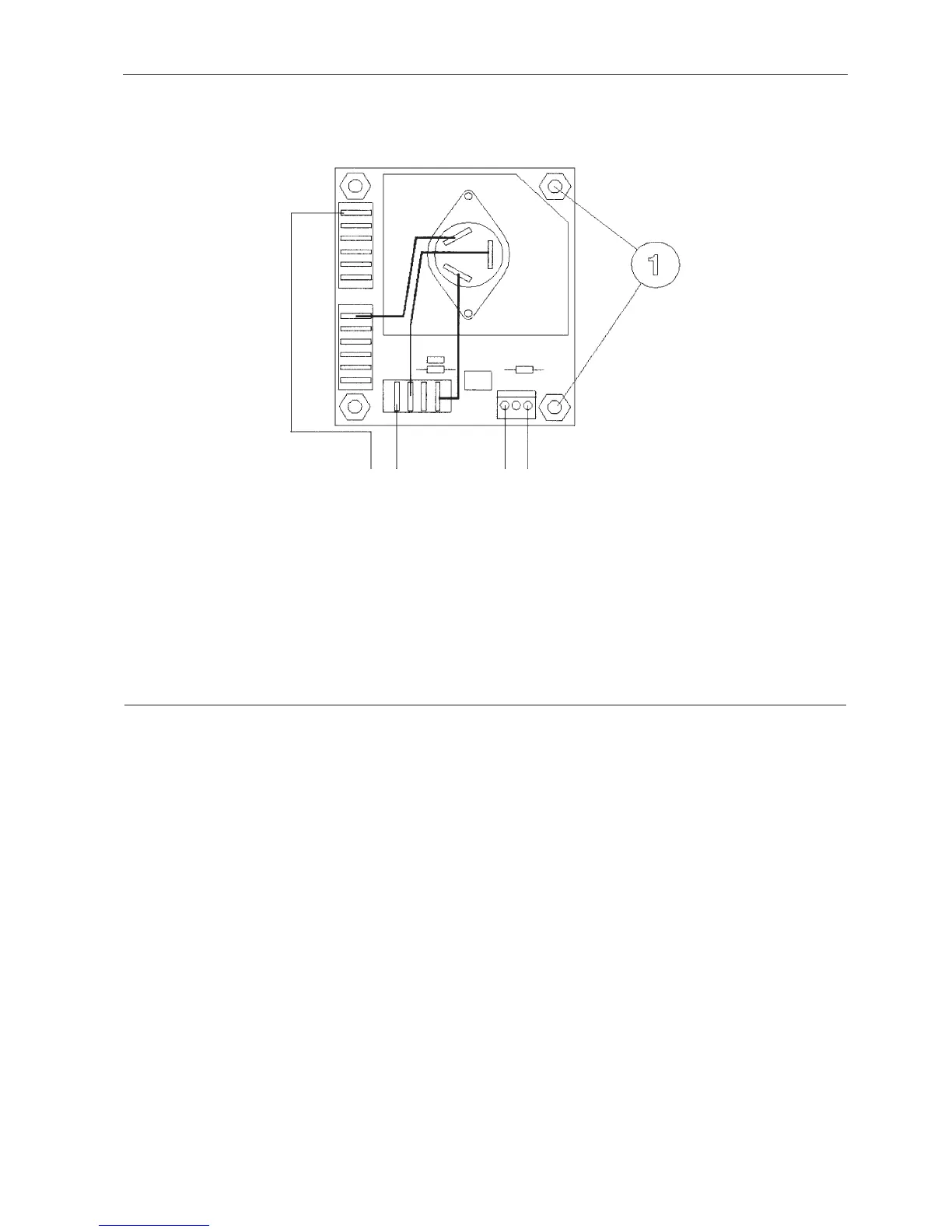
BLUEBROWN
TO THE COMPRESSOR
FROM µP P.C.B.



 To Next Page