RTU-292 Operations Manual
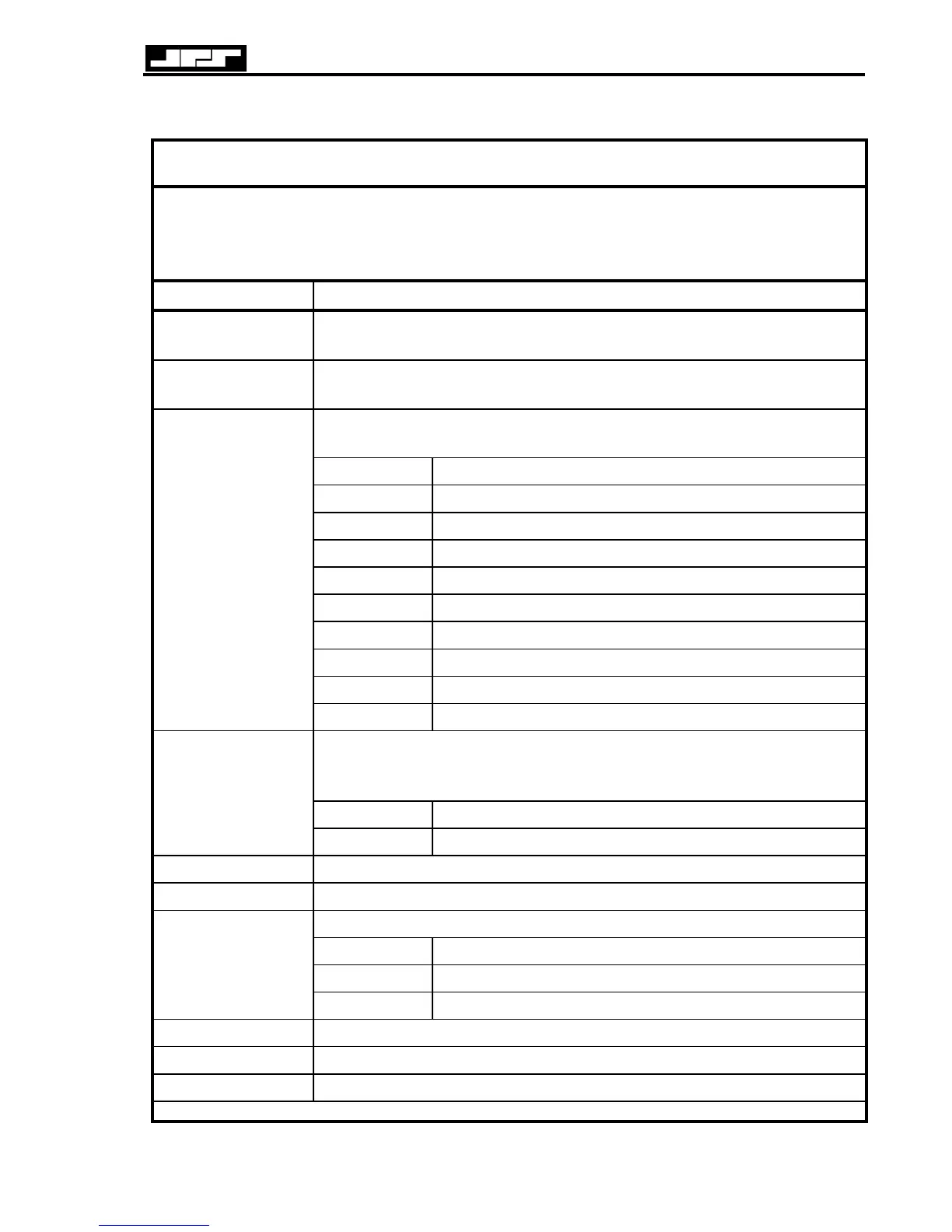
Table 3-2 Programming Mode DTMF Commands
These commands may be entered by the RTU-292 front panel keypad*, or by the keypad of a
connected telephone or by a telephone set wired to the Local Phone Option. The unit must
be put into the programming mode by entering *99 before these commands can be executed.
*See 3.7.6 for special instructions regarding the use of the RTU-292 keypad.
DTMF Command Function
* 0 x Call Logging Enable/Disable. * 0 0 Disables Call Logging (factory
default is disabled). * 0 1 Enables Call Logging. See 3. 7.13.
* 1 x x x # Change the password to "xxx". Terminate entry with #.
Password may be up to 10 digits long. Factory default is 1 2 3 4.
Program the inactivity disconnect timer based on value of "x".
See 3.7.8 for more information.
* 2 0 Disabled (not recommended see 3.7.8)
* 2 1 2 Minutes
* 2 2 5 Minutes (factory default)
* 2 3 10 Minutes
* 2 4 20 Minutes
* 2 5 30 Minutes
* 2 6 45 Minutes
* 2 7 60 Minutes
* 2 8 90 Minutes
* 2 x
* 2 9 120 Minutes
Program the Calling Timer based on the value of “x”.
The RTU-292 will attempt to place a call to a telephone until this timer
expires. See 3.7.8 for more complete information.
* 3 0 30 Seconds (factory default)
* 3x
* 3 1 1 Minute
* 4xx Program Speed Dial Entry “xx”. See 3.7.10.
* 5 Review Speed Dial Entry “xx”.
Select 2 wire or 4 wire operation based on the value of “x”. See 3.7.15
* 6 0 2 wire operation (factory default)
* 6 1 4 wire operation
* 6 x
* 6 # Query to learn current setting
* 7 & * 8 Reserved for future use.
* 9 Reserved for JPS Manufacturing
* # Leave Programming Mode
JPS Communications, Inc.
3-15



 To Next Page