11
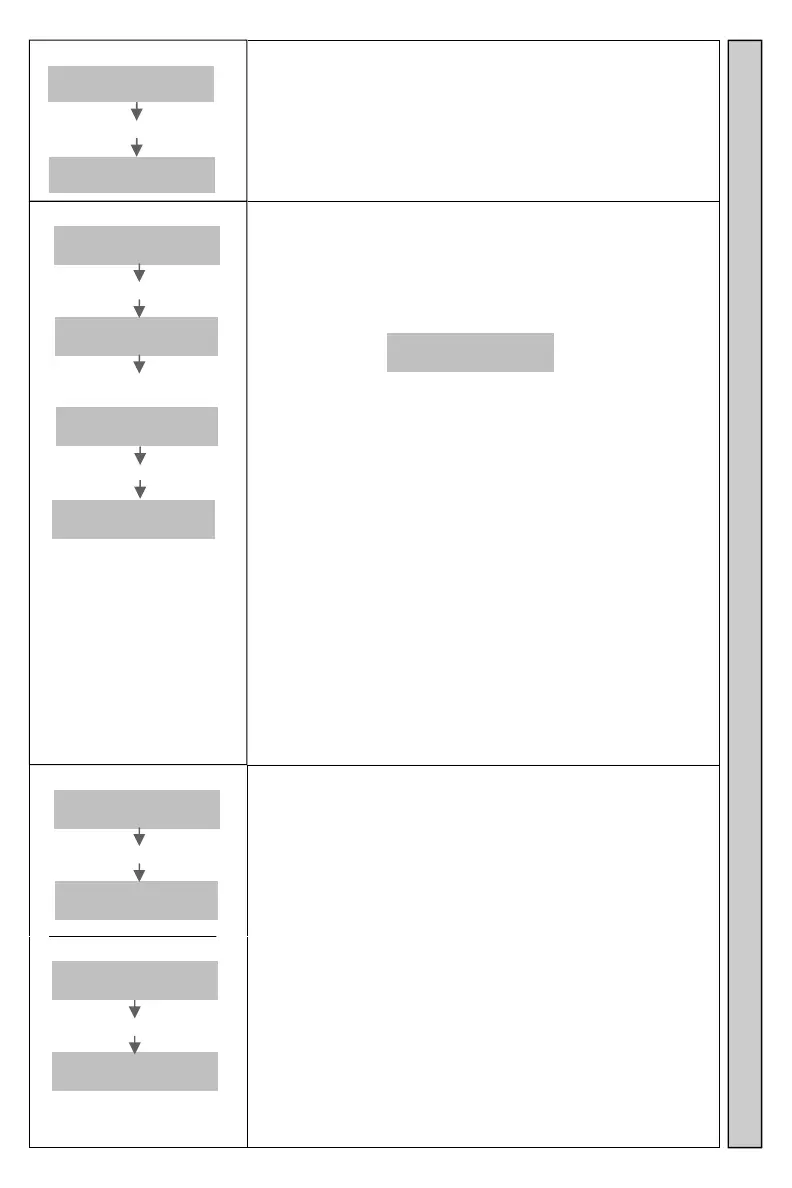
Password
Enter
Pager #
Enter **
Password
PPPP
Enter the Password to access menu options.
See Password for more information.
Password (factory default) is 1234.
PPPP = Password
Turn Off Pagers?
Enter
Pager #
Enter **1234
Turn off
Pagers?
Enter #
#SendNow
n=HoursB
Enter B
#SendNow
n=HoursB
Turns OFF all Pagers not charging in charger racks.
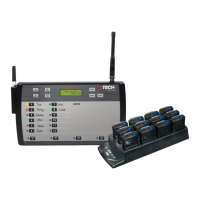
Works with:
InstallCall Vibe/Tone Pagers.
Transmitter sends a “Over the Air” signal which turns the
Pagers OFF.
#SendNow
n=HoursA
Entering 0-9 while the display shows will change the delay
of the Transmitter. The delay is measured from the last
page sent from the Transmitter.
Factory default is set a 0 hours and the Transmitter will
send the Pager OFF command immediate.
Entering 1-9 at this screen will delay the Pager turn OFF
signal from 1-9 hours.
Turn Pagers back on individually using the Pagers ON
button.
B=hours of inactivity
Search Mode Turn Pagers Off Password
Search Mode
Enter
Pager #
Enter **1234*#
Search..
…...ing
Sends a repeating page to Pagers.
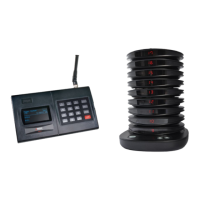
Works with:
Glowster Pagers.
CommPass Pagers.
PatronPass Pagers.
ParentPass Pagers.
PeoplePass Pagers.
Transmitter will send a page to all Pagers within range.
Pagers charging in the Charging Rack will not respond.
Allows user to find misplaced Pagers.
Press * to cancel Search Mode.
Enter
Pager #
Enter 9999#
Search..
.….ing


 To Next Page