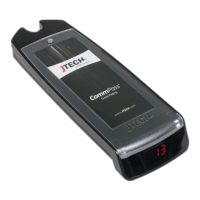
5
PWR
Power Light
Display
Power Adapter
Antenna
AC Power
Cord
Transmitter
Remote
Keypad
AC Power Cord
Null
Modem
Adapte
Display
Power
Adapter
PWR Power Light
AC Power Cord
Antenna
Adapter
Display
PWR
Power Light
7
1
6
1
5
6
5
1
4
5
Paging Using Guest Pagers Remote Keypad Installing The Transmitter Antenna
Extended Range Antenna Assembly: Is a indoor/door use Antenna and a 35 Watt
Power Amplifier, Power Supply and 50 or 100ft Cable. It increases the output of
the Transmitter to 35 watts maximum and range of up to 5 miles.
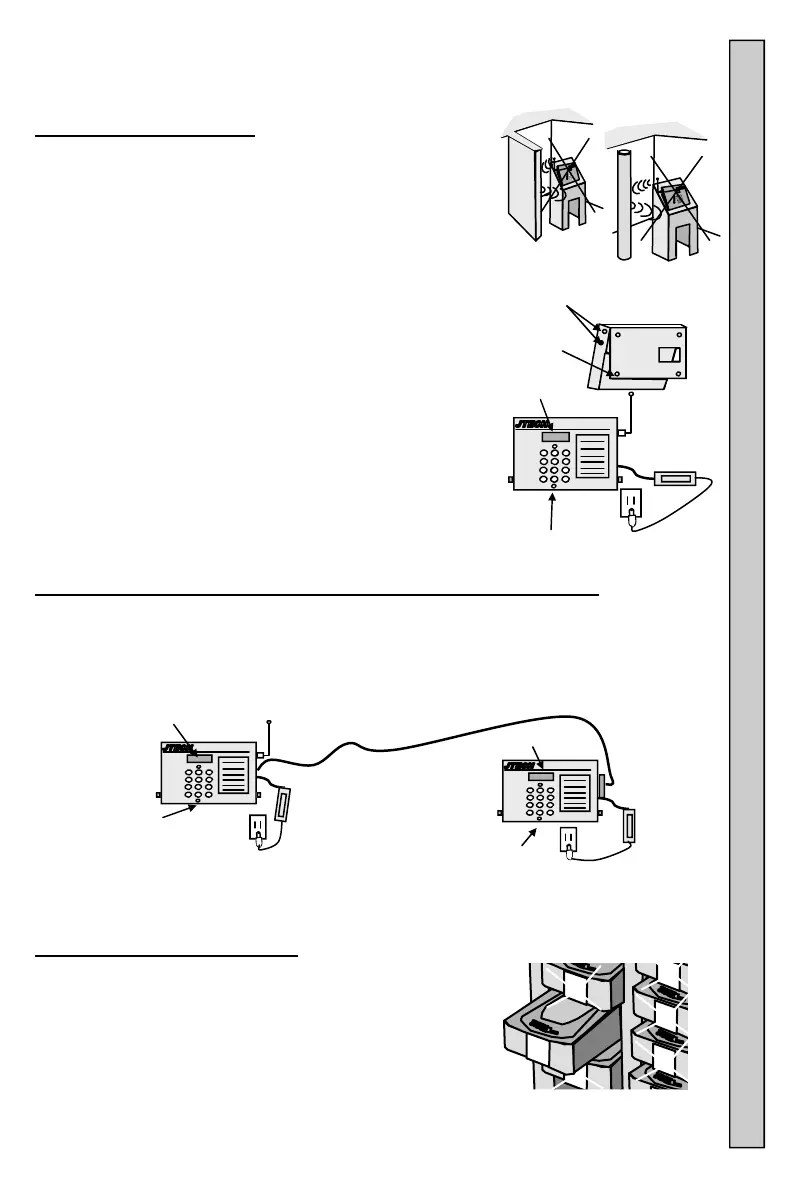
Installing the Transmitter:
The Transmitter can be surface mounted, used on a
on a counter or desk top or wall mounted.
The best location is in clear view of the paging area.
Walls, pipes, ducts, mirrored glass, etc. may weaken
or misdirect signals.
Locate the Transmitter away from liquids and extreme heat.
1. To secured the Transmitter to a counter or wall:
A. Remove the 2 screws from each side of the
housing and 4 rubber feet in the base plate.
B. Secure the base plate as needed. Mounting
hardware is user supplied.
C. Attach the housing to the base plate.
2. Change the angle of the Transmitter by adjusting
the position of the base.
3. Con nect the Antenna and point upward (vertical).
4. Plug in the AC Power Cord into the Adapter.
5. Plug the Adapter into the Transmitter.
6. Plug the AC Power Cord into a 120VAC outlet.
7. When powered and ready, the Transmitter display
will show “Enter Pager #” and the PWR Light will be ON.
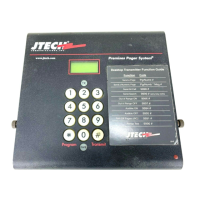
Remote Keypad Connection And Operation (Optional Equipment):
1. Attach one end of the 25ft RS232 Cable to the Transmitter and the other to the
Null Modem Adapter on the Remote Keypad.
2. Plug the Adapter into the Remote Keypad.
3. Plug the Adapter into the Transmitter.
4. Connect all cables and the Antenna before applying power to the Transmitter
and Remote Keypad.
5. When powered and ready, the displays will show “Enter
Pager #” and the PWR lights will be ON.
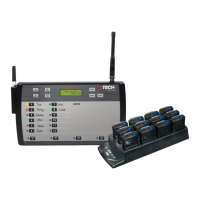
Paging Using Rechargeable Guest
(Vibe, Tone and Flash Pagers):
1. Remov e the Pager you wish to page from the
Charging Rack.
2. Enter the number of the Pager you wish to page on
the Transmitter or Remote Keypad.
3. Press # to send the page.
4. The XMIT light on the Transmitter will turn ON,
confirming the page is being sent. If using a Remote
Keypad, the Keypad XMIT light does not ON.
See “Enter Pager #” Menu Functions for more information.
Screws
Rubber
Feet


 To Next Page