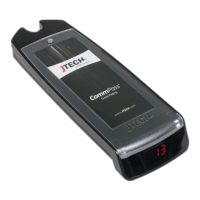
ServerCall Paging, Rugged Staff Pagers
Model Number: J1703, J1704
Range Test
Turning this feature on and walking around with your pagers will give you an idea of the range of your transmitter.
Transmitter will send a signal to the pagers for this range test. Pagers will light up each time that the pagers receive
the message from the transmitter.
When testing range, use 3 pagers to ensure that you have the most accurate reading. When you have reached a point
where ALL 3 pagers do not receive 2 consecutive pages then you are out of range.
Performing Range Test
> Scroll to RANGE TEST.
> Press ENTER key. Transmitter will send page to all pagers every 10 seconds.
Pager Programming
> Ensure proper pager(s) are within range.
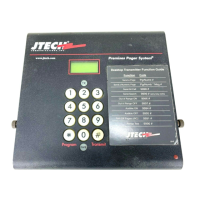
> Scroll to PROGRAM PAGER.
> Press ENTER twice until display REMOVE PAGER FROM CHARGER, remove pager and press ENTER.
> From the transmitter, key the OLD pager number, press ENTER.
> When the display says ‘Enter Message’, input the NEW 3 DIGIT pager number. Place the pager back into the
charging base.
> Press enter, display will say MESSAGE SENT – pager will display the NEW pager number.
> Press CANCEL to exit
For example: Changing # 11 to #4.
> From transmitter, key 11, ENTER.
> Key 004 (use #10 key to represent ‘0’)
> Display should say MESSAGE SENT
> Pager number should be 4
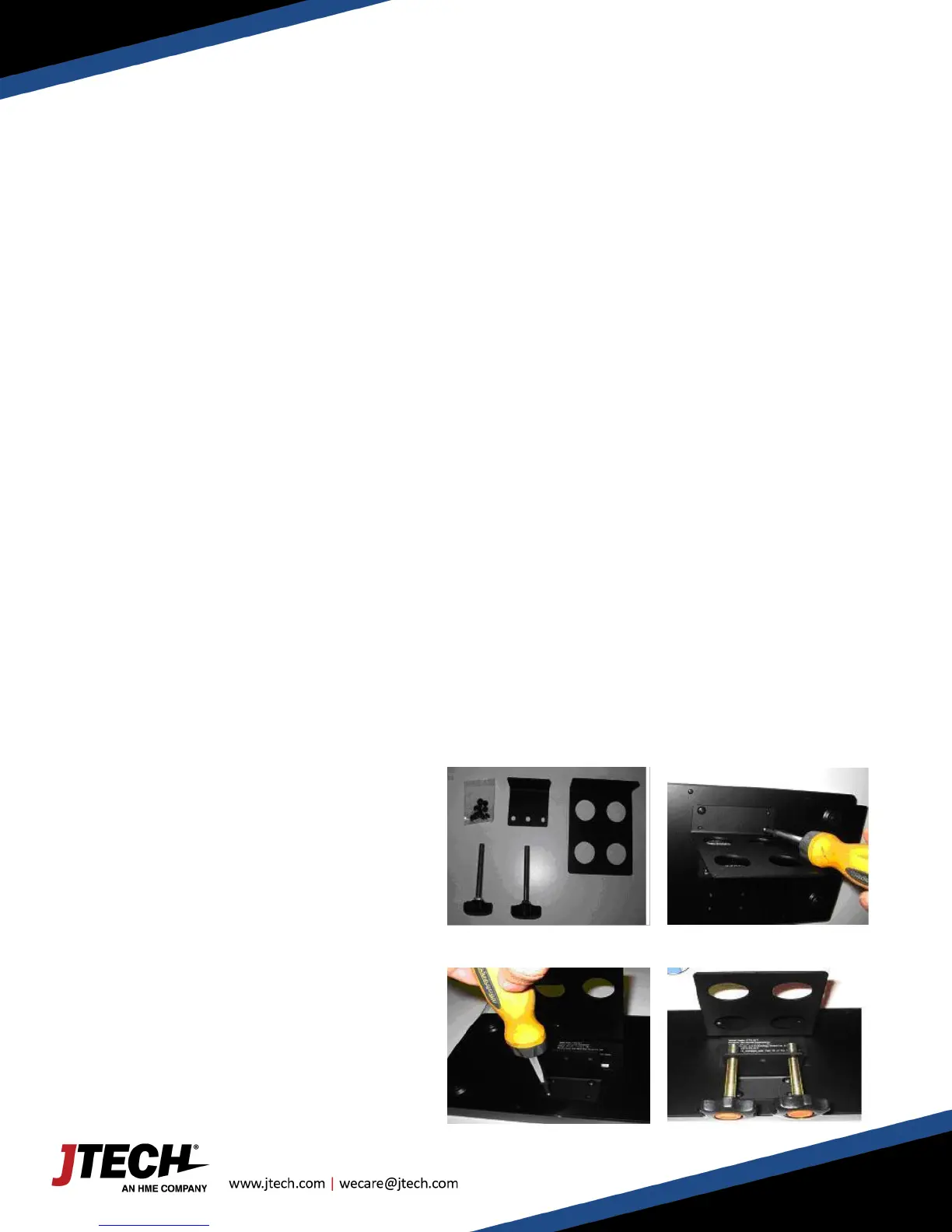
Transmitter Bracket Installation
> Included components (fig. 1):
> Bracket Screws (8)
> Small bracket (1)
> Large bracket (1)
> Knobs (2)
> Install large bracket (fig. 2)
> Install small bracket (fig. 3)
> Install the 2 knobs (fig. 4)


 To Next Page