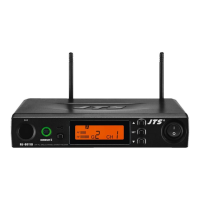
22
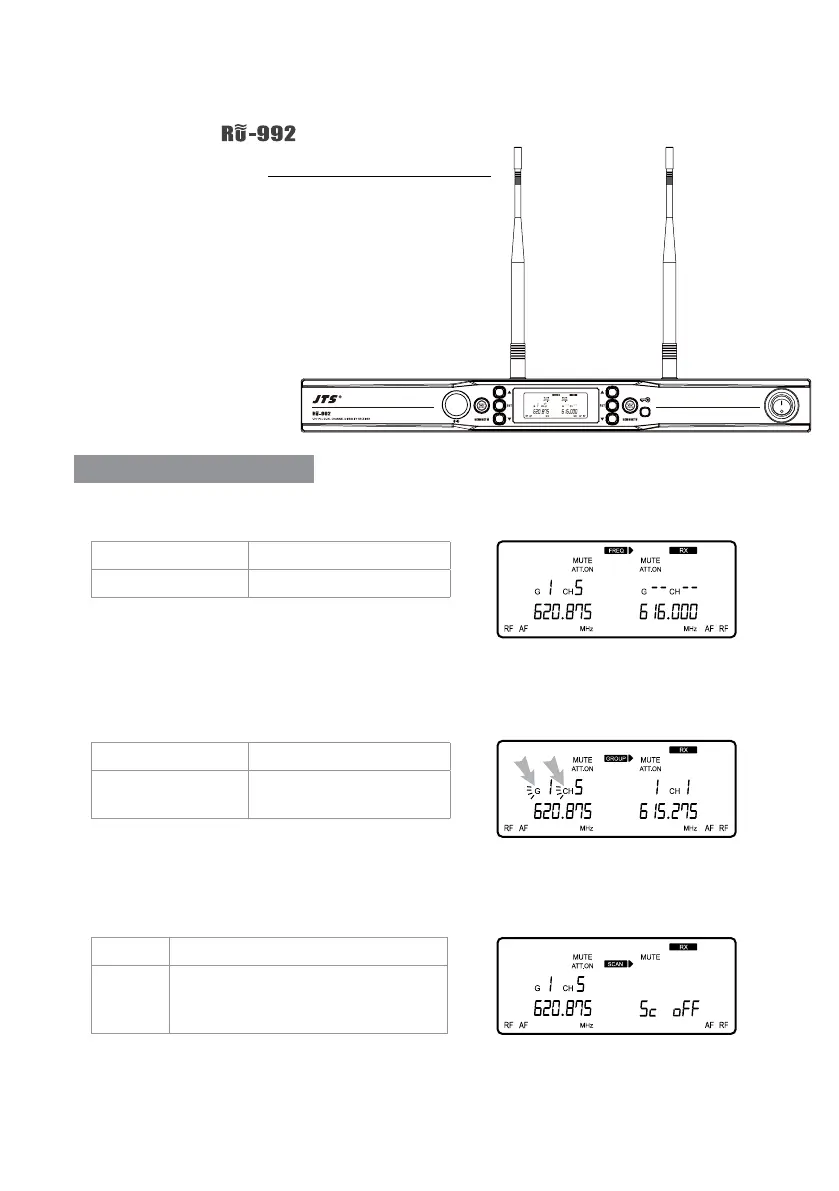
Push and hold the “SET” button to enter the setting
mode. Push the ▲/▼ button to choose to set RX
(receiver) or TX (transmitter).
Parameter setting
When RX receiver is selected:
◎ FREQ: frequency setting
In 1MHz Select frequency with ▲/▼
In 0.025MHz Select frequency with ▲/▼
G: group Select default group 1~6
CH: channel Select default channel,
1~22 max
Select the number of frequency rst in MHz and
then in 0.025MHz.
◎ Group / channel
Select the group when “G” is ashing; select the
channel when “CH” is ashing.
◎ Channel scan
SC oFF This means the function is deactivated.
SC on This means the function is activated.
Scan will stop at the 1st available
channel.
This function is deactivated.
Note: this function works only in the preset mode.
6-1 How to use //
6. Instructions for use


 To Next Page