− 7 −
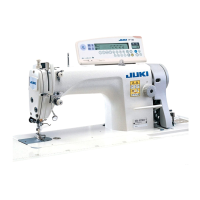
12)Connect connector 4P !5 to connector !
6 locat
ed
on the side of the box.
13)Connect motor
outpu
t cord !7 of the power switch
to connector !8.
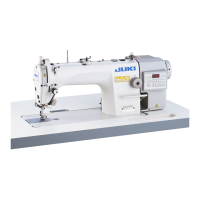
14)Binding of the cords coming from machine head
Bind the cable attached to the machine head at
two places with the cable clip band !9 supplied with
the unit as accessories as shown in the figure.
(Do not bind the motor signal cable together.)
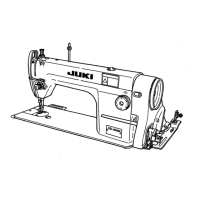
15)Make sure that the power switch is turned OFF
and insert power supply cord @0 coming from the
power switch into the power plug socket.
(Caution)
1. Check again the supply voltage indicated
on the control box before connecting the
power cord.
2. Prepare the power switch conformed to the
safety standard.
3. Be sure to connect the ground wire ( green
/ yellow).
5
4
!5
!6
!7
!8
@0
!9
!9
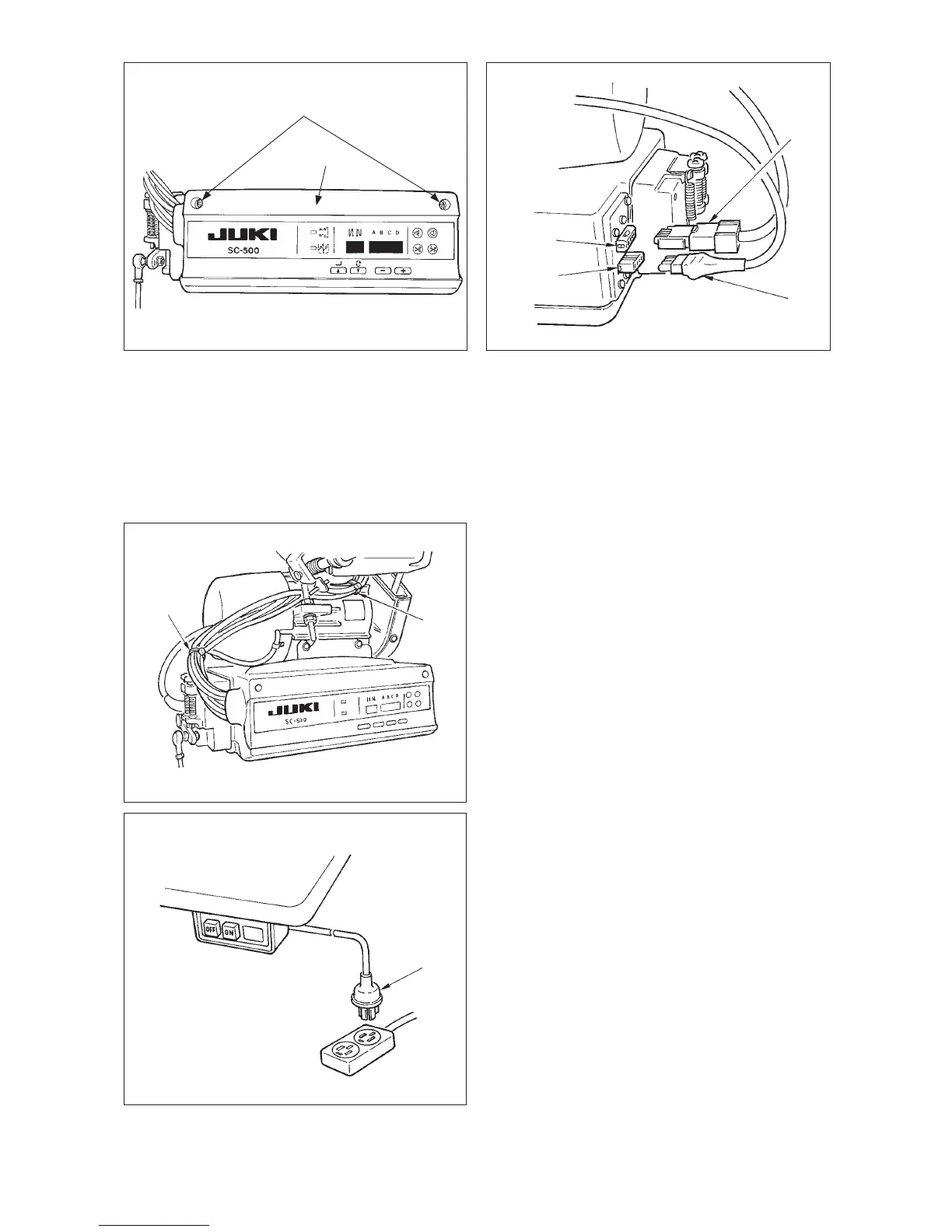
10) Close front cover 4 while paying attention to
pinching of the wire.
11) After that, fix it with the screw 5.



 To Next Page