– 3 –
1
2
5. BASIC OPERATION PROCEDURE
5-1. Normal startup mode
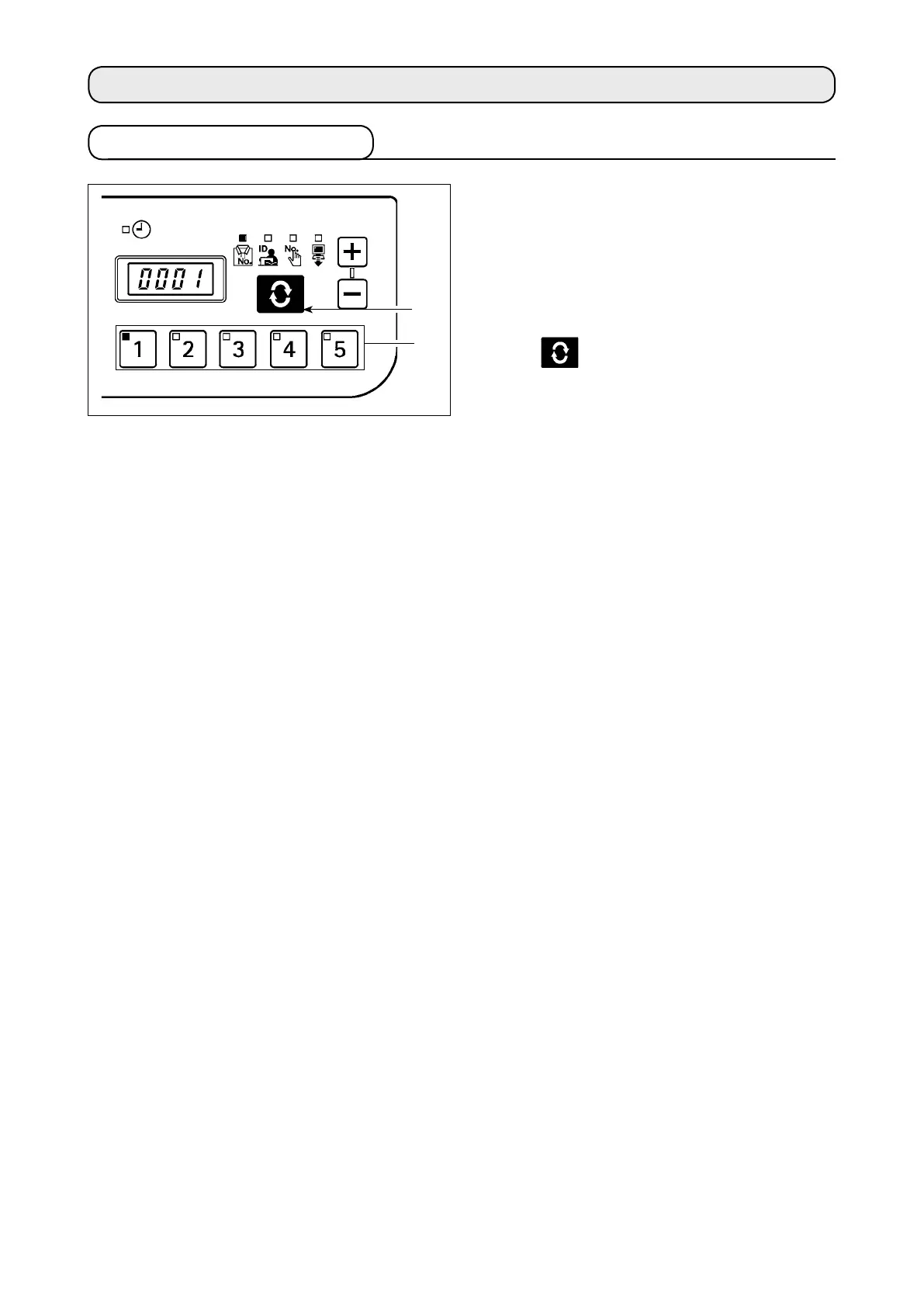
When the power supply is turned on, the item screen
and ID data which had been selected before it was
turned off in the previous operation.
The selected item and the number for which the ID is
registered are indicated in LED.
When the No. switch
1
is pressed, the ID data for the
selected No. is indicated.
When the
switch
2
is pressed the following item
screen is displayed.



 To Next Page