8 Supplement
66
Furthermore, the following five points should be taken into considera-
tion, checked and, if necessary, adjusted, prior to starting self-optimi-
zation:
• Is the suitable controller type configured?
• Check and/or adjust the control action of the controller
• Is it possible to sufficiently influence the process value in manual
mode?
• Prior to starting optimization on PID structure, ensure that the reset
time (rt) is not set to 0.
• For continuous controller only: Ensure that the function of the
output
(OutP -> OutA) is configured to controller output 1 and scaled to
0...100%.
This means:
Function (FnCt) = Controller output 1 (11)
Zero point (0Pnt) = 0
End value (End) = 100
• For modulating controllers only: Determine the actuator time (tt)
and set in the parameter level
Start of self-optimization
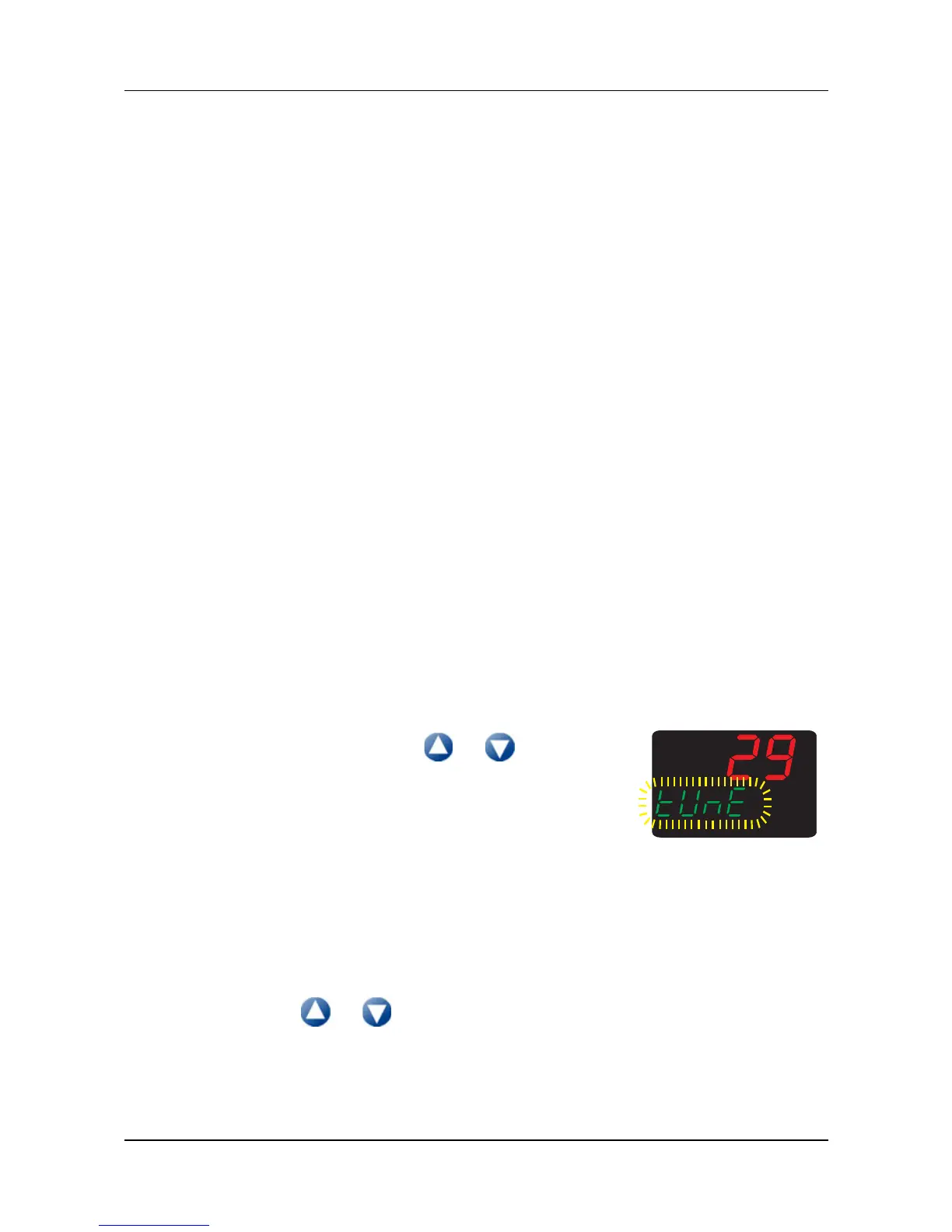
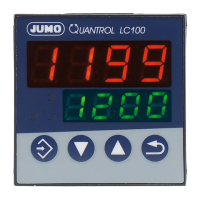
1. Simultaneously press the + keys
(>2s)
➥ In the lower display,
„tUnE“ appears flashing.
Self-optimization is completed when the display automatically
changes to the standard display. The duration of self-optimization
depends on the process.
Canceling self-optimization
1. Cancel using + (simultaneously)



 To Next Page