11
Quick Setup
Notes:
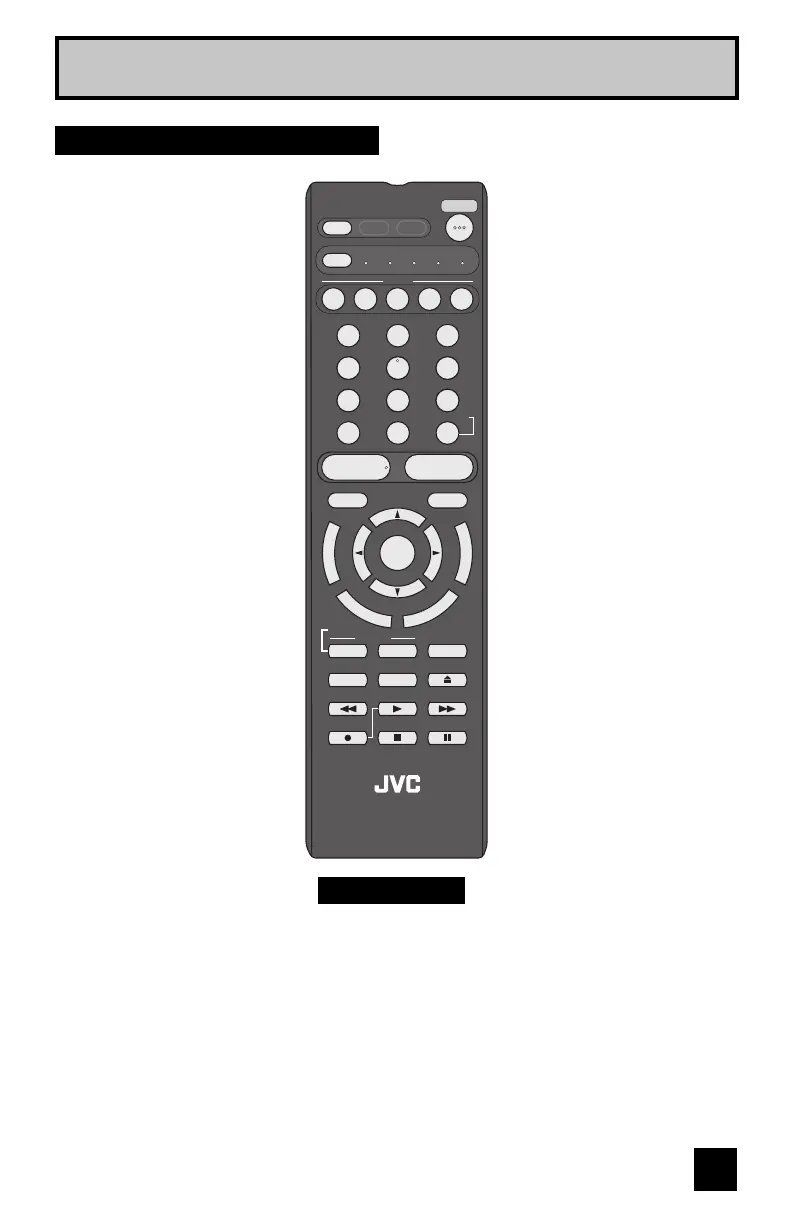
• For information on remote control buttons, see pages 58 - 68.
• SUB CHANNEL and GUIDE buttons are for digital channels. If your TV is connected to an
ATSC antenna or Digital Cable, you can use these buttons.
• This remote control is capable of operating many external device brands. See page 69 - 74
for how to program the remote control.
RM-C1400
POWER
D/A
MODE
TV STB VCR DVD AUDIO
INPUT
123
456
789
0
TUNE
TV
RETURN
+
LIGHT MUTING
– CH + – VOL +
RM-C1400
TV
DVR
STATUS
VIDEO
GUIDE
TV/VCR
SUB T.
SUB CH C.C. DISPLAY
TWIN SLEEP ML/MTS
SWAP SELECT FREEZE
SOUND
OK
M
E
N
U
F
A
V
O
R
I
T
E
A
S
P
E
C
T
B
A
C
K
V1 V2 V3 V4 V5
TV Remote Control


 To Next Page
 Loading...