(No.YA394)1-19
4.8.3 FOCUS
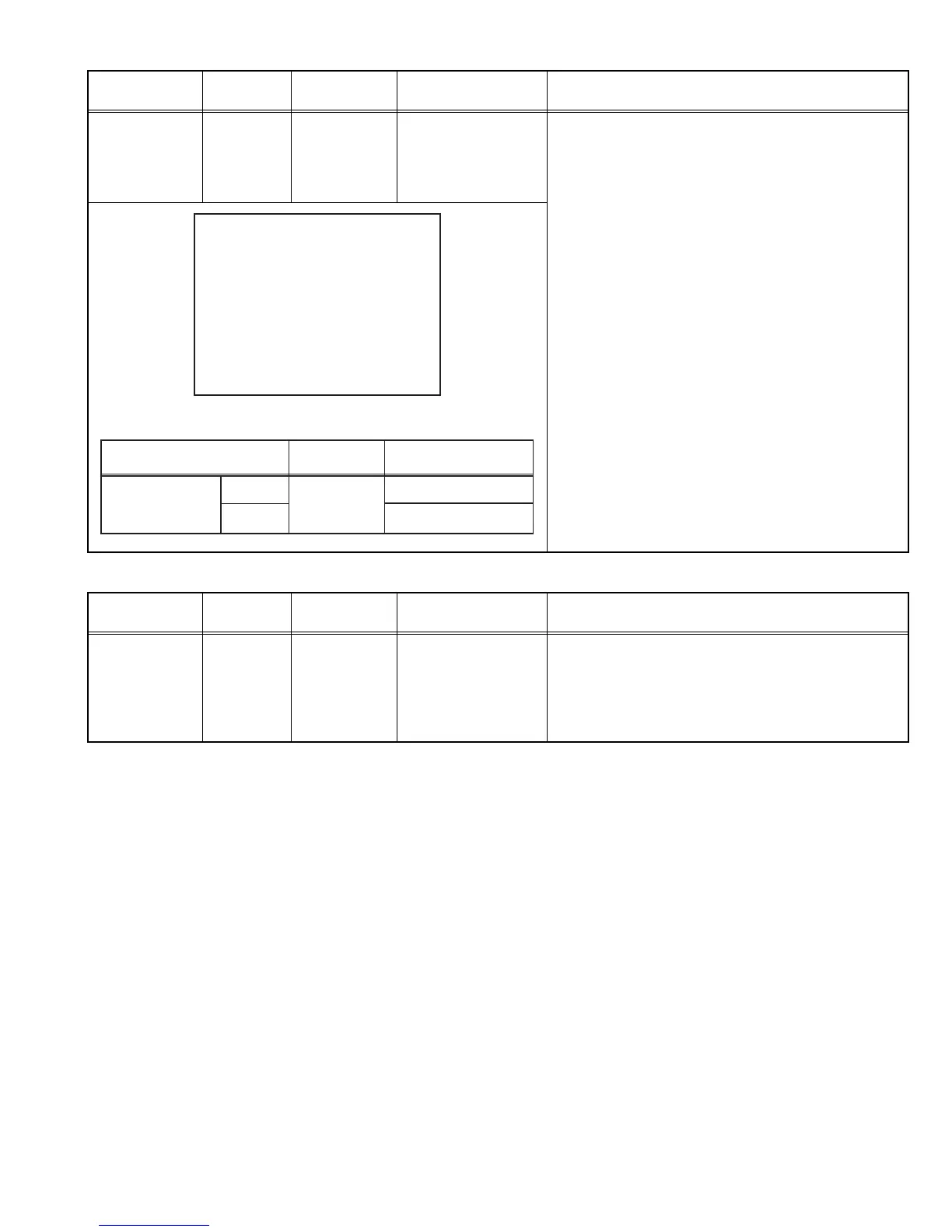
DELAY POINT
(AGC)
Signal
generator
Remote
control unit
[1. IF]
2. DELAY POINT
(AGC TAKE-OVER)
(1) Receive a black and white signal (colour off).
(2) Select 1. IF.
(3) Select < 2. DELAY POINT >.
(4) Set the setting values of the setting items as shown
bellow table.
(5) Then adjust the [MENU - / +] keys until video noise
disappears.
(6) Turn to other channels and make sure that there are
no irregularities.
Item
Measuring
instrument
Test point Adjustment part Description
DELAY POINT UHF
AGC TAKE-OVER **
- / + : OPERATE DISP : EXIT
Setting Item
Variable range
Initial setting value
45
35
DELAY POINT
(AGC TAKE-OVER)
0 - 127
NTSC3.58
OTHER
Item
Measuring
instrument
Test point Adjustment part Description
FOCUS Signal
generator
FOCUS VR
[In HVT]
(1) Receive a crosshatch signal.
(2) While watching the screen, adjust the FOCUS VR to
make the vertical and horizontal lines as fine and
sharp as possible.
(3) Make sure that when the screen is darkened, the
lines remain in good focus.



 To Next Page