18
VIDEO-2 SET
Set the VIDEO-2 SET correctly according
to the video signal input from the external
device connected to the VIDEO-2
terminal. If this setting is incorrect,
images will not be displayed.
1 Press MENU T to display the
“MENU 2” menu, then select
“VIDEO-2 SET”.
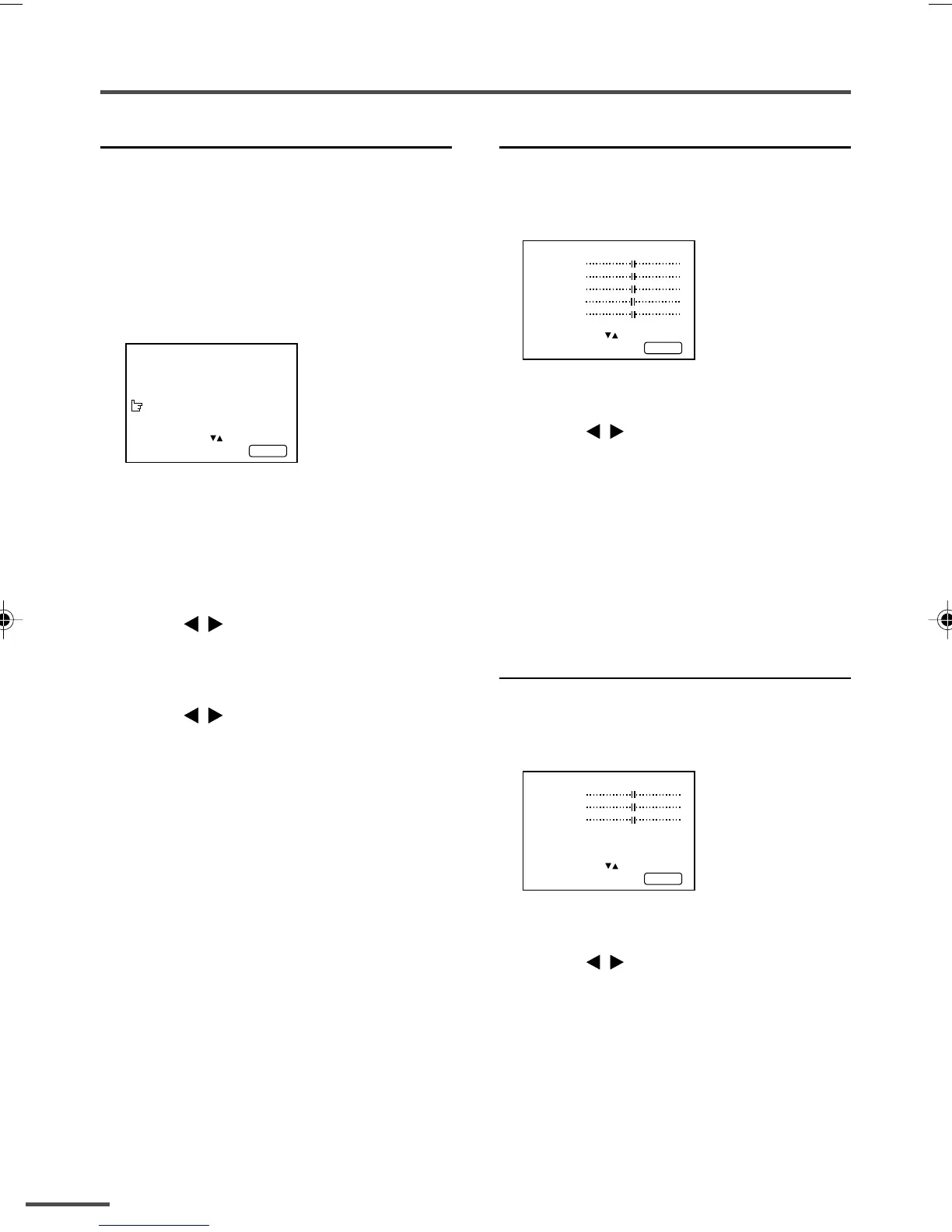
MENU 2
AUTO SHUTOFF ON
CHILD LOCK ON
BLUE BACK ON
VIDEO-2 SET COMPONENT
SELECT BY EXIT BY
OPERATE BY -+
DISPLAY
2 Set the VIDEO-2 SET according to
the video signal input from the
VIDEO-2 terminal.
If a normal video signal (composite
video signal) is input:
Press the CHANNEL –/+ or the
MENU
/
buttons to select “VIDEO”.
If a component video signal (Y/C
B/CR
signals) is input:
Press the CHANNEL –/+ or the
MENU
/
buttons to select
“COMPONENT”.
Using the TV’s menus
Picture Adjustments
You can adjust the picture as you like.
1 Press MENU T to display the
“MENU 4” menu.
MENU 4
TINT
COLOUR
BRIGHT
CONT
SHARP
SELECT BY EXIT BY
OPERATE BY -+
DISPLAY
2 Press MENU T to select an item
and press CHANNEL –/+ or
MENU
/
to adjust it.
TINT* - : Reddish + : Greenish
COLOUR - : Lighter + : Deeper
BRIGHT - : Darker + : Brighter
CONT - : Lower + : Higher
SHARP - : Softer + : Sharper
* TINT (tint) is displayed only when
viewing images from NTSC3.58 or
NTSC4.43 colour systems.
Sound Adjustments
You can adjust the sound as you like.
1 Press MENU T to display the
“MENU 5” menu.
MENU 5
BASS
TREBLE
BALANCE
AI VOLUME ON
SELECT BY EXIT BY
OPERATE BY -+
DISPLAY
2 Press MENU T to select an item
and press CHANNEL –/+ or
MENU
/
to adjust it.
BASS - : Weaker + : Stronger
TREBLE - : Weaker + : Stronger
BALANCE - : Left + : Right
GGT0013-2937V1-E9 5/28/03, 6:49 PM18



 To Next Page