EasyManua.ls Logo

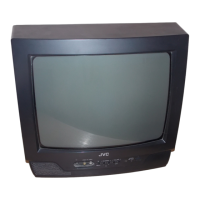
JVC AV-21VS21 - TV Buttons and Parts

JVC AV-21VS21
56 pages
Print Icon
To Next Page IconTo Next Page
To Previous Page IconTo Previous Page
Loading...
24
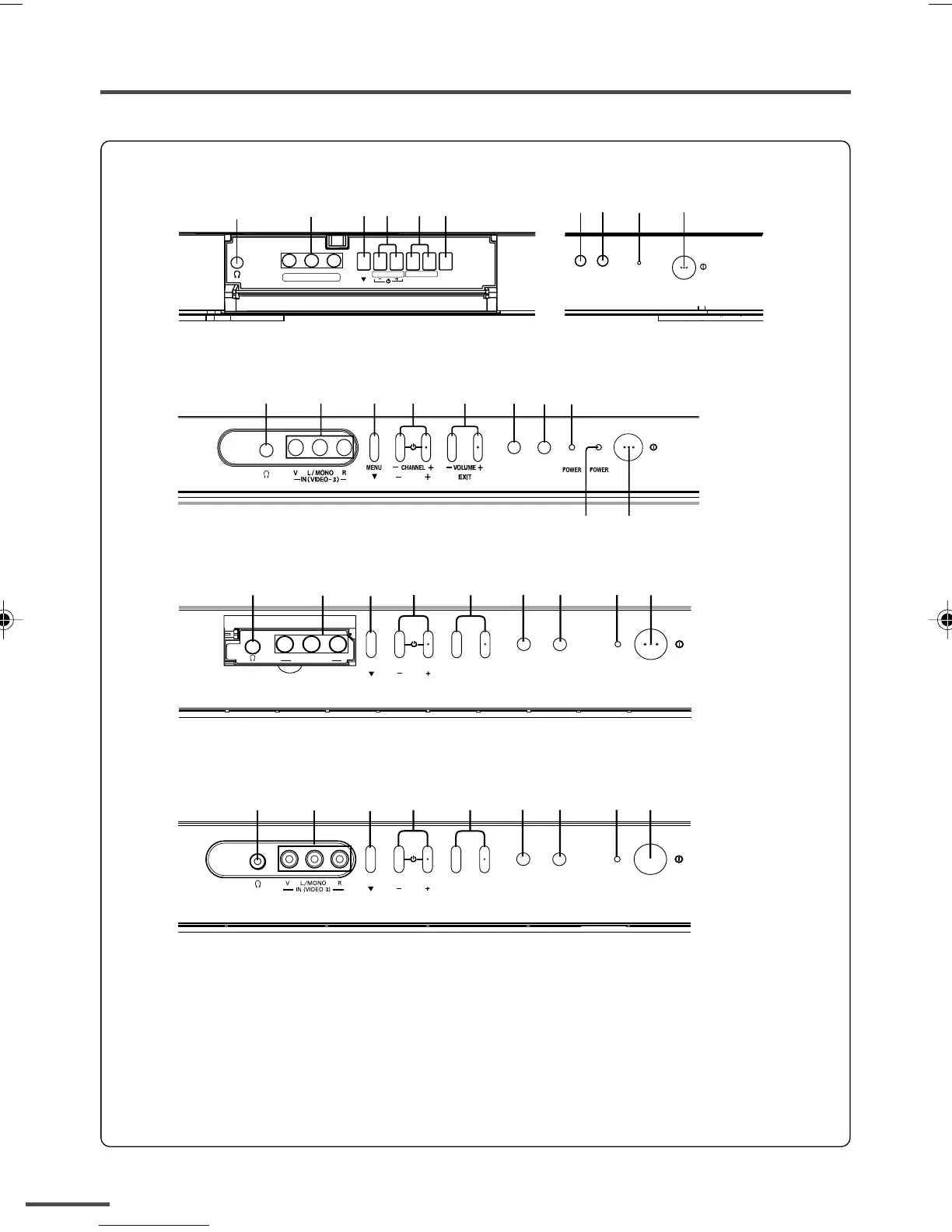
TV buttons and parts
4 531 2 7 8 9 0
IN (
VIDEO-3
)
V L /MONO
R
MENU
CHANNEL
+
VOLUME
+
EXIT
POWER
8 7 9 0
1
3 645
2
IN (
VIDEO-3
)
V L /MONO R
MENU
EXIT
TV/VIDEO
CHANNEL
+
VOLUME
+
POWER
12345
9
0
7
8-
SUB
<AV-2937V1/AV-2932W1>
<AV-2132Y1>
<AV-2137V1/AV-2537V1>
4 53 7 8 9 0
MENU
CHANNEL
+
VOLUME
+
EXIT
POWER
1 2
<AV-2132W1>
1 Headphone jack
2 VIDEO-3 terminal
3 MENU button
4 CHANNEL m buttons
5 VOLUME m buttons
6 TV/VIDEO button
7 ECO sensor
8 Remote control sensor
9 POWER lamp
0 Main power button
- SUB POWER lamp
<AV-2132Y1 only>
When the main power is switched on, the POWER
lamp turns red.
When the TV is turned on (the sub power is on),
the SUB POWER lamp turns green.
GGT0013-2937V1-E9 5/28/03, 6:50 PM24

Table of Contents

Related product manuals