3
Introduction
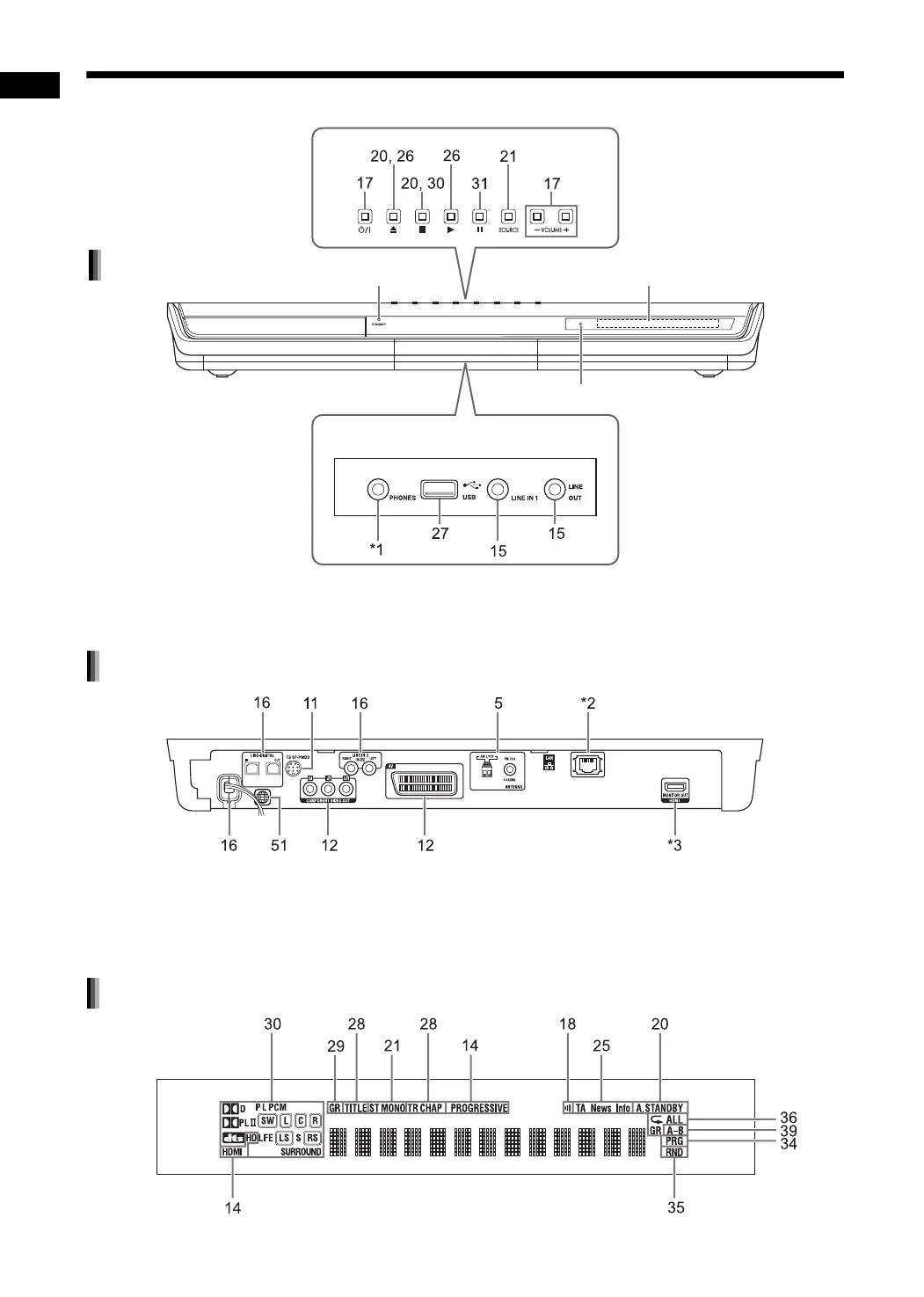
The numbers refer to the pages in which the parts are explained.
*1 The [PHONES] terminal is for connecting a pair of headphones equipped with a stereo plug (not supplied).
When the headphones are connected, the speakers do not produce any sound. (“HEADPHONE” appears
in the display window.)
*2 For DD-8/DD-3 users: Refer to the separate volume of the operation manual for the network function.
For DD-1 users: The [LAN] terminal is not available.
*3 For DD-8/DD-3 users: Refer to page 12.
For DD-1 users: The [HDMI] terminal is not available.
Refer to “Display window” shown below.
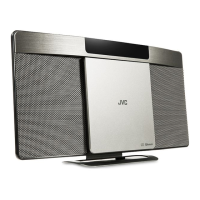
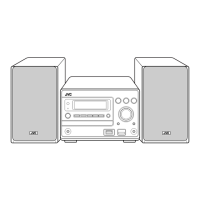
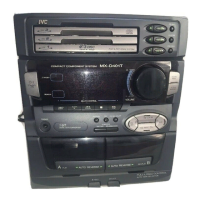
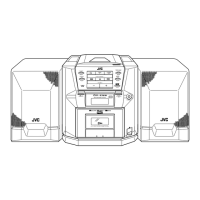
Front view
These terminals are available when
the front cover is open.
Remote control sensor
STANDBY lamp
Rear view
Display window
Part description
DD-831[B].book Page 3 Thursday, August 24, 2006 12:05 PM


 To Next Page