ENGLISH
Item : CONTRAST
Adjustment
range : –20 ~ 00 ~ +20
Function : For approximate adjustment of the picture
contrast. Before adjustment, set the CON-
TRAST knob on the front panel to 0.
Item : BRIGHT
Adjustment
range : –20 ~ 00 ~ +20
Function : For approximate adjustment of the picture
brightness. Before adjustment, set the BRIGHT
knob on the front panel to 0.
Item : CHROMA
Adjustment
range : –20 ~ 00 ~ +20
Function : For approximate adjustment of the colour
density. Before adjustment, set the CHROMA
knob on the front panel to 0.
Item : PHASE
Adjustment
range : –20 ~ 00 ~ +20
Function : For approximate adjustment of the picture hue.
Before adjustment, set the PHASE knob on the
front panel to 0.
Item : NTSC SETUP
Settings : 00/7.5
Function : Sets the level of the input NTSC signal.
00 : Compliant with 0% set-up signal.
75 : Compliant with 7.5% set-up signal.
NOTE :NTSC SETUP is displayed only when the video input
card is installed and an NTSC signal is input.
Item : COMPO. LEVEL
Settings : SMPTE/B75/B00
Function : Sets the level of the input component signal.
SMPTE : Compliant with M2VTR signals.
B75 : Compliant with Betacam 7.5% set-up
signal.
B00 : Compliant with Betacam 0% set-up
signal.
NOTE :COMPO. LEVEL is displayed only when a 480/60i,
480/60p, 576/50i or 576/50p signal is input.
Item : sub menu
Adjustment range/
Settings : Same as CONTRAST, BRIGHT, CHROMA,
PHASE and COMPO LEVEL/NTSC SETUP.
Function : Performs CONTRAST, BRIGHT, CHROMA,
PHASE or COMPO LEVEL/NTSC SETUP
settings in a single-line display. The sub menu
display varies depending on the selected item.
Item : reset
Function : Sets the CONTRAST, BRIGHT, CHROMA,
PHASE and COMPO LEVEL/NTSC SETUP
values to factory-preset ones.
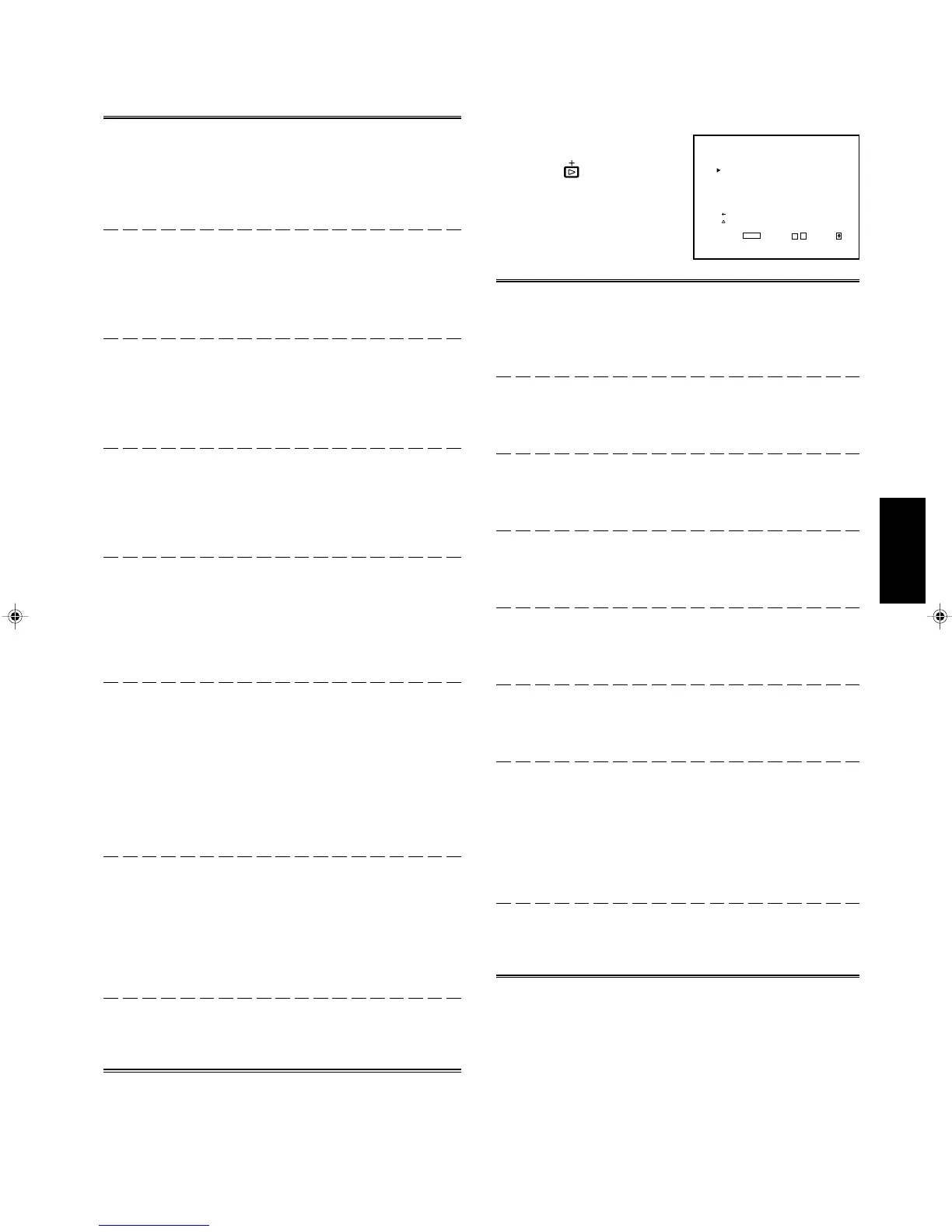
<COLOR TEMP./BAL.>
COLOR TEMP. :LOW
BLUE DRIVE : 000
RED DRIVE : 000
GREEN CUTOFF : 000
BLUE CUTOFF : 000
RED CUTOFF : 000
sub menu
reset
EXIT:
MENU
ADJUST:- + SELECT:
3. COLOR TEMP./BAL.
Sets or adjusts the colour
temperature or white balance.
Press the button to display
the setting menu illustrated on
the right.
Item : COLOR TEMP.
Settings : HIGH/LOW
Function : Selects the colour temperature.
HIGH : Sets the colour temperature to D93.
LOW : Sets the colour temperature to D65.
Item : BLUE DRIVE
Adjustment
range : MIN ~ 000 ~ MAX (in 127 grades)
Function : Adjusts the blue drive level.
Item : RED DRIVE
Adjustment
range : MIN ~ 000 ~ MAX (in 127 grades)
Function : Adjusts the red drive level.
Item : GREEN CUTOFF
Adjustment
range : MIN ~ 000 ~ MAX (in 255 grades)
Function : Sets the green cut-off point.
Item : BLUE CUTOFF
Adjustment
range : MIN ~ 000 ~ MAX (in 255 grades)
Function : Sets the blue cut-off point.
Item : RED CUTOFF
Adjustment
range : MIN ~ 000 ~ MAX (in 255 grades)
Function : Sets the red cut-off point.
Item : sub menu
Adjustment range/
Settings : Same as BLUE DRIVE, RED DRIVE, GREEN
CUTOFF, BLUE CUTOFF and RED CUTOFF.
Function : Performs BLUE DRIVE, RED DRIVE, GREEN
CUTOFF, BLUE CUTOFF or RED CUTOFF
settings in a single-line display. The sub menu
display varies depending on the selected item.
Item : reset
Function : Sets the BLUE DRIVE, RED DRIVE, GREEN
CUTOFF, BLUE CUTOFF and RED CUTOFF
values to factory-preset ones.
17
LCT1116-001A(EN) 02.1.29, 2:54 PM19


 To Next Page
 Loading...