EN
9
Language
Setting
This VCR offers you the language choice to view menus
and some messages (excluding the on-screen display
superimposed on the TV screen) — in English, Spanish
or French.
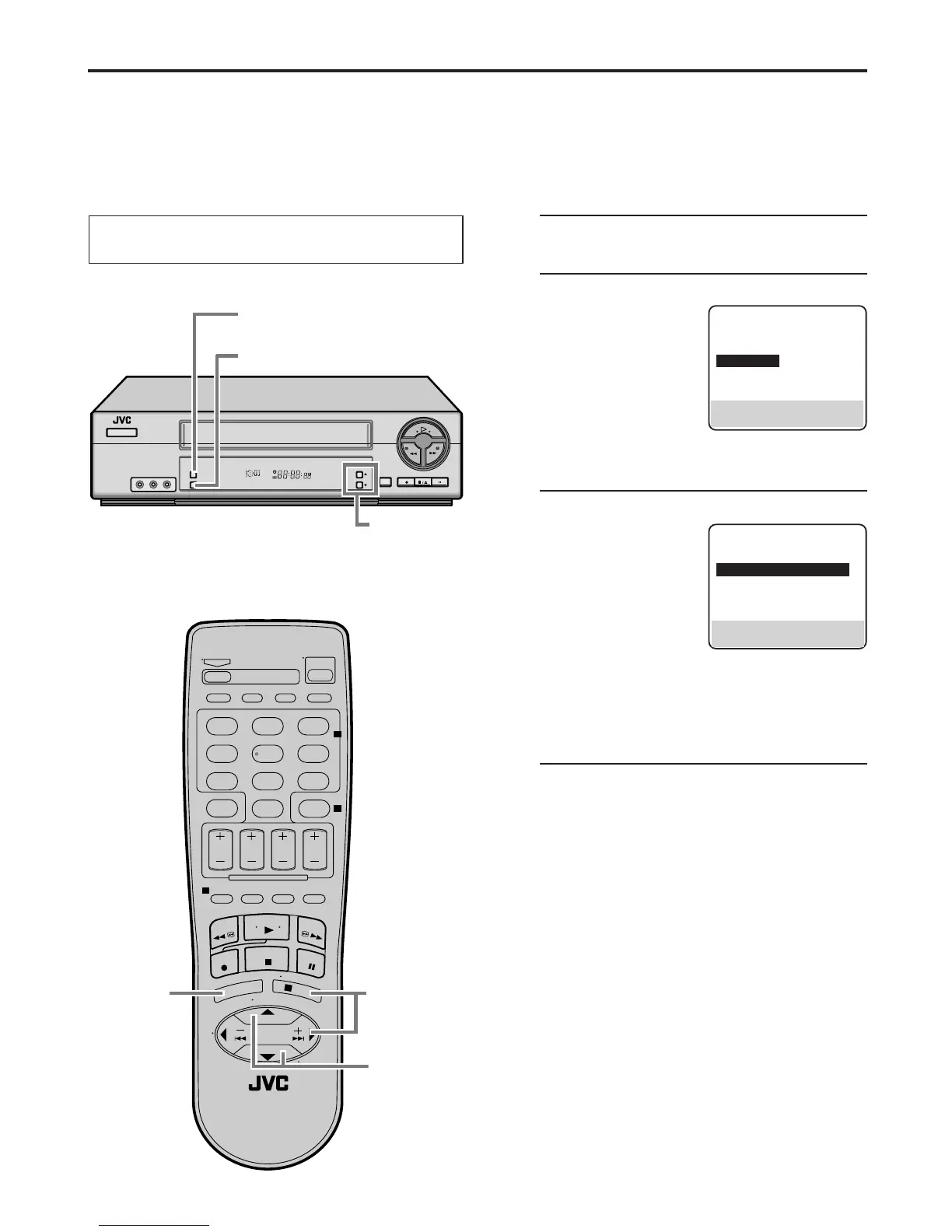
Select the desired language using the following procedure.
The default setting is “ENGLISH”.
1
Access Main Menu screen
Press MENU.
2
Access Initial Set screen
On the front panel:
Press CH5∞ to move
the highlight bar (arrow)
to “INITIAL SET”, then
press OK.
On the Remote:
Press SHUTTLE PLUS
5∞ to move the highlight bar (arrow) to “INITIAL
SET”, then press OK or SHUTTLE PLUS
3
.
3
Select language
On the front panel:
Press CH5∞ to move
the highlight bar (arrow)
to “LANGUAGE”, then
press OK repeatedly
until the desired
language is selected.
On the Remote:
Press SHUTTLE PLUS 5∞ to move the highlight
bar (arrow) to “LANGUAGE”, then press OK or
SHUTTLE PLUS
3
repeatedly until the desired
language is selected.
4
Return to normal screen
Press MENU.
Turn on the VCR and the TV, and select the VCR
channel 3 or 4 (or AV mode) on the TV.
MAIN MENU
FUNCTION SET
TUNER SET
=
INITIAL SET
PRESS (5,∞), THEN (OK)
PRESS (MENU) TO END
INITIAL SET
CLOCK SET
=
LANGUAGE ENGLISH
SELECT WITH (5,∞) AND (OK)
PRESS (MENU) TO END
SP EP
VCR
1 4
2 3
2 3
1
7
89
2
4
1
3
2 3
4 5 6
0
1 4
2 3
2 3



 To Next Page
 Loading...









