53
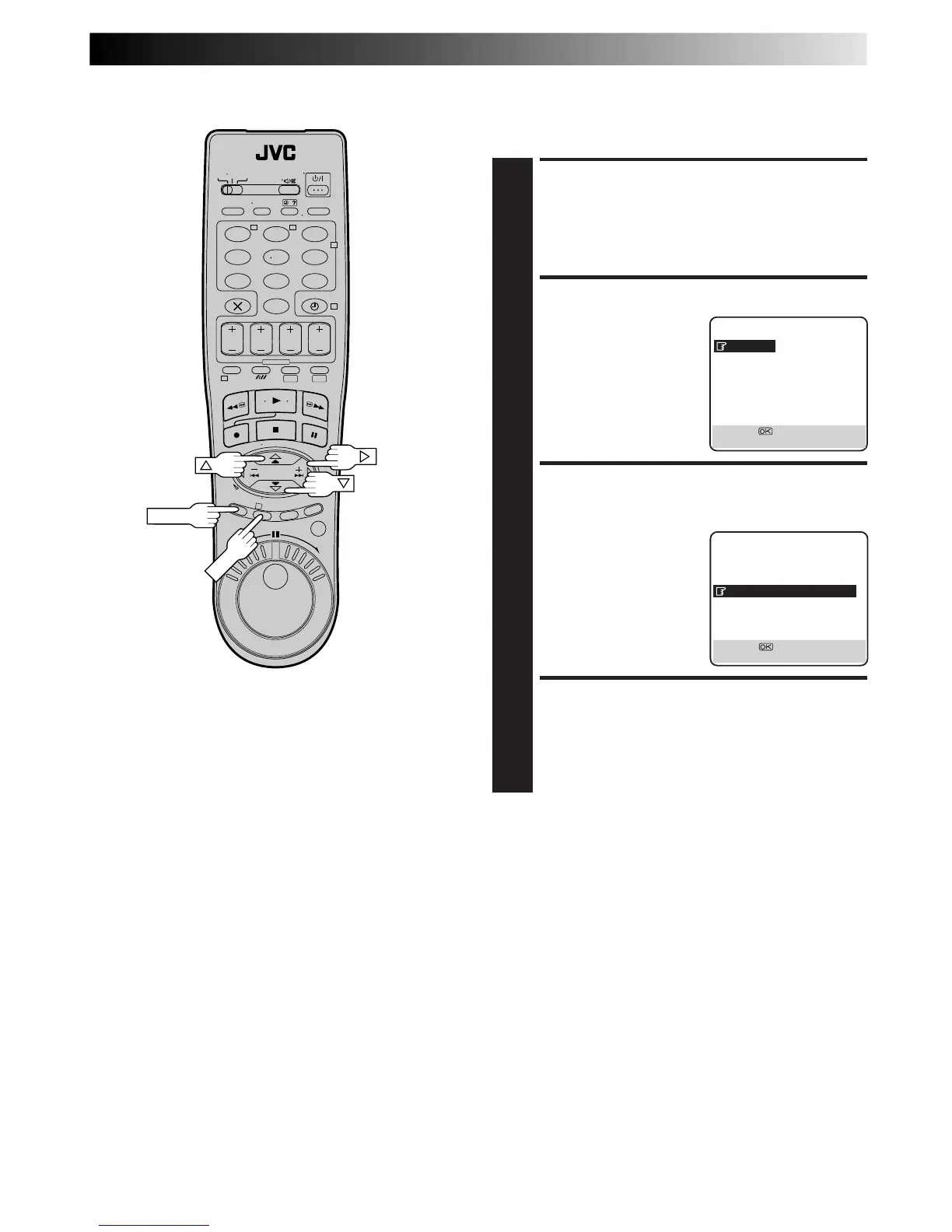
Power Save Mode
You can reduce the power consumption while the recorder is
turned off.
ACCESS MAIN MENU
SCREEN
1
Press MENU.
ACCESS MODE SET SCREEN
2
Press %fi to move the
highlight bar (pointer) to
"MODE SET", then press
OK or
#
.
SELECT POWER SAVE
MODE
3
Press %fi to move the
highlight bar (pointer) to
"POWER SAVE", then press
OK or
#
to set to "ON".
RETURN TO NORMAL
SCREEN
4
Press MENU.
NOTES:
●
During Power Save, the display panel will be turned off.
●
The Just Clock function (
Z
pg. 69) does not work while the
Power Save mode is engaged.
●
While the recorder is in the Power Save mode, the picture
may be distorted momentarily when you turn on/off the
recorder.
●
Power Save does not work when ...
... the recorder is in the Timer mode.
... the recorder's power is turned off after timer-recording (or
Instant Timer Recording).
... "AV2 SELECT" is set to "DECODER" or "SAT" (
Z
pg. 48).
1 2 3
4 5 6
7
8 9
0
2
T W
4
1
DV VHS
3



 To Next Page