Select The Soundtrack
(VHS deck)
The VHS deck can record two soundtracks simultaneously
(Normal and Hi-Fi) and play back the selected one, or both
together. Or, when viewing a pre-recorded tape that contains
two separate Hi-Fi audio programs, you can choose to listen to
either one by selecting either "Hi-Fi L" or "Hi-Fi R".
NOTE:
If the tape being played back has no Hi-Fi soundtrack, the
Normal soundtrack will be heard no matter what choice you
make.
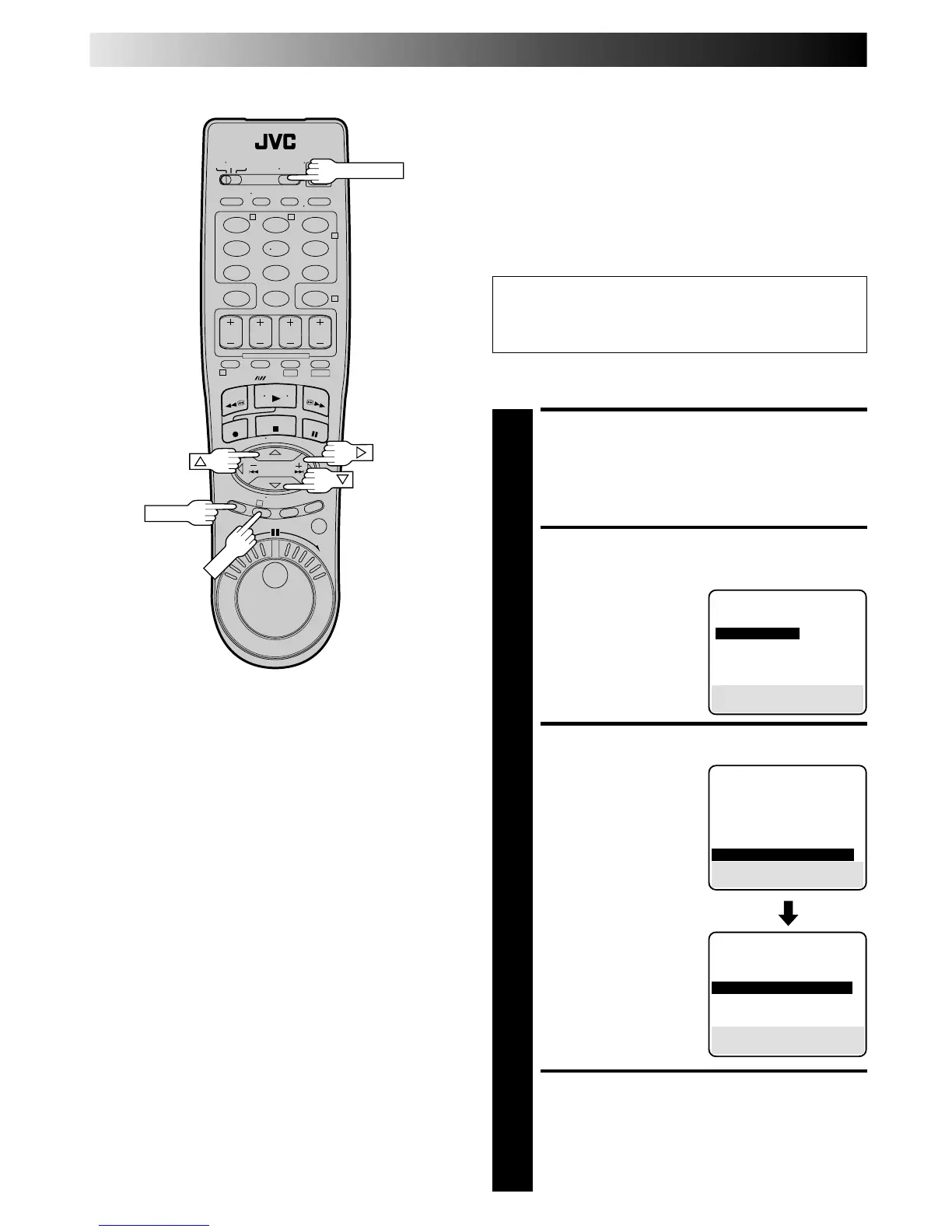
You can select the soundtrack by simply pressing the
remote control's A. MONITOR button as follows:
Hi-Fi → Hi-Fi L → Hi-Fi R → Normal → Mix → Hi-Fi
ACCESS MAIN MENU
SCREEN
1
Press MENU.
ACCESS VHS MODE SET
SCREEN
2
Move the highlight bar
(arrow) to "VHS MODE
SET" by pressing %fi, then
press OK or
#
.
SELECT AUDIO MONITOR
3
Move the highlight bar
(arrow) to "AUDIO
MONITOR" by pressing
%fi, then press OK or
#
to
select "HI-FI",
"HI-FI L", "HI-FI R",
"NORMAL" or "MIX".
RETURN TO NORMAL
SCREEN
4
Press MENU.
On the Screen
On the remote control
MAIN MENU
MODE SET
= VHS MODE SET
DV MODE SET
TUNER SET
INITIAL SET
PRESS (5,∞), THEN (OK)
PRESS (MENU) TO END
VHS MODE SET
S-VHS MODE OFF
VIDEO CALIBRATION ON
PICTURE CONTROL AUTO
FRONT AUX INPUT VIDEO
AUTO SP=LP TIMER OFF
BLUE BACK ON
= NEXT PAGE
SELECT WITH (5,∞) AND (OK)
PRESS (MENU) TO END
PREVIOUS PAGE
DIGITAL TBC/NR OFF
VIDEO STABILIZER OFF
DIGITAL R3 ON
= AUDIO MONITOR HI-FI
SELECT WITH (5,∞) AND (OK)
PRESS (MENU) TO END
A. MONITOR
PLAYBACK AND RECORDING FEATURES (cont.)



 To Next Page