Filename [XVS44U_07S-VHS.fm]
Masterpage:Left+
34
EN
Page 34 25 August 2003 11:07 am
OPERATIONS ON VCR DECK (cont.)
Elapsed Recording Time Indication
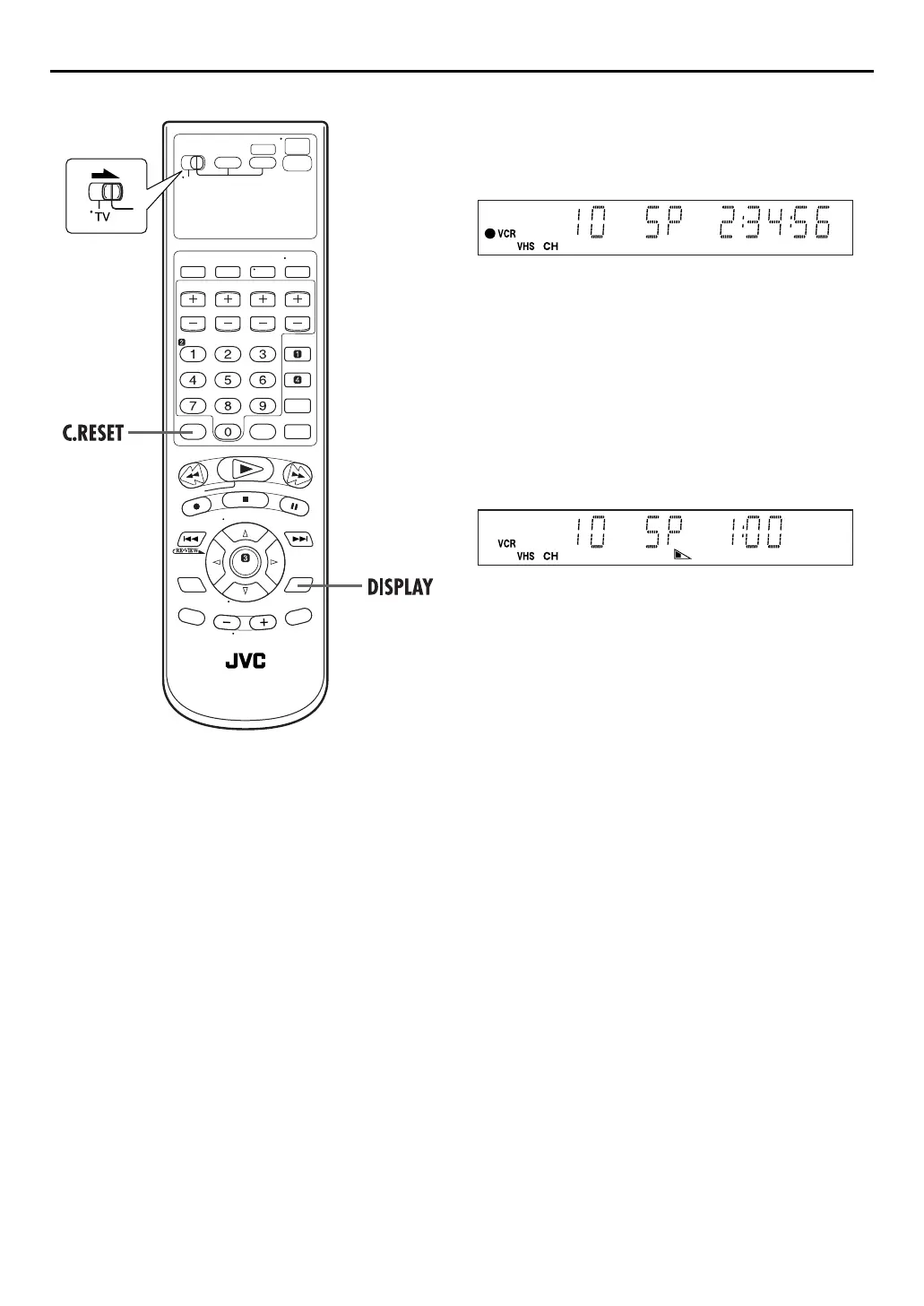
1
Set the counter display.
Press
DISPLAY
until a counter reading appears on the
front display panel.
2
Reset the counter.
Press
C.RESET
before starting recording or playback.
●
The counter is reset to “0:00:00” and shows the exact elapsed
time as the tape runs. You can check the exact time of a
recording or playback.
Tape Remaining Time
Press
DISPLAY
until the time remaining on the tape
appears.
●
The front display panel shows the tape remaining time with
“
z
” displayed.
●
By pressing the
DISPLAY
button, you can change display to
show the clock time, counter reading or tape remaining time.
NOTES:
●
When you press
DISPLAY
, the on-screen display appears on
the TV screen for 5 seconds, then the displays other than the
counter disappears. To clear the counter display, press
DISPLAY
.
●
Depending on the type of tape being used, the tape remaining
time reading may not appear right away, or is not correct.
“– –:––” may sometimes appear, or the display may blink on
occasion.
Second Audio Recording
This unit’s built-in MTS decoder enables reception of
Multichannel TV Sound broadcast. To record a SAP program
received, set “2ND AUDIO RECORD” to “ON”. (
墌
pg. 78)
NOTE:
When the channel is changed on the unit;
●
The “STEREO” indicator appears on the screen for about
5 seconds if the program is a stereo broadcast.
●
The “SAP” indicator appears on the screen for about 5 seconds
if the program is a SAP broadcast.
●
Both indicators appear when a stereo program is accompanied
by SAP sound.
XVS44U_01.book Page 34 Monday, August 25, 2003 11:08 AM



 To Next Page