ENGLISH
37
EXTERNAL DEVICES
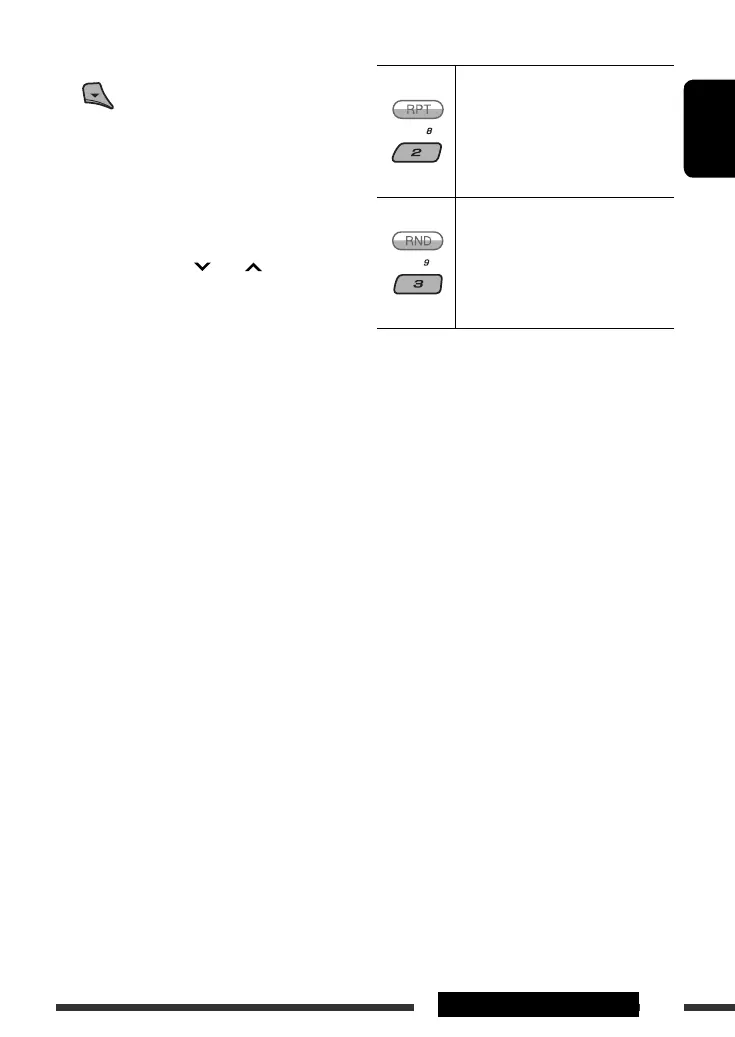
After pressing M MODE, press the following buttons to...
Repeat One:
Same as “Repeat One.”
Repeat All:
Same as “Repeat All.”
Repeat Off:
Cancels.
Random Album *:
Same as “Shuffle Albums.”
Random Song:
Same as “Shuffle Songs.”
Random Off:
Cancels.
* Functions only if you select “All Albums” in “Albums” of
the main “MENU.”
3 Confirm the selection.
• To move back to the previous menu, press 5.
• If a track is selected, playback starts
automatically.
• If the selected item has another layer, you will
enter the layer. Repeat steps 2 and 3 until the
desired track is played.
• By holding
4 /¢ , you can fast
skip during song search in the main menu.
The menu selecting mode will be canceled:
• If no operations are performed for about 5 seconds.
• When you confirm the selection of a track.
EN34-41_KD-ADV8490[J]_1.indd 37EN34-41_KD-ADV8490[J]_1.indd 37 3/11/08 10:33:16 AM3/11/08 10:33:16 AM



 To Next Page