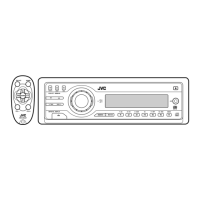
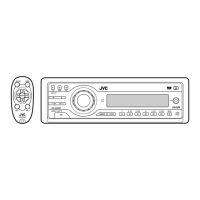
24
ENGLISH
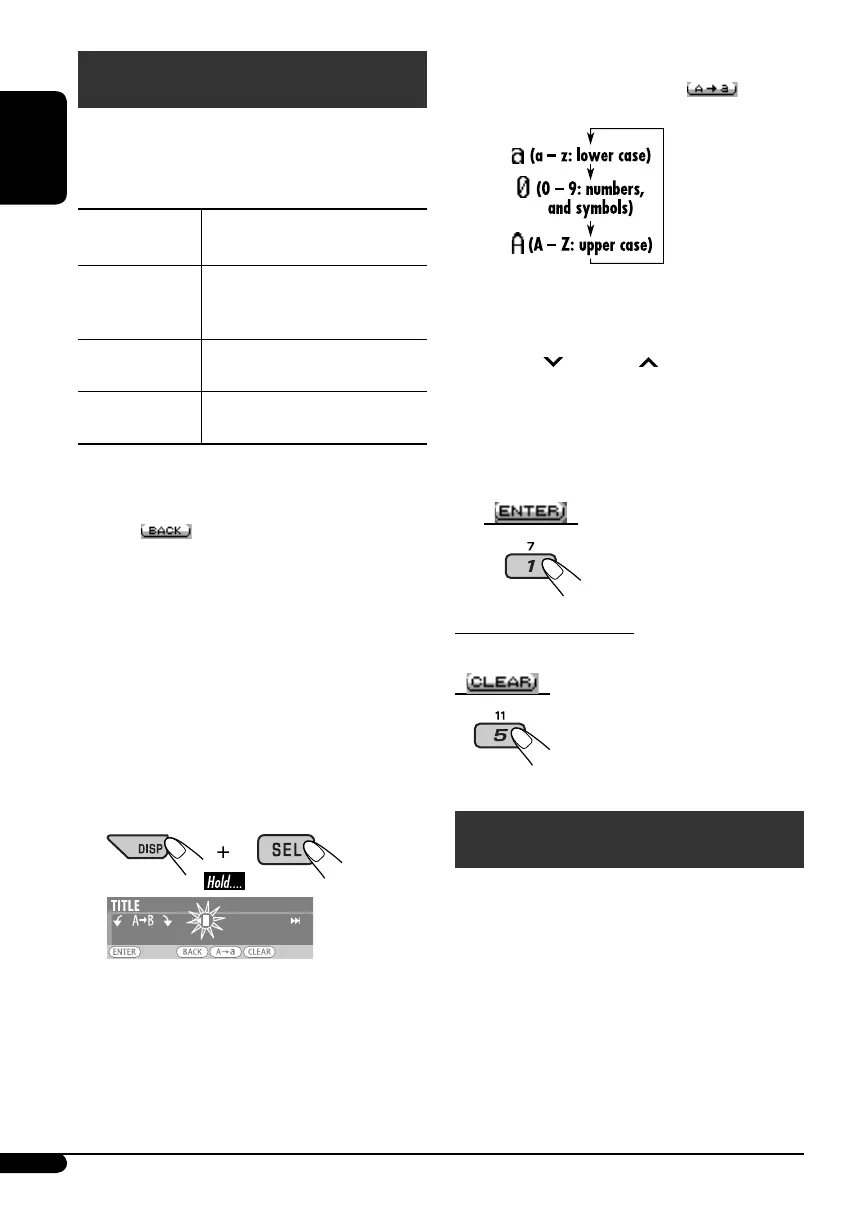
3 Assign a title.
1 Press number button 4 ( )
repeatedly to select a character set.
2 Turn the control dial to select a
character.
• For available characters, see page 30.
3 Use 4/¢ to move to the next
(or previous) character position.
4 Repeat steps 1 to 3 until you finish
entering the title.
4 Store the title.
To erase the entire title
In step 3 above...
iPod®/D. player operations
This unit is ready for operating an Apple iPod
or a JVC D. player from the control panel.
Before operating your iPod or D. player:
Connect either one of the following (separately
purchased) to the CD changer jack on the rear
of this unit.
• Interface adapter for iPod®—KS-PD100 for
controlling an iPod.
• D. player interface adapter—KS-PD500 for
controlling a D. player.
Title assignment
You can assign titles to station frequencies, CDs
(both in the unit and the CD changer), and
external components (Ext In).
Sources
Maximum number of
characters
FM/AM tuner Up to 10 characters (up to 30
station frequencies including
both FM and AM)
CDs/CD-CH*
Up to 32 characters (up to
30 discs)
External
components
Up to 8 characters
*
You cannot assign a title to a CD Text or MP3/
WMA/USB.
• When
appears on the display, you can
move back to the previous display by pressing
number button 3.
1 Select the sources.
• For FM/AM tuner: Tune into a station.
• For CDs in this unit: Insert a CD.
• For CDs in the CD changer: Select
“CD-CH,” then select a disc number.
• For external components: Select “Ext In”
(see page 18).
2 Display the TITLE input screen.
EN24-27KD-G825[U_UH]f.indd 24EN24-27KD-G825[U_UH]f.indd 24 12/23/05 11:17:19 AM12/23/05 11:17:19 AM



 To Next Page
 Loading...