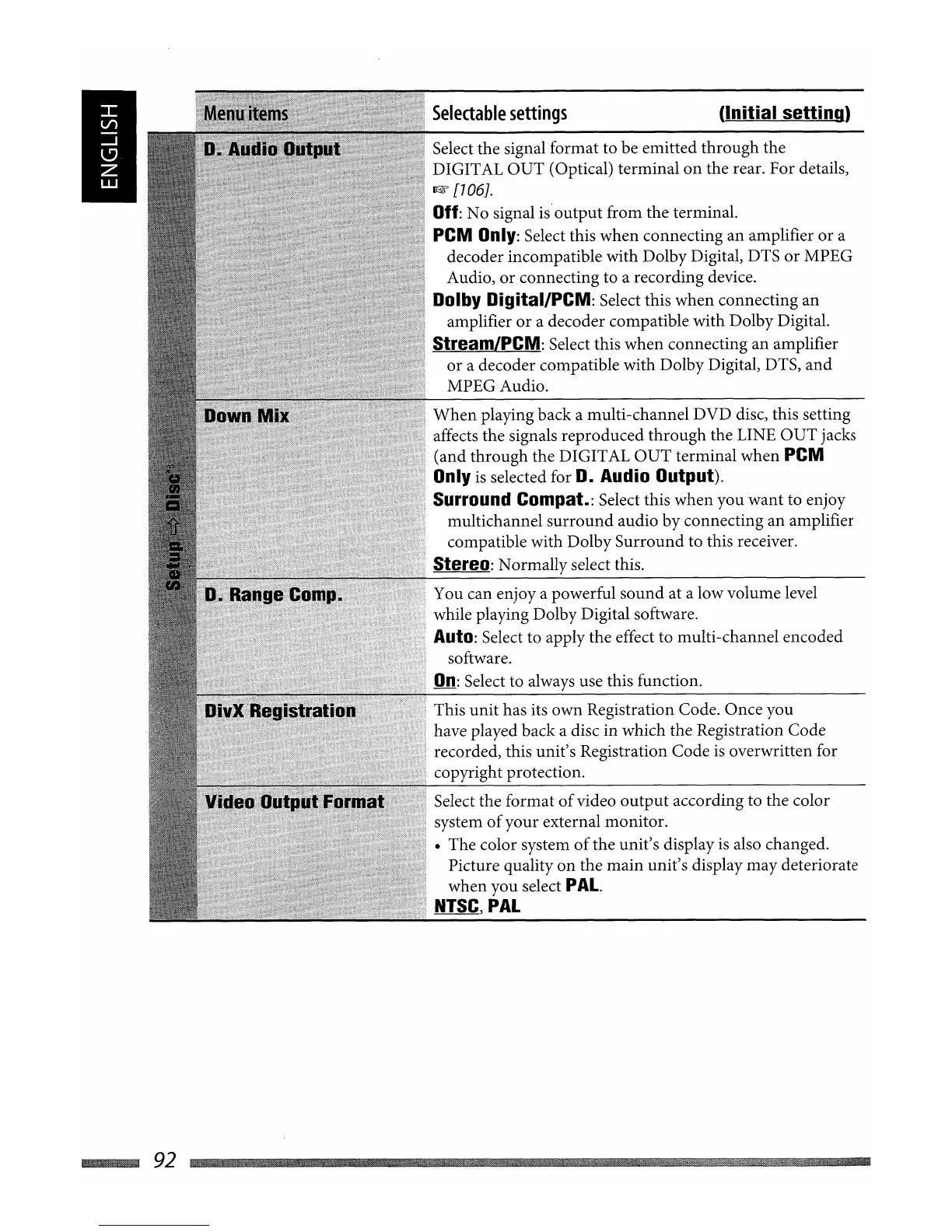
This unit has its own Registration Code. Once you
have played back a disc in which the Registration Code
recorded, this unit's Registration Code
is
overwritten for
copyright protection.
You can enjoy a powerful sound at a low volume level
while playing Dolby Digital software.
Auto: Select to apply the effect to multi-channel encoded
software.
On:
Select to always use this function.
Select the format
of
video
output
according to the color
system
of
your external monitor.
• The color system
of
the unit's display
is
also changed.
Picture quality
on
the main unit's display may deteriorate
when you select
PAL.
NTSC,
PAL
(Initial
setting)
When
playing back a multi-channel DVD disc, this setting
affects the signals reproduced through the LINE OUT jacks
(and through the DIGITAL
OUT
terminal when PCM
Only
is
selected for D. Audio Output).
Surround Compat.:
Select this when you want to enjoy
multichannel
surround
audio by connecting an amplifier
compatible with Dolby Surround to this receiver.
Stereo: Normally select this.
Selectable
settings
Select the signal format to be emitted through the
DIGITAL
OUT
(Optical) terminal
on
the rear. For details,
~
[706J.
Off:
No signal
is'
output
from the terminal.
PCM
Only:
Select this when connecting an amplifier
or
a
decoder incompatible with Dolby Digital, DTS
or
MPEG
Audio,
or
connecting to a recording device.
Dolby Digital/PCM: Select this when connecting an
amplifier
or
a decoder compatible with Dolby Digital.
StreamLPCM: Select this when connecting an amplifier
or
a decoder compatible with Dolby Digital, DTS,
and
MPEGAudio.
~92


 To Next Page