Initial
settings
When
you
turn
on
the
unit
for
the
first time,
the
initial setup
screen
appears. Follow
the
procedure
below
and
make
necessary settings.
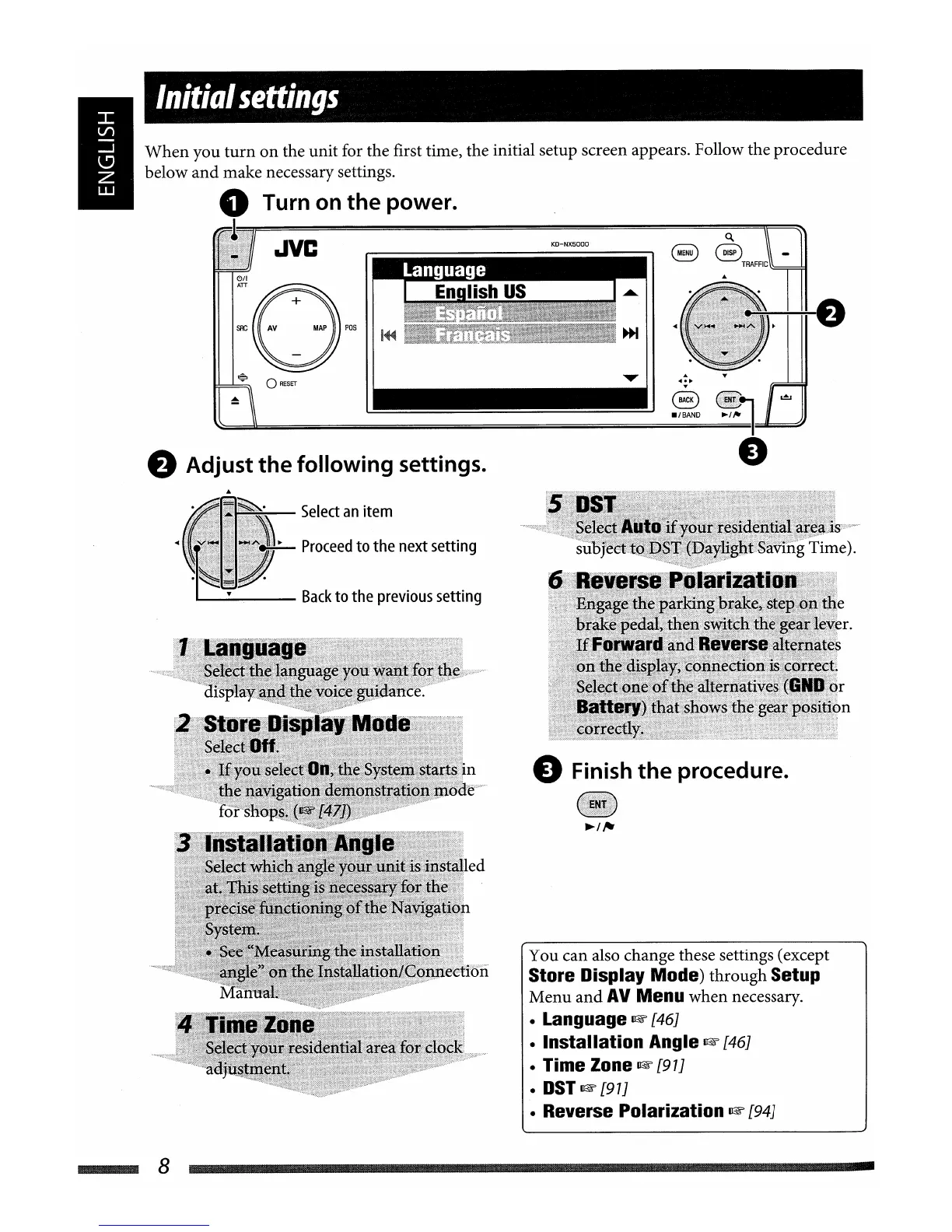
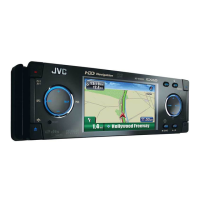
o Turn on the power.
'~~~~~~~~~~~~~~~~~~~~o.~!!!!t=~
JVC
S
BTRAFFIC
-
:O~5
~
o
RESET
~I
~/'-=I
e Adjust the following settings.
e Finish
the
procedure.
You
can
also change these settings (except
Store Display Mode)
through
Setup
Menu
and
AV
Menu
when
necessary.
• Language
~
[46J
• Installation Angle
~
[46J
• Time Zone mF [97J
•
DST
mF
[97J
• Reverse Polarization
~
[94J
Select
an
item
~
Proceed
to
the
next
setting
a....-
Back
to
the
previous
setting
8
Initial
settings
When
you
turn
on
the
unit
for
the
first time,
the
initial setup
screen
appears. Follow
the
procedure
below
and
make
necessary settings.
o Turn on the power.
'~~~~~~~~~~~~~~~~~~~~o.~!!!!t=~
JVC
S
BTRAFFIC
-
:O~5
~
o
RESET
~I
~/'-=I
e Adjust the following settings.
e Finish
the
procedure.
You
can
also change these settings (except
Store Display Mode)
through
Setup
Menu
and
AV
Menu
when
necessary.
• Language
~
[46J
• Installation Angle
~
[46J
• Time Zone mF [97J
•
DST
mF
[97J
• Reverse Polarization
~
[94J
Select
an
item
~
Proceed
to
the
next
setting
a....-
Back
to
the
previous
setting
8


 To Next Page