EasyManua.ls Logo

JVC KD-R526 - Initial Unit Setup Procedures; Canceling Display Demonstration Mode; Setting the Unit Clock

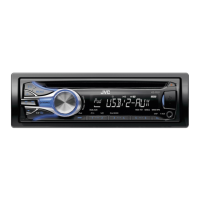
JVC KD-R526
22 pages
Print Icon
To Next Page IconTo Next Page
To Previous Page IconTo Previous Page
Loading...
4 ENGLISH
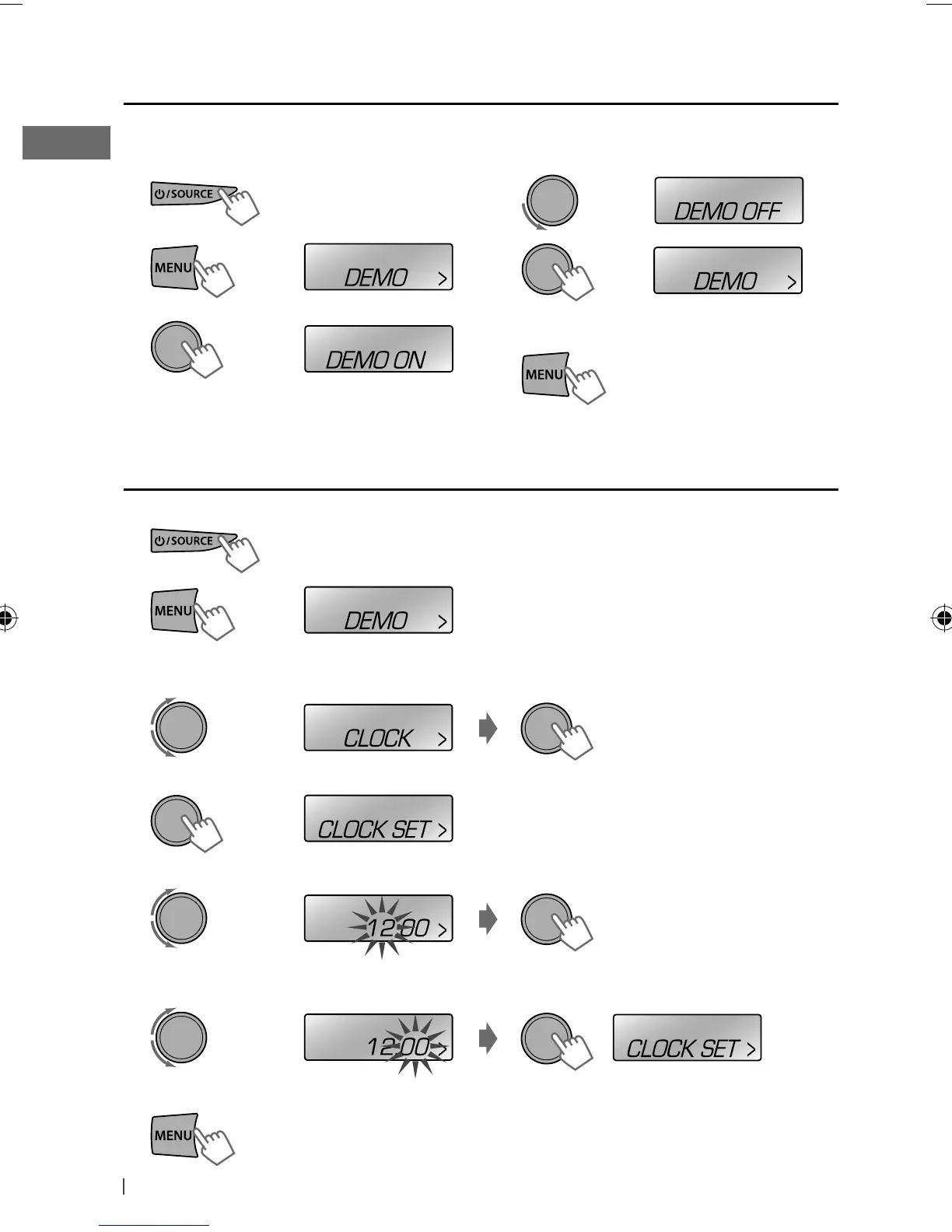
1 Turn on the power.
2
3
Setting the clock
1 Turn on the power.
2
3 Select <CLOCK>.
4 Select <CLOCK SET>.
5 Adjust the hour.
6 Adjust the minute.
7 Finish the procedure.
4 Select <DEMO OFF>.
5
6 Finish the procedure.
Canceling the display demonstration
(Initial setting)
(Initial setting)
[Hold]
(Initial setting)
(Initial setting)
[Hold]
Display demonstration will be activated automatically if no operation is done for about 20 seconds.
EN02-19_KD-R526_005A_4.indd 4EN02-19_KD-R526_005A_4.indd 4 9/27/10 5:17:23 PM9/27/10 5:17:23 PM

Other manuals for JVC KD-R526

Related product manuals