29
ENGLISH
4
Delete all pictures.
When all pictures are deleted,
the PICT Menu appears again.
To exit from the Menu operation, press
MENU again.
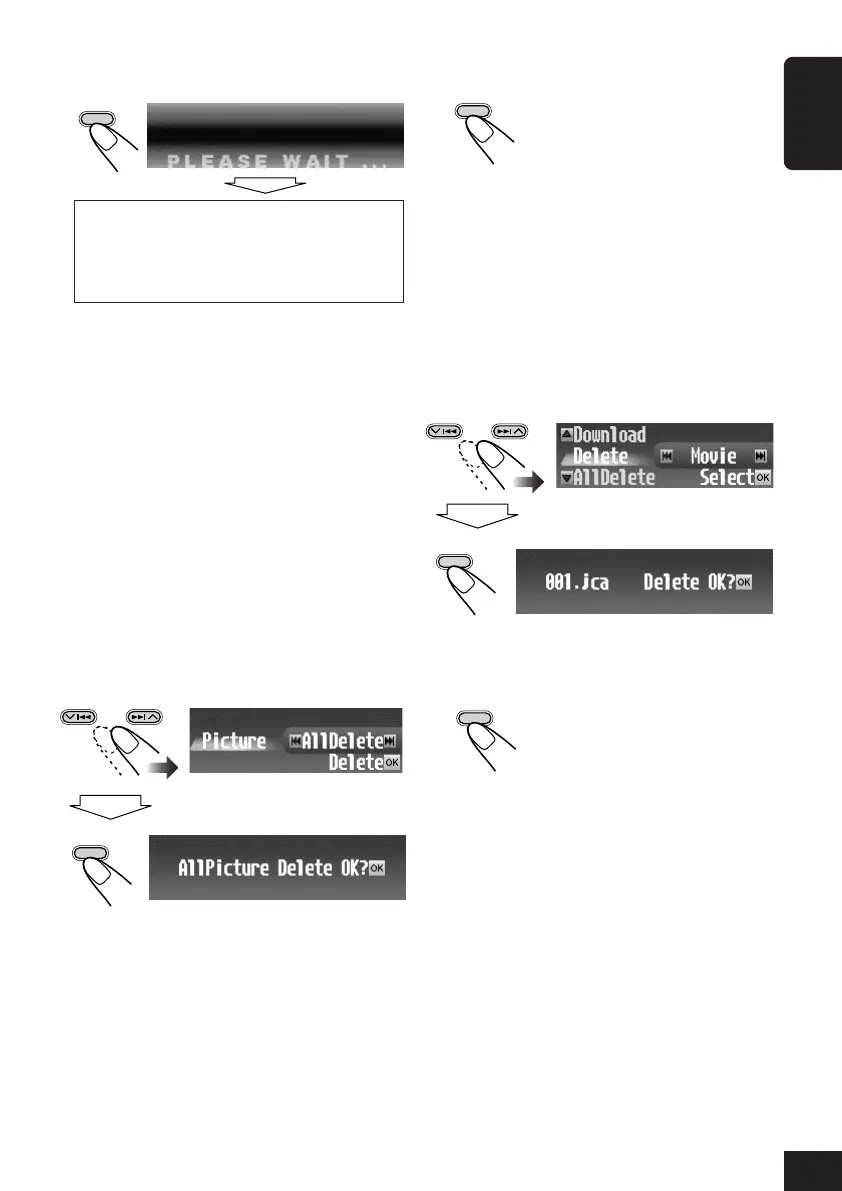
To delete the stored movie
1
Repeat steps
3
to
6
on page 26 (in step
6
select “Delete”).
2
Select “Movie”.
The confirmation screen appears.
3
Delete the movie.
When the movie is deleted, the
PICT Menu appears again.
To exit from the Menu operation, press
MENU again.
OK
BAND
5
Delete the file.
6
Delete more files if you want.
• Repeat steps
4
and
5
.
To exit from the Menu operation, press
MENU again.
To delete all the stored pictures at a
time
1
Repeat steps
3
to
6
on page 26 (in step
6
select “Delete”).
2
Select “Picture”.
• See step
2
of the previous procedure.
3
Select “AllDelete.”
The confirmation screen appears.
then
OK
BAND
OK
BAND
When deletion is complete, the file list
appears again.
• If the PICT Menu appears, there are no
files stored. \ Press MENU.
then
OK
BAND
OK
BAND
26-30_KD-SHX705[U]f.p65 4/1/04, 3:30 PM29



 To Next Page
 Loading...










