Data Size: B6L (182 mm x 128 mm)
Book Size: B6L (182 mm x 128 mm)
3
ENGLISH
BASICS
To On the faceplate On the remote control
Turn on the power
Press
.
• Press and hold to turn off the power.
( Not available )
Adjust the volume Turn the volume knob. Press
or .
Press the volume knob to mute the sound or pause playback.
• Press again to cancel.
Press
to mute the sound or pause playback.
• Press again to cancel.
Select a source
• Press
repeatedly.
• Press
, then turn the volume knob within 2 seconds.
Press SOURCE repeatedly.
Change the display
information
Press
repeatedly.
( 22)
( Not available )
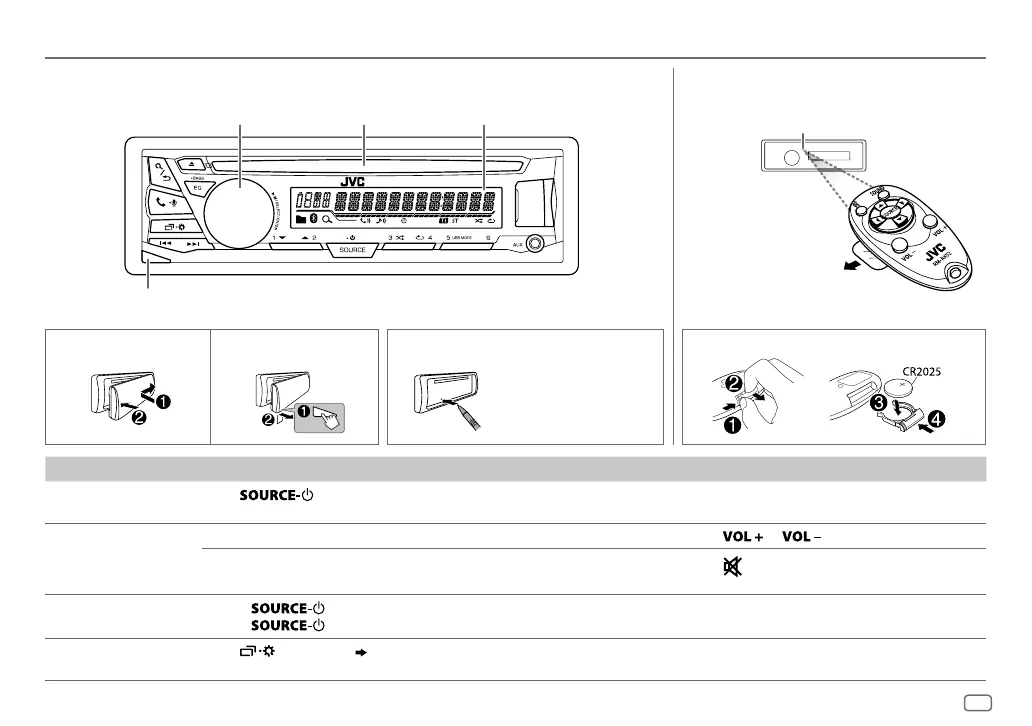
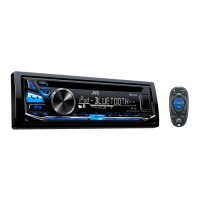
Remote control (RM-RK52)
Attach How to resetDetach
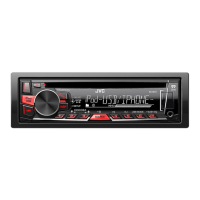
Volume knob Loading slot
Detach button
Display window
Faceplate
Press the switch twice
within 5 seconds after
detaching the faceplate.
How to replace the battery
Pull out the insulation sheet
when using for the first time.
Remote sensor (Do not expose
to bright sunlight.)
JS_JVC_KD_SR82BT_K_EN_1.indd 3JS_JVC_KD_SR82BT_K_EN_1.indd 3 11/1/2016 9:03:43 AM11/1/2016 9:03:43 AM


 To Next Page