EasyManua.ls Logo

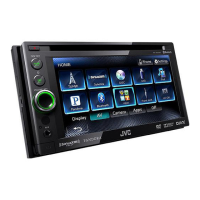
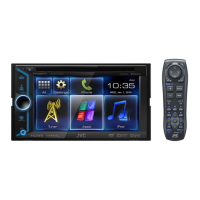
JVC KW-AV50 - User Manual

JVC KW-AV50
82 pages
Print Icon
To Next Page IconTo Next Page
Loading...
JVC
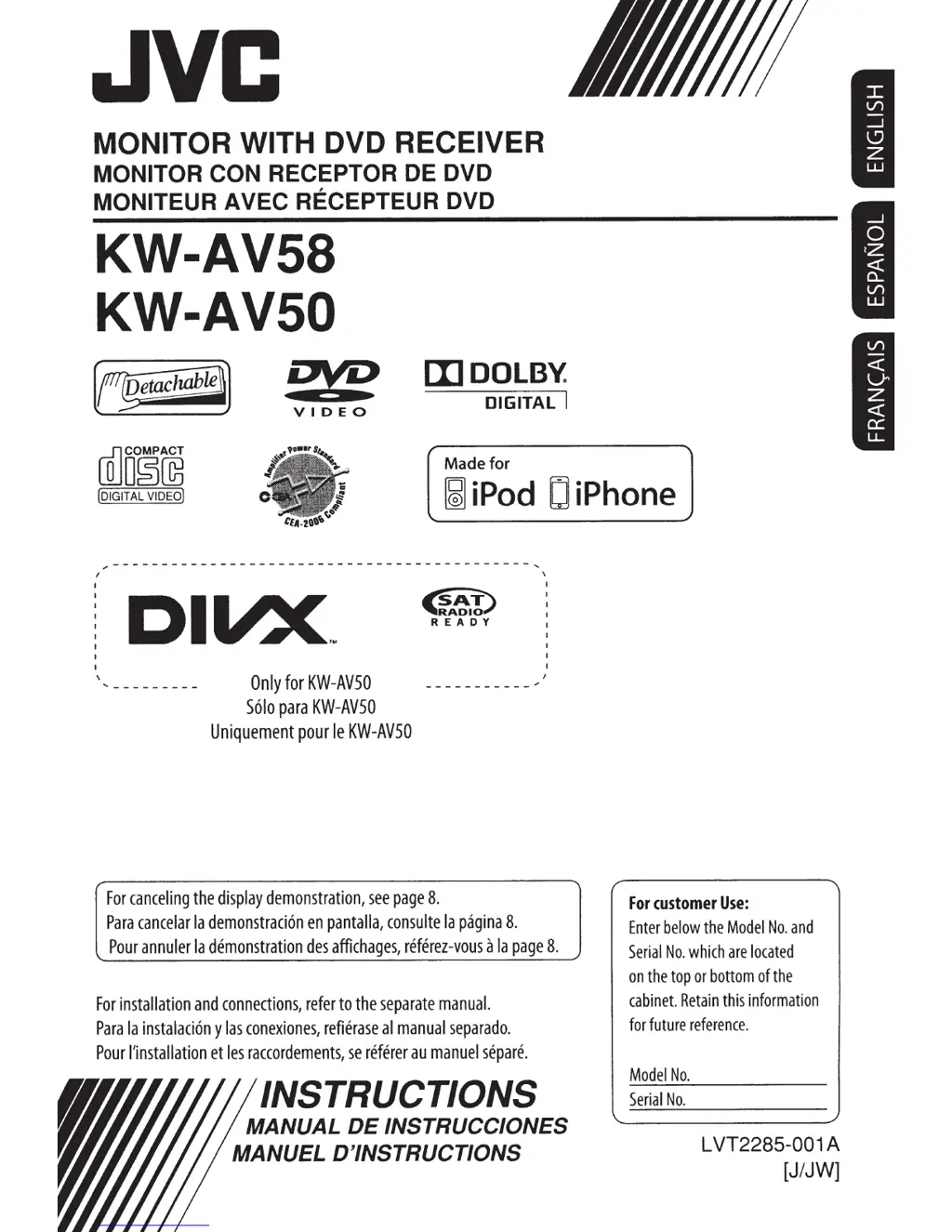
MONITOR WITH DVD RECEIVER
MONITOR CON
RECEPTOR DE
DVD
MONITEUR AVEC RECEPTEUR
DVD
KW-AV58
KW-AV50
2VD
VIDEO
[l]DOLB~
DIGITAL
I
Made for
ruJO§~
!DIGITAL
VIDEO)
~iPod
DiPhone
I
I
I
I
I
I
I
I
I
I
\
DIVX
..
Only
for
KW-AVSO
Solo
para
KW-AVSO
Uniquement
pour
le
KW-AVSO
~
'R'Aoao_.l
READY
For
canceling
the
display
demonstration,
see
page
8.
Para
cancelar
Ia
demonstraci6n
en
pantalla,
consulte
Ia
pagina
8.
\
I
I
I
I
I
I
Pour
annuler
Ia
demonstration
des
affichages,
referez-vous
a
Ia
page
8.
For
installation
and
connections,
refer
to
the
separate
manual.
Para
Ia
instalaci6n
y
las
conexi
ones,
refierase
al
manual
separado.
Pour
!'installation
et
les
raccordements,
se
referer
au
manuel
separe.
INSTRUCTIONS
MANUAL
DE
INSTRUCCIONES
MANUEL D'INSTRUCTIONS
For
customer
Use:
Enter
below
the
Model
No.
and
Serial
No.
which
are
located
on
the
top
or
bottom
of
the
cabinet.
Retain
this
information
for
future
reference.
Model
No.
Serial
No.
L
VT2285-00
1 A
[J/JW]

Table of Contents

Other manuals for JVC KW-AV50

Questions and Answers

  • S
    Susan HensleySep 9, 2025
    What to do if my iPod/iPhone does not turn on or work with my JVC KW-AV50?
    • J
      Jessica IbarraSep 9, 2025
      If your iPod/iPhone does not turn on or work with your JVC Car Video System: • Check the connecting cable and its connection. • Charge the battery. • Check whether the iPod control mode is correctly selected. • Reset the iPod/iPhone.
  • N
    Nicole MooreAug 23, 2025
    What to do if my JVC Car Video System has a USB Device Error?
    • J
      Jodi PhillipsAug 23, 2025
      If your JVC Car Video System displays a USB Device Error, it could be due to an abnormal USB power voltage. Try turning the unit off and then on again. If that doesn't work, connect another USB device to see if the issue persists.
  • D
    Diane KennedyAug 25, 2025
    How to fix JVC KW-AV50 when no sound comes out of the speakers?
    • S
      smithsandraAug 25, 2025
      If no sound is coming from the speakers of your JVC Car Video System, first, make sure the volume is adjusted to an audible level. Also, check the speaker cords and connections to ensure they are properly connected.
  • B
    browncraigAug 26, 2025
    Why is there static noise while listening to the radio on my JVC Car Video System?
    • D
      Dr. Stephanie HuynhAug 27, 2025
      If you're experiencing static noise while listening to the radio on your JVC Car Video System, ensure the aerial is firmly connected.
  • J
    James YatesAug 27, 2025
    Why does my JVC Car Video System show 'No Signal'?
    • J
      Jennifer WhiteAug 27, 2025
      If your JVC Car Video System displays 'No Signal', try the following: • Start playback on the external component connected to the VIDEO IN jack. • Check the cords and connections. • The signal input may be too weak. • If the rear view camera is not connected while is selected for , press MENU/DISP OFF to display , then press [AV] to restore the screen.
  • B
    Betty BarreraAug 29, 2025
    What does 'Restricted Device' mean on my JVC KW-AV50?
    • V
      vcarpenterAug 29, 2025
      If your JVC Car Video System displays 'Restricted Device', check whether the connected iPod/iPhone is compatible with the unit.
  • B
    bruizSep 17, 2025
    Why is there no picture on the AV-IN screen of my JVC KW-AV50 Car Video System?
    • K
      Kathy LevySep 18, 2025
      If no picture appears on the AV-IN screen of your JVC Car Video System: • Turn on the video component if it is not on. • Connect the video component correctly.
  • P
    Paul FreySep 18, 2025
    Why is there no playback picture shown when using my JVC KW-AV50 Car Video System?
    • M
      Michael AustinSep 18, 2025
      No playback picture is shown when the parking brake is not engaged.
  • M
    matthew05Sep 7, 2025
    Why is sound sometimes interrupted while playing a track on my JVC KW-AV50?
    • S
      Scott HernandezSep 7, 2025
      If the sound is sometimes interrupted while playing a track on your JVC Car Video System, the tracks may not be properly copied onto the USB device. Try copying the tracks again.
  • R
    Robert MooreSep 4, 2025
    Why is there no picture on the external monitor connected to my JVC KW-AV50?
    • C
      caindeborahSep 4, 2025
      If no picture appears on the external monitor connected to your JVC Car Video System: • Connect the video cord correctly. • Select the correct input on the external monitor.

Summary

Important Information and Safety

Laser Product Safety Warnings

Provides critical safety warnings related to Class 1 laser products and radiation.

General Safety Warnings and Cautions

Outlines essential warnings for operation, accident prevention, and unit handling.

Initial Setup and Basic Cautions

Covers initial settings, monitor cautions, unit reset, and disc ejection procedures.

Getting Started and Basic Operations

Introduction and Component Overview

Details on detaching/attaching the monitor and identifying unit components.

Common Operations

Explains how to turn the unit on/off, adjust volume, manage the screen, and use AV sources.

Touch Screen and Screen Switching

Covers touch screen controls, AV source activation, and switching between different screens.

AV Source Operations

Selecting and Playing Sources

Guide to selecting and operating TUNER, SAT, DISC, USB, iPod/iPhone, and AV-IN sources.

Radio and Disc Operations

Instructions for listening to the radio, disc playback, station storage, and settings.

USB and iPod;iPhone Operations

Details on USB device usage, iPod/iPhone connection, playback, and menu navigation.

Satellite and HD Radio Listening

Guide to connecting, subscribing, and tuning satellite and HD radio channels.

Sound and Display Customization

Sound Adjustment Procedures

Explains sound equalization, preset modes, and precise sound adjustments like crossover.

Display Design and Video Settings

Covers display design changes and video playback settings like picture and aspect ratio.

Advanced Features and Connectivity

Using a Rear View Camera

Instructions for activating, displaying, and deactivating the rear view camera system.

System Menu and User Settings

Covers menu settings (Audio, Display, Input, System) and user profile management.

Bluetooth and Remote Control

Details Bluetooth operations, mobile phone usage, and remote controller functions.

Maintenance, Troubleshooting, and Specifications

Maintenance and Cleaning Guide

Provides guidance on cleaning the unit, connectors, and handling discs properly.

Troubleshooting Common Issues

Addresses common problems, error messages, and provides solutions for troubleshooting.

Product Specifications

Lists detailed technical specifications for the unit's components and performance.

Installation Guide

In-Dash Mounting Procedures

Step-by-step instructions for installing the unit in a vehicle dashboard.

Electrical and Signal Connections

Details on wiring power, parking brake, reverse signal, and other essential connections.

Connecting External Devices

Guide for connecting amplifiers, subwoofer, iPod/iPhone, and Bluetooth adapter.

Warranty and Registration

Limited Warranty Details

Outlines the limited warranty terms, coverage, exclusions, and service procedures.

JVC KW-AV50 Specifications

General IconGeneral
MP3 playbackYes
Audio formats supportedMP3, WAV, WMA
Image formats supportedJPG
Video formats supportedDIVX
Tuner typeHS-IVi
FM band range87.5 - 108 MHz
LW band range153 - 279 kHz
Supported radio bandsFM, LW, MW
Preset stations quantity24
Output power50 W
Product colorBlack
Disc types supportedCD-R, CD-RW, DVD+R, DVD+RW, DVD-R, DVD-RW
Audio output channels4.0 channels
Equalizer bands quantity3
Display diagonal6.1 \
Display resolution800 x 480 pixels
BluetoothNo
Bluetooth profilesA2DP, AVRCP
Input frequency40 - 20000 Hz
Weight and Dimensions IconWeight and Dimensions
Weight2300 g
Dimensions (WxDxH)182 x 10 x 117 mm

Related product manuals