Setting Up
47English
AV Setup
You can set AV parameters.
1
Press the [FNC] button.
FUNCTION screen appears.
2
Touch [ ].
SETUP screen appears.
3
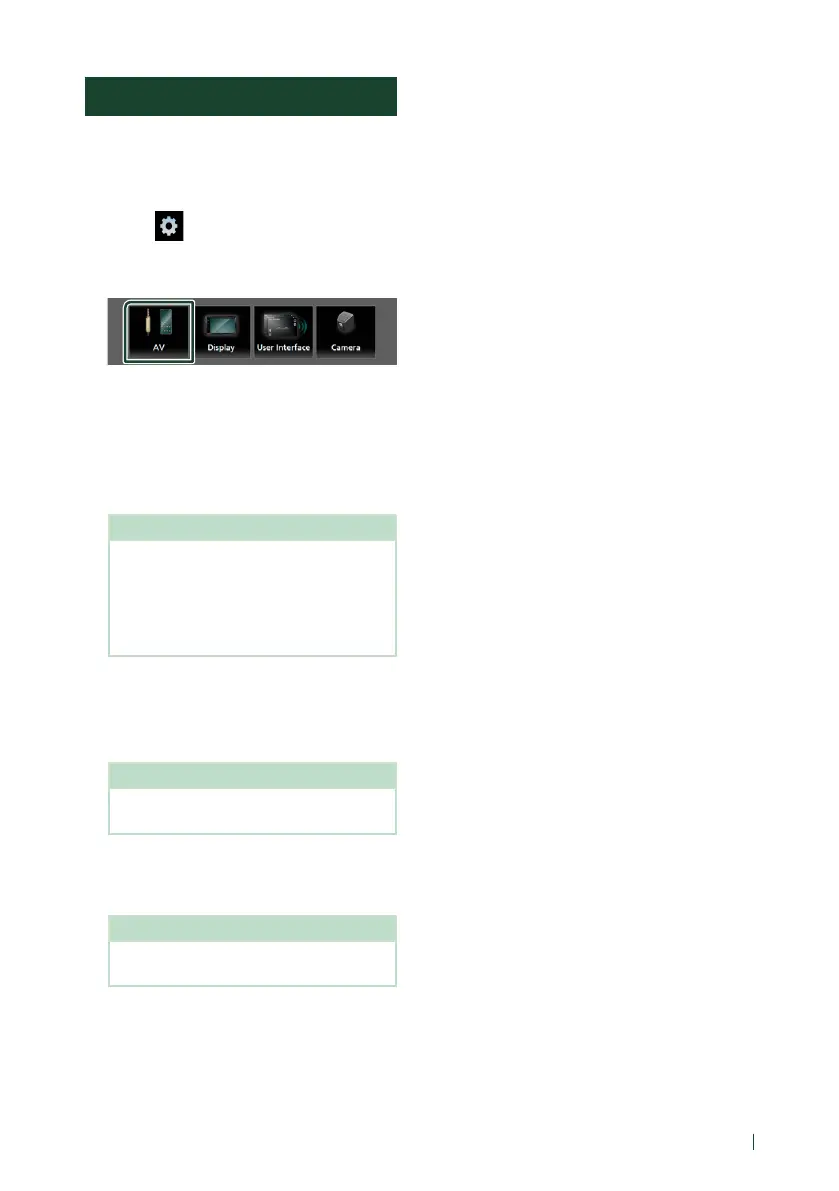
Touch [AV].
AV screen appears.
4
Set each item as follows.
■ [AV-OUT]
Specify whether to output the current source
signal from the VIDEO OUT terminal.
“[ON]”/ “[OFF]” (Default)
NOTE
• Images can be output only from the AV IN,
USB (video file) and DISC (DVD video) source.
• If display of the rear view camera image is
selected when the AV-IN source is being
played, no image is output from the VIDEO
OUT terminal.
■ [CarPlay Sidebar]
Select the position of the control bar (left or
right) shown on the touch panel.
“[Left]” (Default)/ “[Right]”
NOTE
• The setting is available when an iPhone is
disconnected.
■ [AV Color Adjust]
You can adjust image quality in video screen.
(P.44)
NOTE
• Adjusting items are different depending on
the current source.
!B5H-0357-03_JVC_KWV_K_En.indb 47 2020/07/09 8:19



 To Next Page
 Loading...






