52
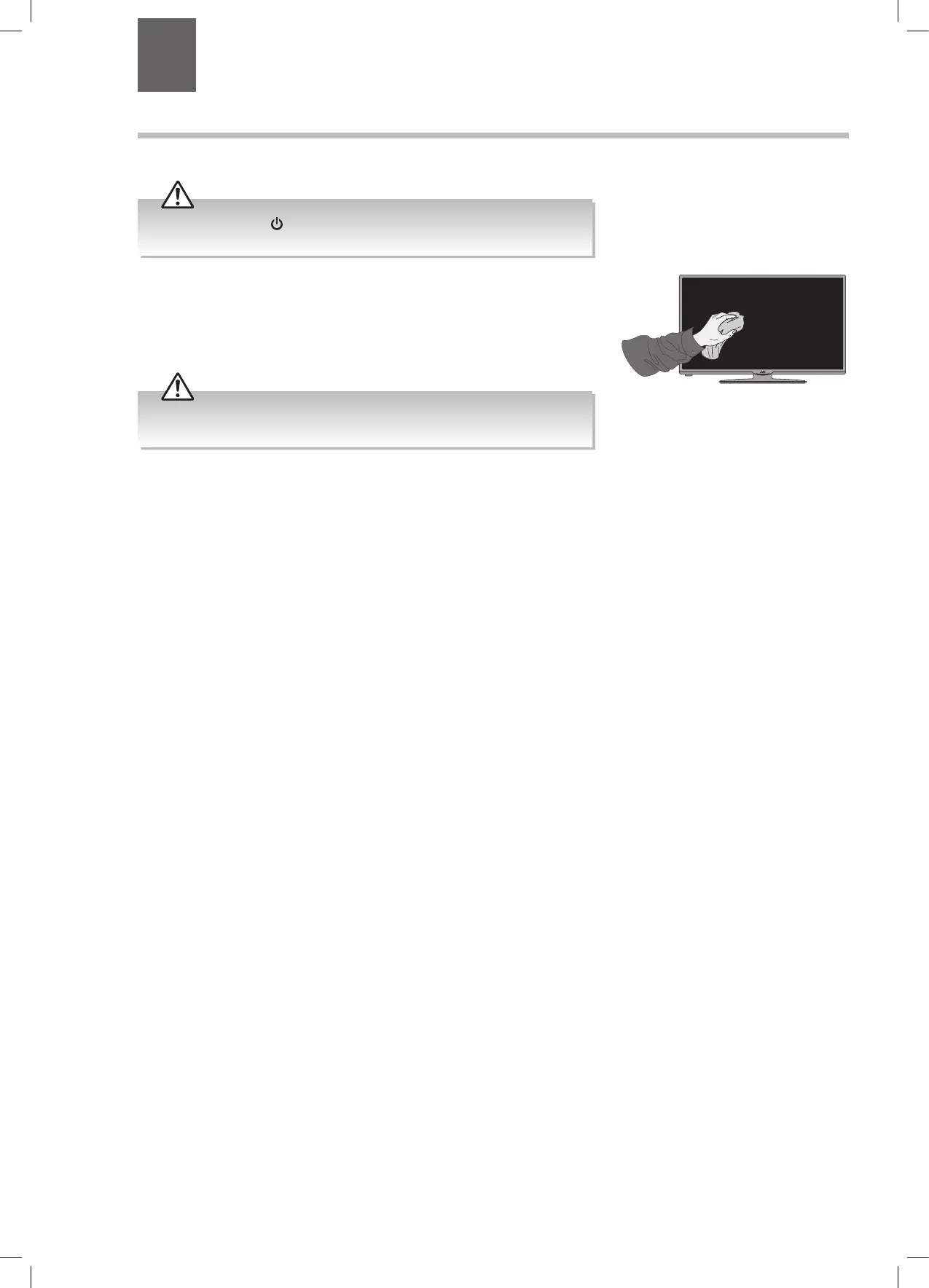
1. Use a soft dry cloth to wipe away the dust from the screen and surfaces.
2. If the surfaces are extremely dirty, clean the TV with a damp cloth.
3. Ensure there is no excess water on the screen. Allow any water or dampness to
evaporate before switching the TV on.
Maintenance
Careful and regular cleaning can prolong the life of your TV.
Be sure to press the button on the remote control and disconnect the
mains cable from the mains socket before any cleaning.
Never use alcohol, benzine, paint-thinner, cleaning fluid or other chemicals.
Do not use compressed air to remove dust.
9 Technical Information and Help
Chapter
9
JVC 28' LED Smart HD TV LT-28C680 Manual.indd 52 04/01/2018 09:16


 To Next Page