Congure the network
Press on the remote to select Wi-Fi you wish to connect to, enter the password and then conrm
to connect.
If you select skip, it could be performed in homepage or settings menu.
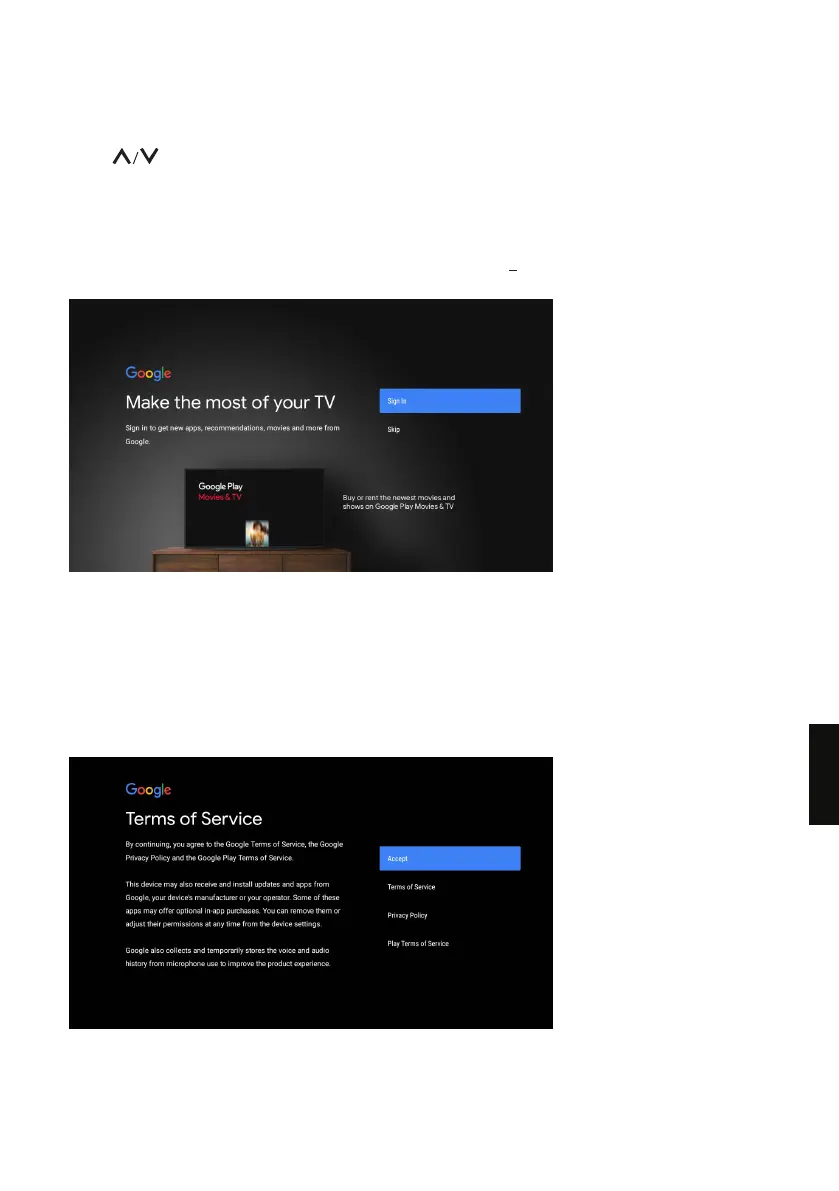
Google Account Sign in
Sign in to get new apps, recommendations, movies, the Assistant, and more from Google.
Use your remote:
Use the remote to enter your Google account and password to sign in to Google account.
Terms of Service
By accepting the Google Terms of Service to improve the product experience, select “Accept” to proceed
with this condition.
165
EN



 To Next Page