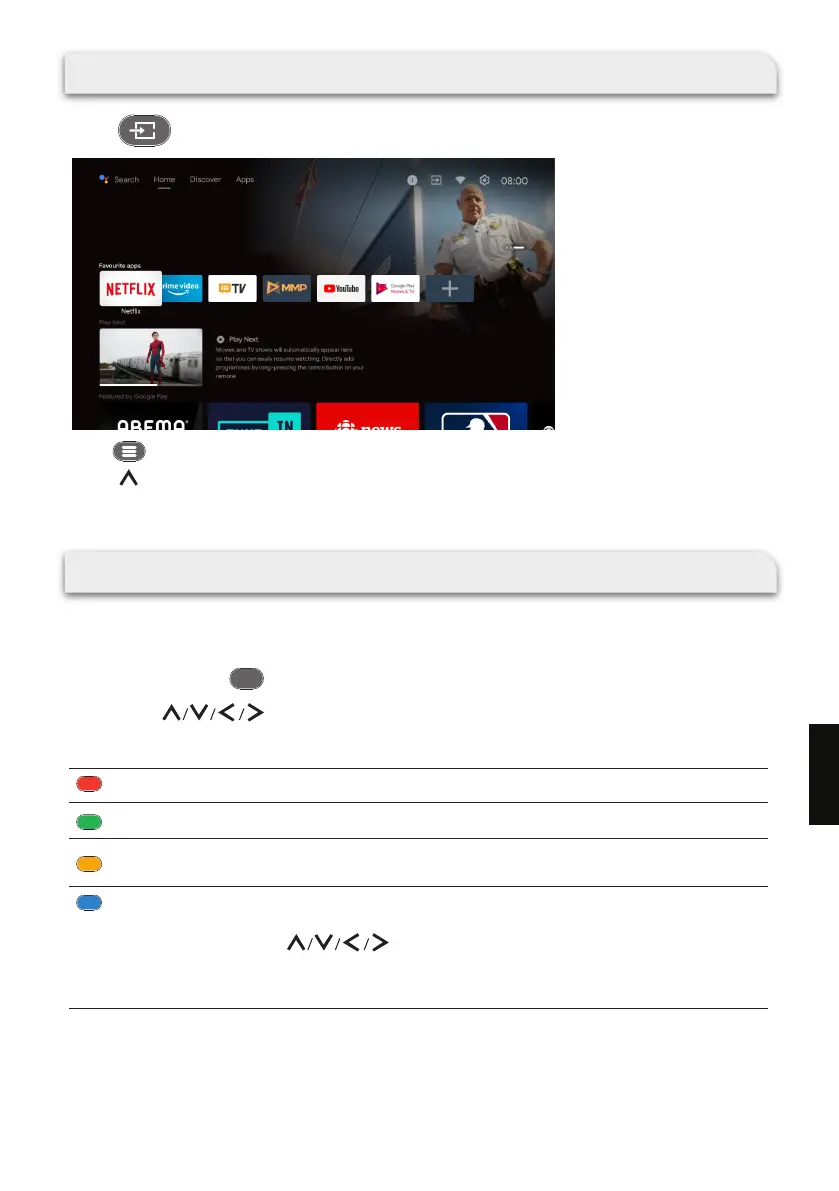
TV SOURCE SETTING
Press on the remote to select “Live TV” on Homepage.
Press on the remote.
Press on the remote to select “Channels” and then select “New Channels Available” to enter.
USING EPG (ELECTRONIC PROGRAMME GUIDE)
EPG is an on-screen guide available for digital channels ONLY. EPG allows you to view a list of digital
programs being broadcast.
To enter the EPG, press on the remote control and the program guide menu will appear.
EP G
You can use on the remote control to navigate through the different programs.
Use the related color buttons shown at the bottom of the screen to view EPG.
Red button (Previous Day) : Display the programs of previous day.
Green button (Next day) : Display the programs of the next day.
Yellow button (View Detail) :
Display the detailed information of programs in multiple pages.
Blue button (Type Filter) :
Display the type list of the program. You can navigate through the different types and
available subtypes using on the remote control.
Select one or more types and then press
OK
.
After ltering, all your desired digital TV programs will be highlighted.
177
EN


 To Next Page
 Loading...











