ADDING A SATELLITE
You can add an additional satellite to your current satellite installation.
1. Press on the remote control to view your current input sources.
2. Repeatedly press on the remote control to select the source [Satellite]. Then press OK on
the remote control to conrm the selection.
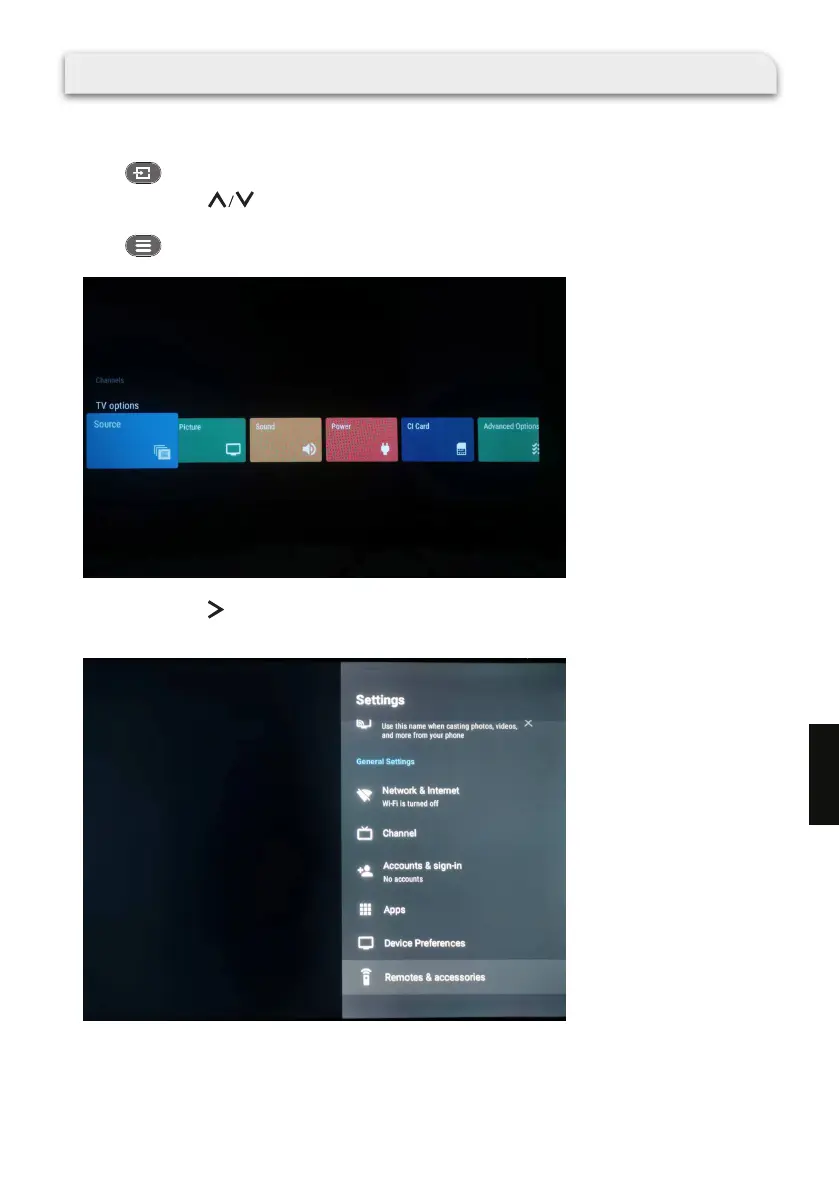
3. Press on the remote control. The TV options are shown.
4. Repeatedly press on the remote control to select Settings and press OK to enter the Settings
menu.
179
EN



 To Next Page