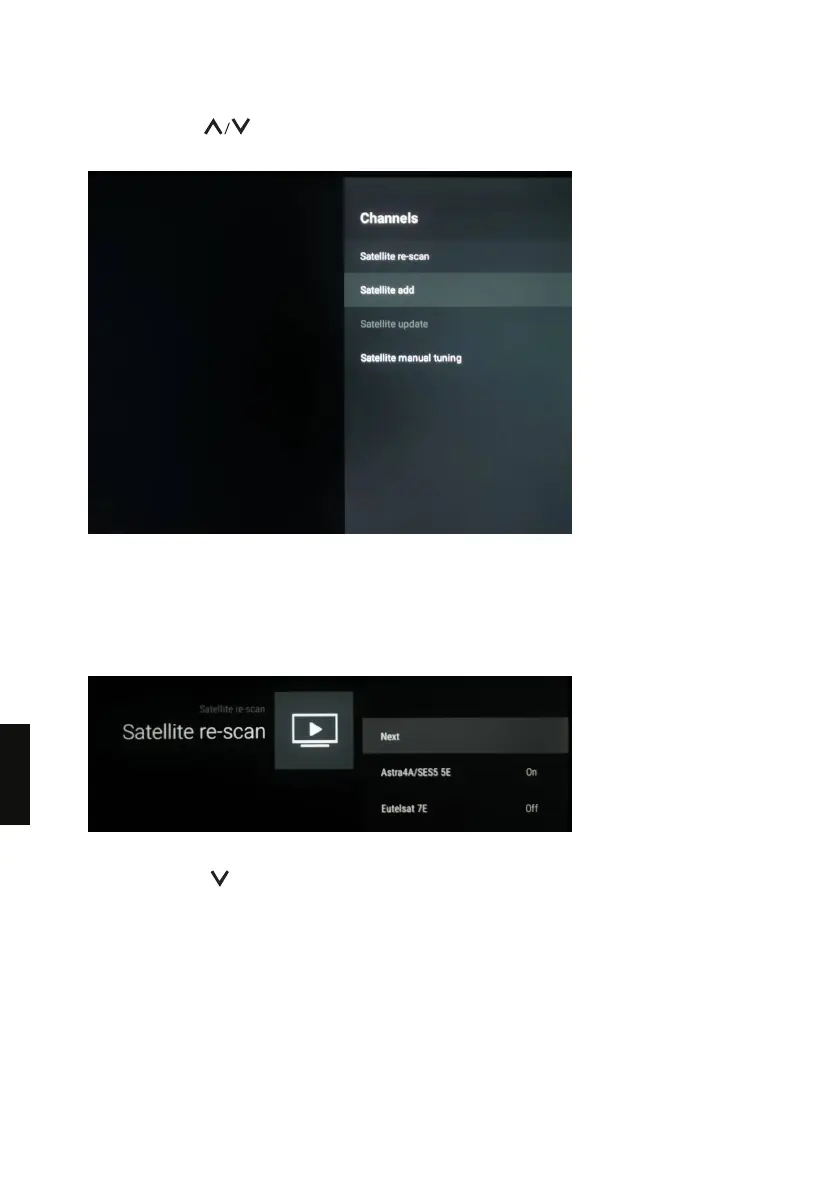
5. Repeatedly press on the remote control to select [Channel] and press OK.
· The Channels menu is shown.
6. If the option [Satellite add] is greyed out, please do the followings to enable this option :
Select Satellite re-scan and then press OK.·
If you currently have only 1 satellite installed, select More > Tone Burst ·
· Select the second line for instance Eutelsat 7E, then press OK to access the submenu and set
to “On” [Satellite Status] in order to select the desired satellite in the submenu of [Satellite
selection]. Once the satellite is selected, set back [ Satellite Status] to “Off”.
7. Go back to the Channels menu and the [Satellite add] option is enabled.
8. Repeatedly press on the remote control to select [Satellite add] and press OK.
9. Follow the on-screen instructions to add a satellite.
180
EN



 To Next Page