TURNING ON/OFF YOUR TV
Connect the power cord to the power socket after you have completed all the physical connections.
The TV will enter Standby Mode and the red indicator light will illuminate.
To turn on your TV, press .The indicator light will go out.
Press again and your TV will enter the standby mode.
INITIAL SETUP
The rst time you switch the TV on, the initial setup screen appears, which guides you through the initial
setup process.
Follow the on-screen instructions to nish the initial setup process.
Choose a language
Press on the remote to select the language, then press OK to conrm.
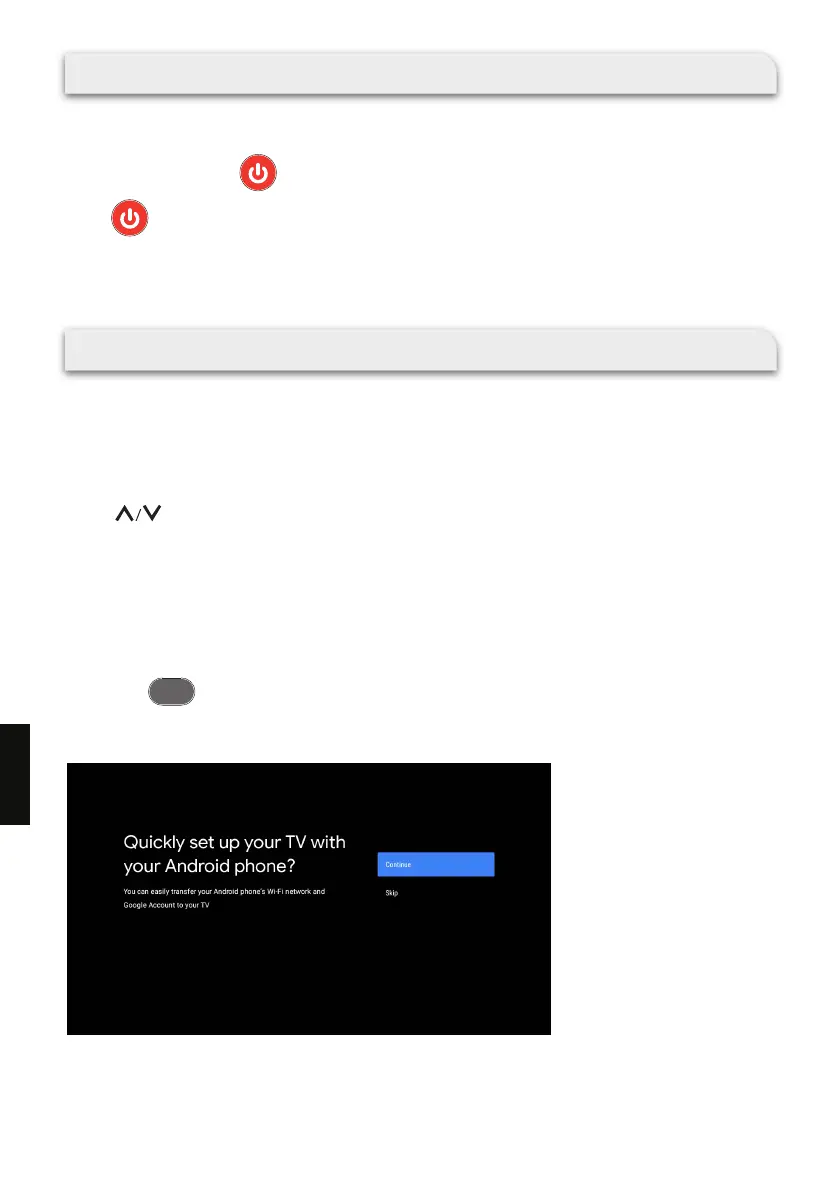
Quickly set up your TV with your Android phone? (Continue/skip)
Steps:
1. On your Android Phone, open the pre-installed app “Google”.
2. Type or say, “Ok Google, set up my device”.
3. Tap the model name on the list.
Note: Press to cancel.
If you just want to use your TV normally, please select “Skip”.
BA C K
164
EN



 To Next Page