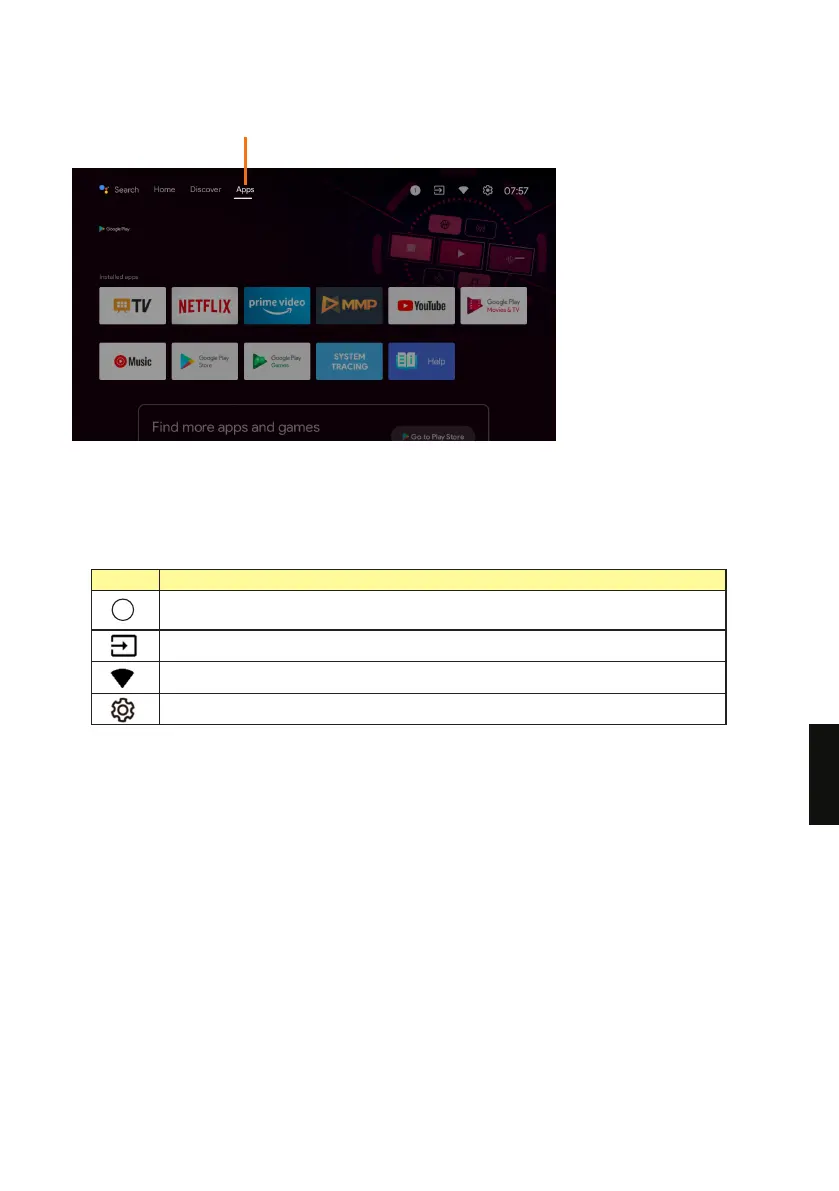
Apps - Display the list of installed apps.
1 Google Assistant
Use your voice to search for shows, control devices, and more.
2 Notications, Inputs, Network & internet, Settings
Icon Description
Notications: Displayed when there are notications such as when there is a
connection issue. The number indicates the number of notications.
Inputs: Switches the input device connected to the TV.
Congure the network settings.
Congure various TV-related settings.
3
3 Favourite apps
Display your favourite apps. Select + to add an app to favourites.
4 Channels
Here, you can watch recommended content from video streaming services.
171
EN



 To Next Page