DELETE
1
Press the ◄/► and ▼/▲ buttons to choose a
program number for which you want
Every time you press the ◄/►and▼/▲ buttons, the
program number changes and the picture of the TV channel
stored in the program number appears on the screen.
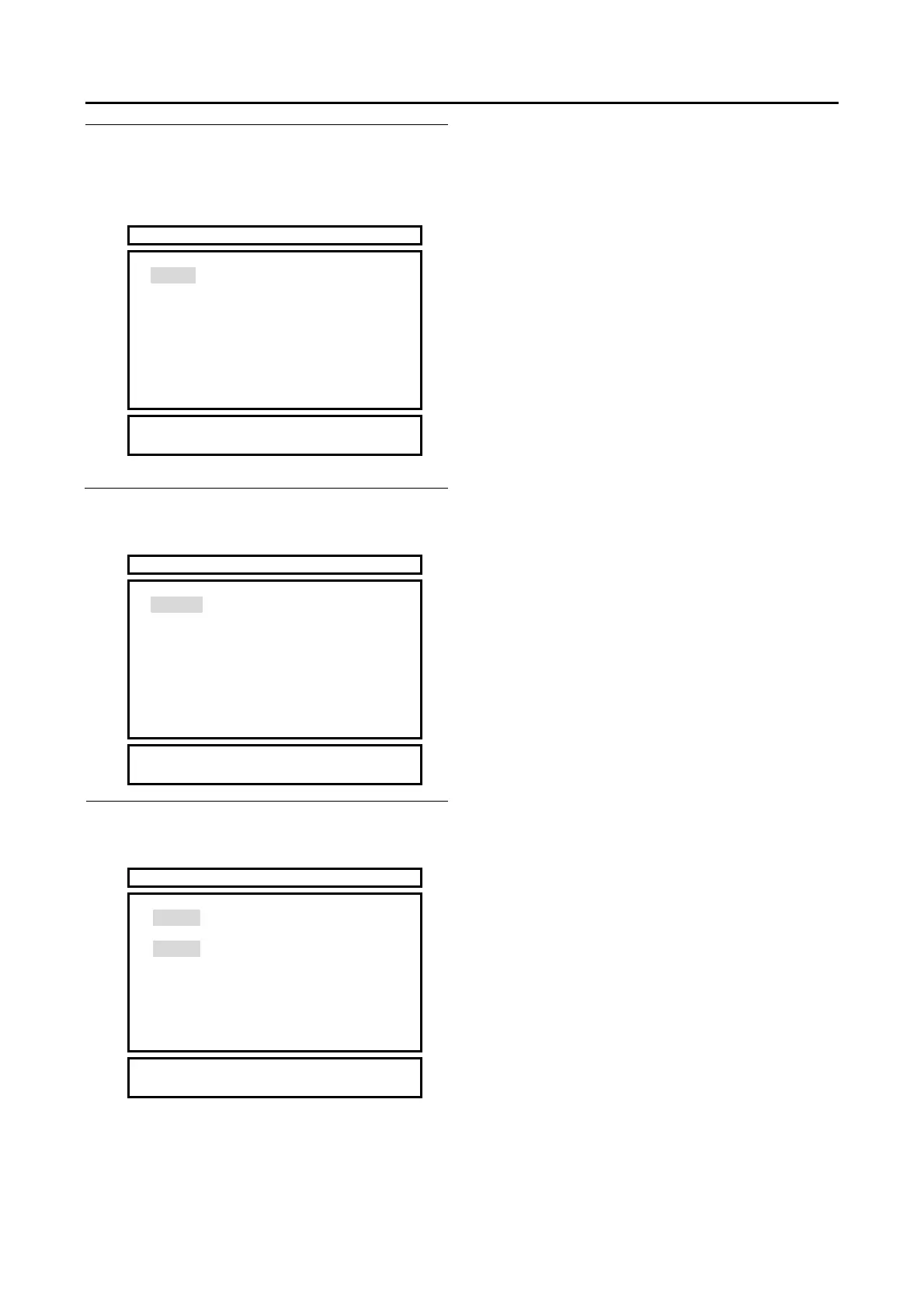
PR LIST
01 -----
02 JVC
03 -----
04 -----
05 -----
06 -----
07 -----
08 -----
09 -----
10 -----
11 -----
12 -----
13 -----
14 -----
15 -----
16 -----
17 -----
18 -----
19 -----
20 -----
21 -----
22 -----
23 -----
24 -----
25 -----
26 -----
27 -----
28 -----
29 -----
30 -----
▓ NAME
▓ INSERT
▓
2 Press the yellow button to start the DELETE
function
The TV channel is deleted from the program numbers list
PR LIST
01 -----
02 JVC
03 -----
04 -----
05 -----
06 -----
07 -----
08 -----
09 -----
10 -----
11 -----
12 -----
13 -----
14 -----
15 -----
16 -----
17 -----
18 -----
19 -----
20 -----
21 -----
22 -----
23 -----
24 -----
25 -----
26 -----
27 -----
28 -----
29 -----
30 -----
▓
▓
▓ DELETE
▓ CANCEL
3 Press the yellow buttons to deleted the selected
TV channel
The TV channel is deleted from the program numbers list
PR LIST
01 -----
02 -----
03 -----
04 -----
05 -----
06 -----
07 -----
08 -----
09 -----
10 -----
11 -----
12 -----
13 -----
14 -----
15 -----
16 -----
17 -----
18 -----
19 -----
20 -----
21 -----
22 -----
23 -----
24 -----
25 -----
26 -----
27 -----
28 -----
29 -----
30 -----
▓ NAME
▓ INSERT
▓ DELETE
▓
To return to the INSTALL menu:
Press the BACK button.
To exit a menu instantly:
Press the MENU button.
22
INSTALL
▓ DELETE



 To Next Page