Operation with the DTV menu
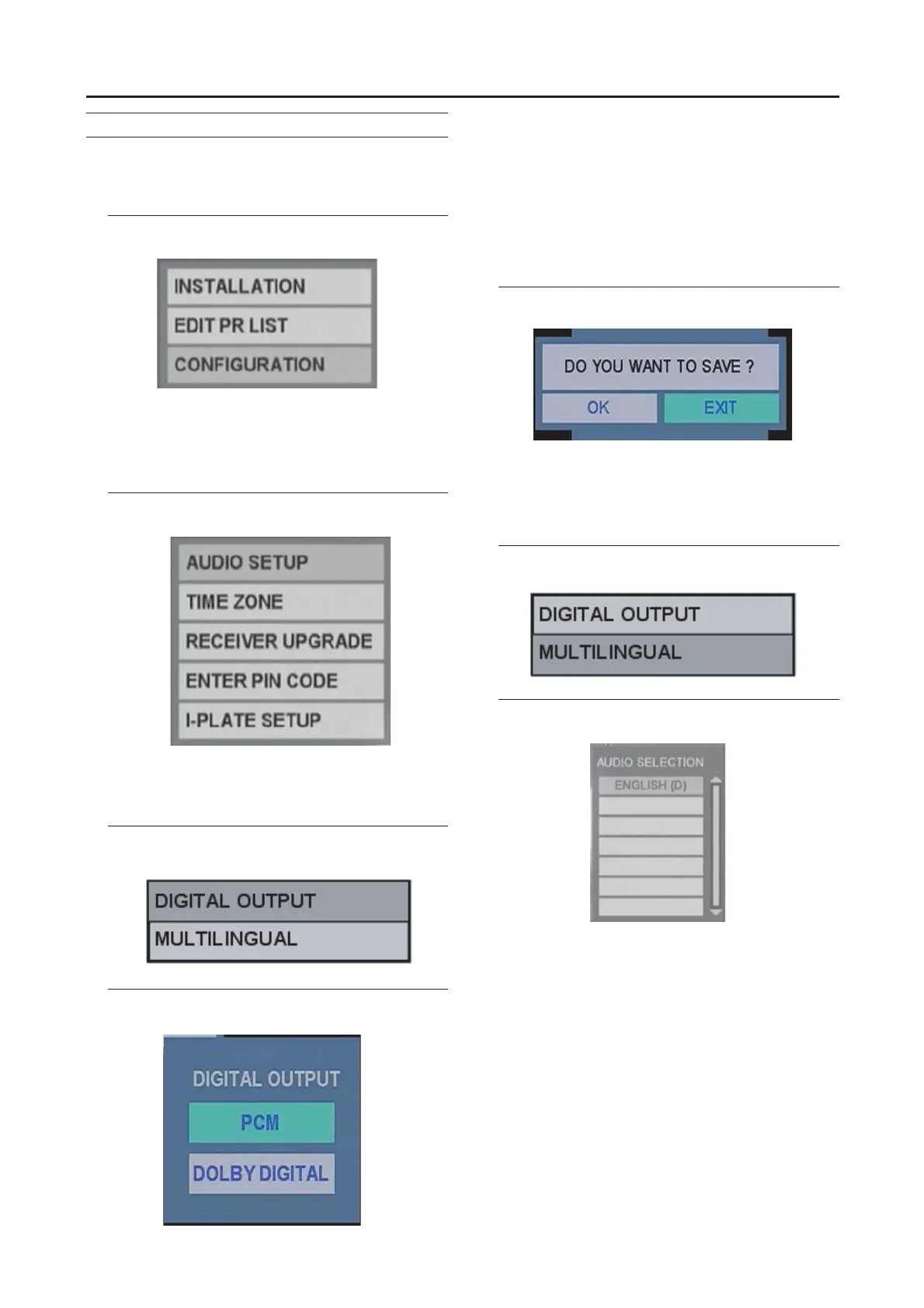
CONFIGURATION
Set the basic setting for watching Digital terrestrial
broadcasting (DVB-T). You can setup the audio output,
local Time, a new pin code and I-Plate.
1 Press the ▼/▲ buttons to choose
CONFIGURATION and press the OK button.
AUDIO SETUP
This adjusts audio performance and language format.
1 Press the ▼/▲ buttons to choose AUDIO
SETUP, and then press the OK button.
DIGITAL OUTPUT
You can set the digital audio output format.
1 Press the ▼/▲ buttons to choose DIGITAL
OUTPUT and press the OK button.
2 Press the ▼/▲ buttons to choose PCM or
DOLBY DIGITAL, then press the OK button.
PCM (Pulse code modulation):
A technique used to transform an incoming analog
signal into a noise-free, digital equivalent.
Dolby Digital:
A technique used to perform digital sound effect with
high definition programming.
“Dolby”, and the double-D symbol are trademarks of
Dolby Laboratories.
3 Press the ◄/► buttons to choose save or not,
then press the OK button.
MULTILINGUAL
With Digital terrestrial broadcasting (DVB-T), a number of
languages can be broadcasting at the same time. Choose the
language you want to listen to when watching these
broadcasts.
1 Press the ▼/▲ buttons to choose
MULTILINGUAL and press the OK button.
2 Press the ▼/▲ buttons to choose the
language.
The language changes every time the button is pressed. If
the selected language is not a broadcast, the default
language will be played.
-ENGLISH(M) : PCM
-ENGLISH(D) : Dolby Digital
-UND : Undefined
27



 To Next Page