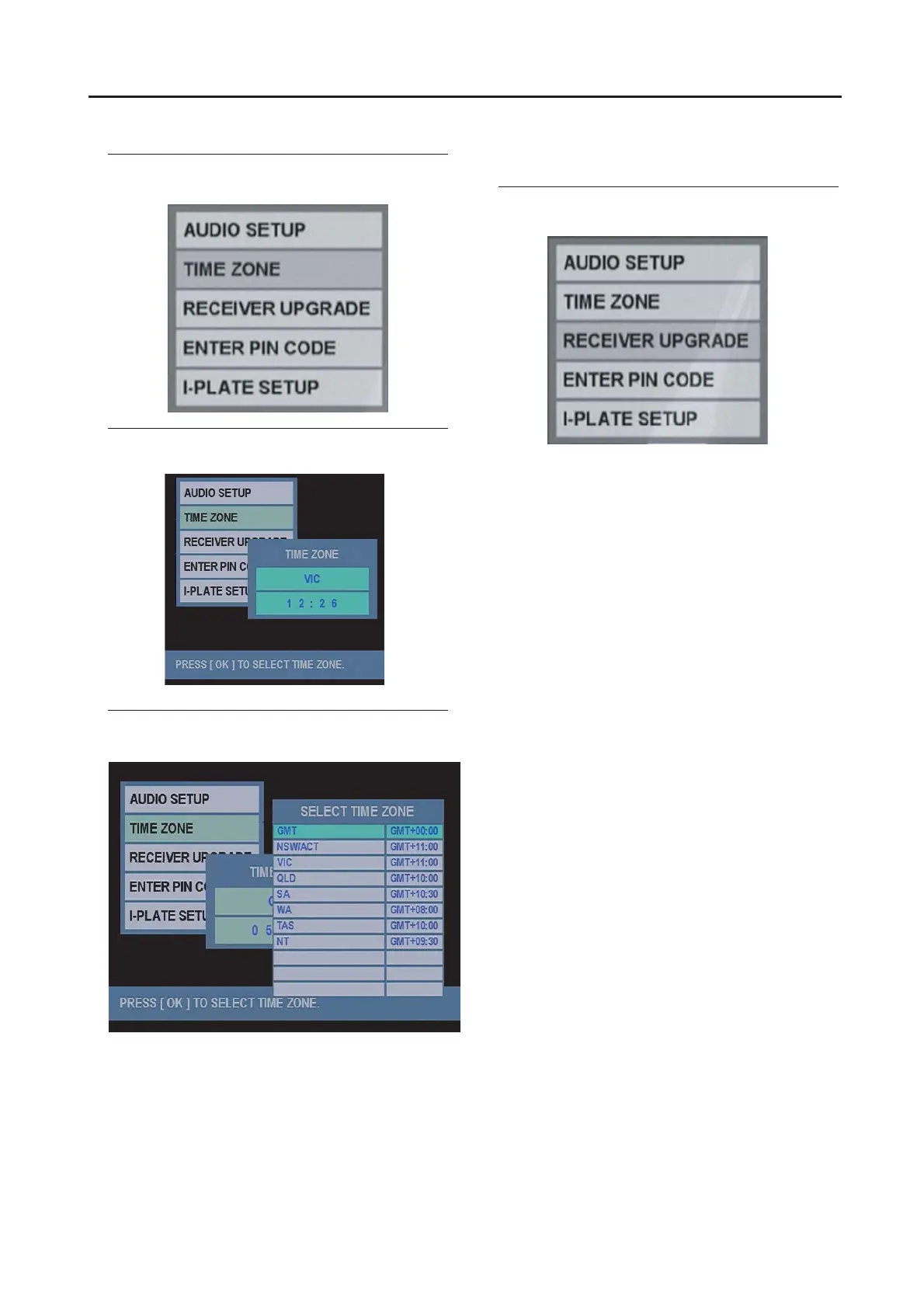
TIME ZONE
You may set your local time depending on area.
1 Press the ▼/▲ buttons to choose TIME ZONE,
and then press the OK button.
2 Press OK button to select the time zone.
3 Press the ▼/▲ buttons to choose your local
time, then press the OK button.
RECEIVER UPGRADE
Set the method to upgrade the Digital terrestrial broadcasting
(DVB-T) receiver software. This function is only available to
be upgraded by your distributor.
1 Press the ▼/▲ buttons to choose RECEIVE
R
UPGRADE, and then press the OK button.
Operation with the DTV menu
28



 To Next Page