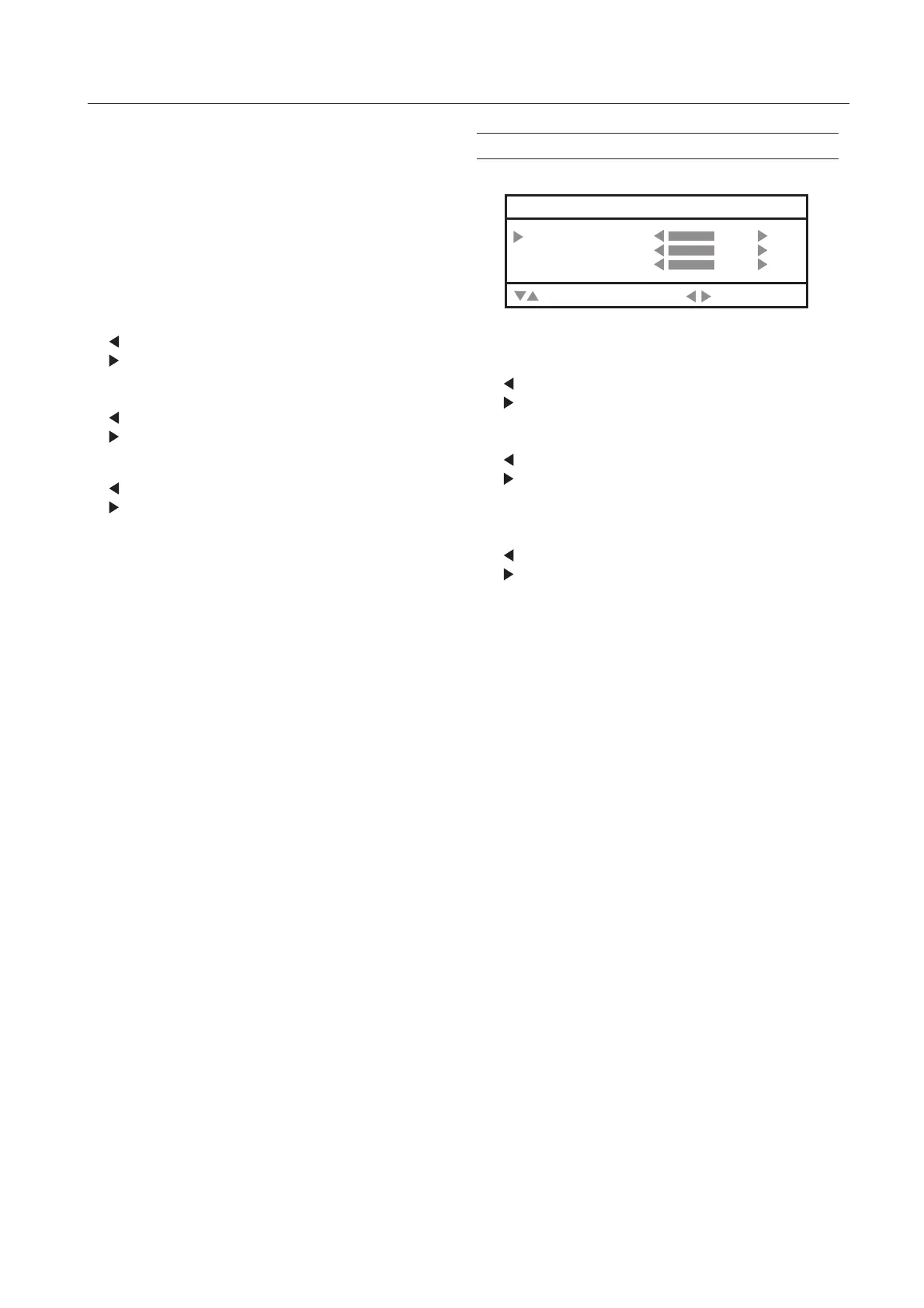
PC MENU (In PC mode only)
WHITE BALANCE:
You can adjust the picture colour mode.
HIGH:
A bluish white. Using this mode when watching bright
pictures allows you to enjoy a more vivid and bright
picture.
LOW:
A reddish white. Using this mode when watching films
allows you to enjoy colors that are characteristic of films.
RΚ
You can adjust the Red colour component.
Κ reddish
Κ redder
G
You can adjust the Green colour component.
Κ greenish
Κ greener
B
You can adjust the Blue colour component.
Κ bluish
Κ bluer
RESET
You can select RESET mode for default setting.
SOUND
You can adjust the sound to your liking.
BASS:
You can adjust the low tone of the sound.
Κ weaker
Κ strong
TREBLE:
You can adjust the high tone of the sound.
Κ weaker
Κ strong
BALANCE:
You can adjust the volume balance between the left and
right speaker.
Κ turn the left speaker’s volume level up.
Κ turn the right speaker’s volume level up.
32
SOUND
BASS
TREBLE
BALANCE
:SELECT
:MOVE



 To Next Page