11
For Alert Display Options, Press and hold button for
three seconds to access the menu. Press and release
to scroll and choose <<Alert Disp>> for 5-Bar (default) or
3-Bar alerts (Menu Page 22).
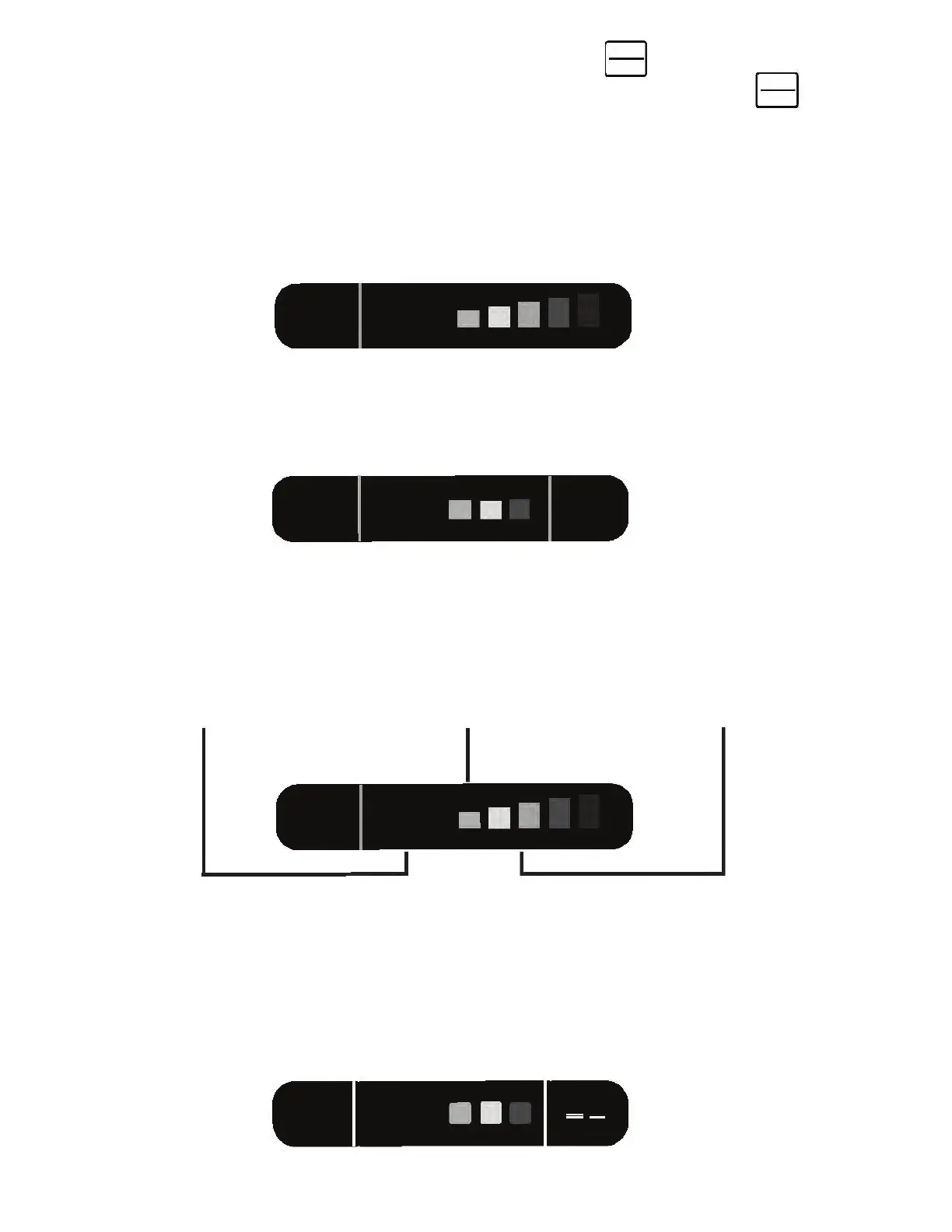
5-Bar Alert (Default) - During an alert, there are five avail-
able strength-of-signal bars that use the center and right
section of the display.
3-Bar Alert - During an alert, there are three available
strength-of-signal bars that use the center section only.
All Threat Mode Displays all alerts and the signal strength
of each alert in the area. The strongest signal will appear in
the center of the display and the other threats will appear
on the right (3-bar alert is default if All Threat Mode is chosen).
33.80
M-MUTE
QR 20
Ka
40
40
SW
33.80
M-MUTE
QR 20
Ka
33.80
M-MUTE
QR 20
Ka
40
33.80
M-MUTE
QR 20
Ka
40
K X
QR 20 means
QUIET RIDE func-
tion is set at
20mph...page 14.
M-Mute means
MARK TO MUTE
function is active
…page 18.
Band Frequency
Displays radar
frequency being
used.
DIM
MENU
DIM
MENU
B B



 To Next Page