10
OLED DISPLAY Overview
Display Color
Press and hold button for three seconds to access
the menu. Press and release the button to scroll.
Choose <<Color>> and select white (default), green, amber,
red, or blue accents for the OLED display.
Display Mode and Alert Options
Press and hold button for three seconds to access
the menu. Press and release to scroll and choose
<<Display>> for speed & compass or speed & voltage or
speed & all-threat (Menu Page 22).
DIM
MENU
DIM
MENU
SPEED
BLANK
or
CLOCK
COMPASS/
VOLTAGE/
ALL-THREAT
40
SW
STATIC
DEFAULT
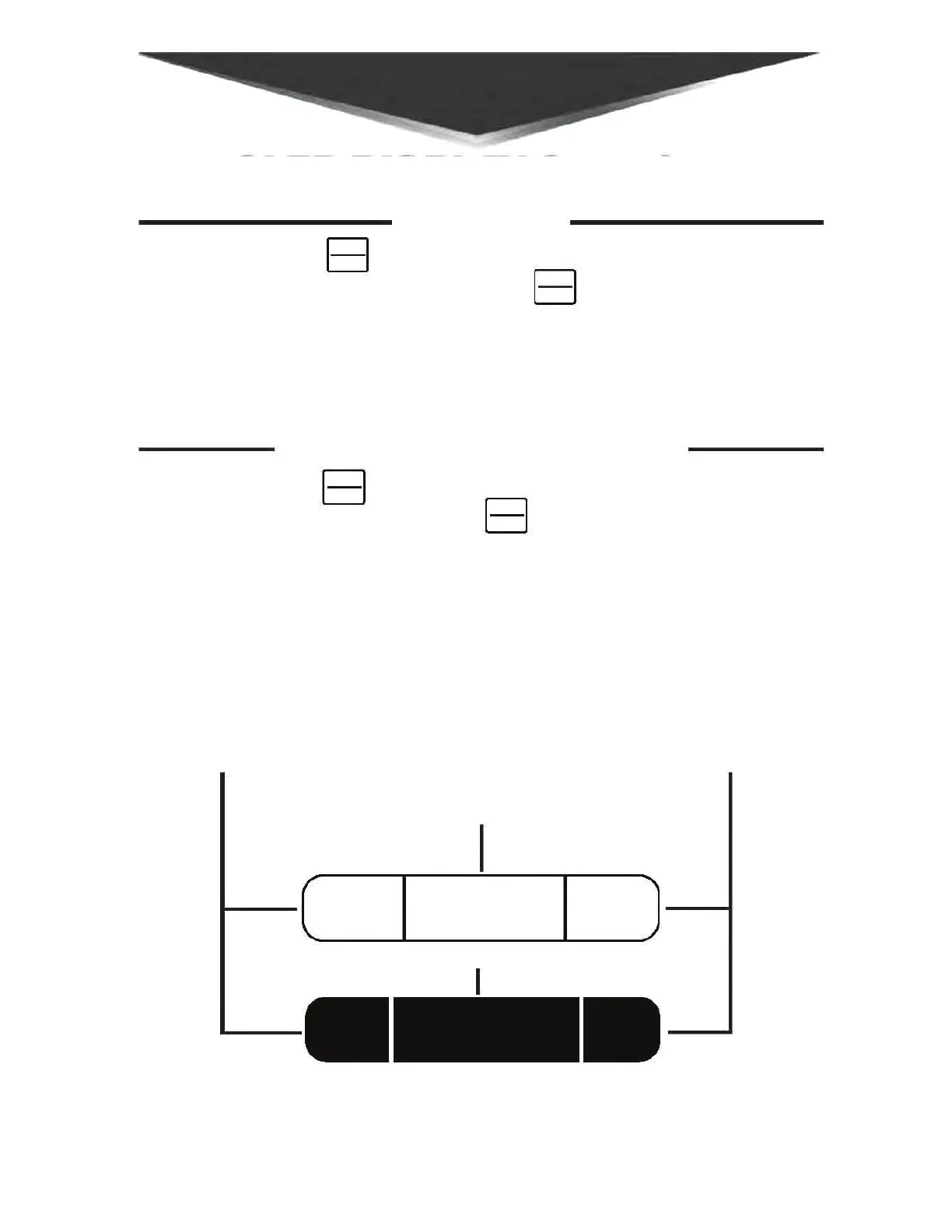
Left: Will always
display your
speed, either
mph or kph.
Center: Optional clock
while display is static.
Otherwise blank until
alert is detected; alert
will display in this section.
Right: Option to
display Compass
(default), Voltage,
or All-Threat.
DIM
MENU
DIM
MENU
-------;:EJ=i El
El
El
.(
I I J



 To Next Page