15
The display greys the alert received when driving under the
chosen Quiet Ride setting.
The factory default setting for Quiet Ride is 20 mph (30 kph).
Activating/Adjusting Quiet Ride:
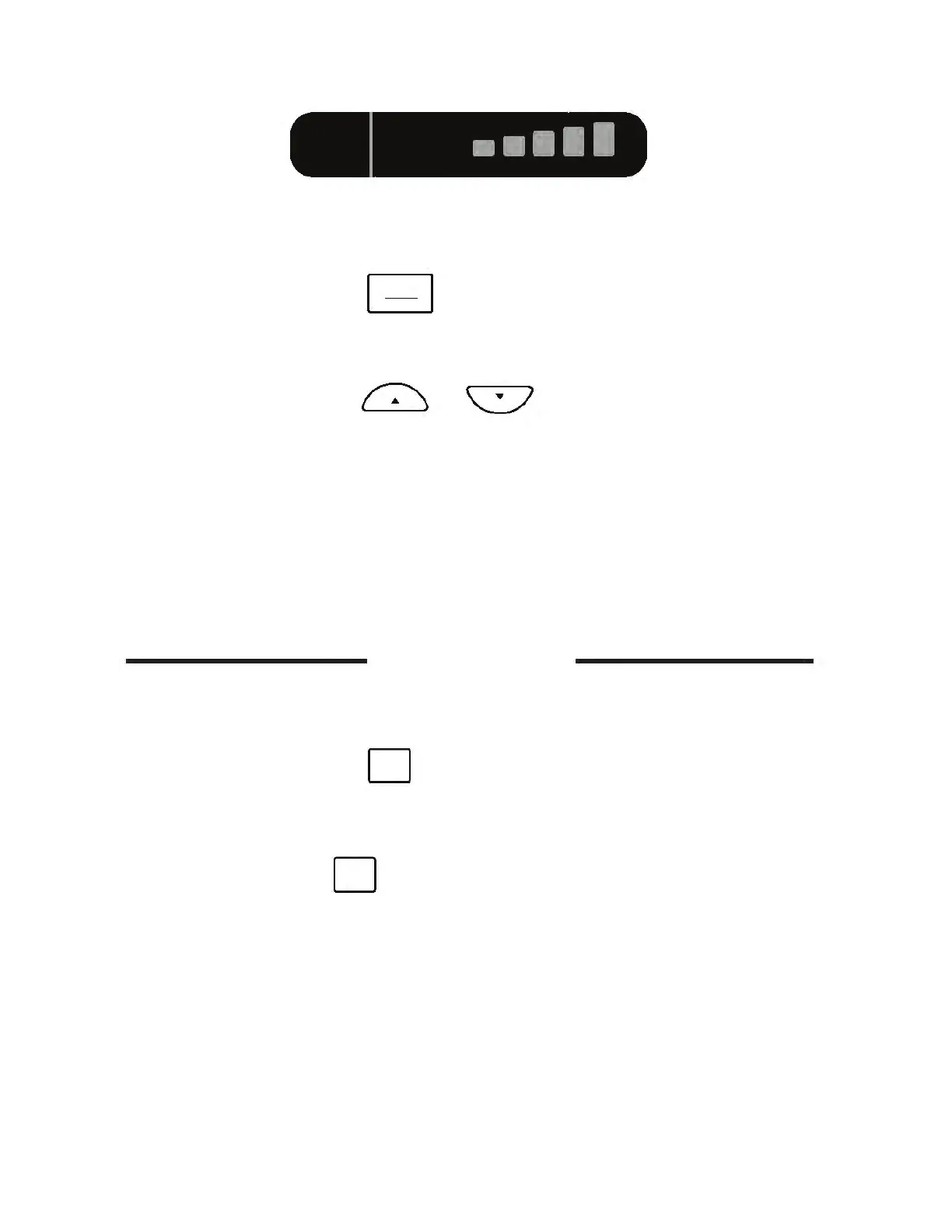
• Press and release button to activate the Quiet
Ride menu. Voice will announce the current setting e.g.
“Quiet Ride 20”, or the current speed setting.
• Press and release or button to adjust the
speed settings on Quiet Ride. Any selected speed setting
indicates Quiet Ride is on.
• When you have made your desired Quiet Ride speed
selection, stop scrolling and voice will announce, “Quiet
Ride Set”.
NOTE:
Locations that you have “Marked to Alert” (page 19) are unaffected by
Quiet Ride settings.
Mute Functions
The K40 provides two options to mute audio alerts (both
voice and tones):
• Press and release button to mute audio for 30 sec-
onds
or
the duration of the alert. Voice will announce,
“Mute On”, and display will show <<Mute On>>.
• Press and hold button for three seconds to mute
audio for five minutes. Voice will announce “Extended
Mute On” and the display will show <<Ex-Mute On>>.
Press and hold MUTE button for three seconds to turn
Extended Mute off. *
* NOTE:
You will only receive new alerts as visual indications on the display
while this feature is engaged.
QUIET
RIDE
PWR
MUTE
MUTE
33.80
M-MUTE
QR 20
Ka
15
•■■
II
c;'\\._:___.J
□
□



 To Next Page