WWW.KAARTA.COM 65
and use that as the reference map for filling in more details or trying to map higher
structures with less 3D features.
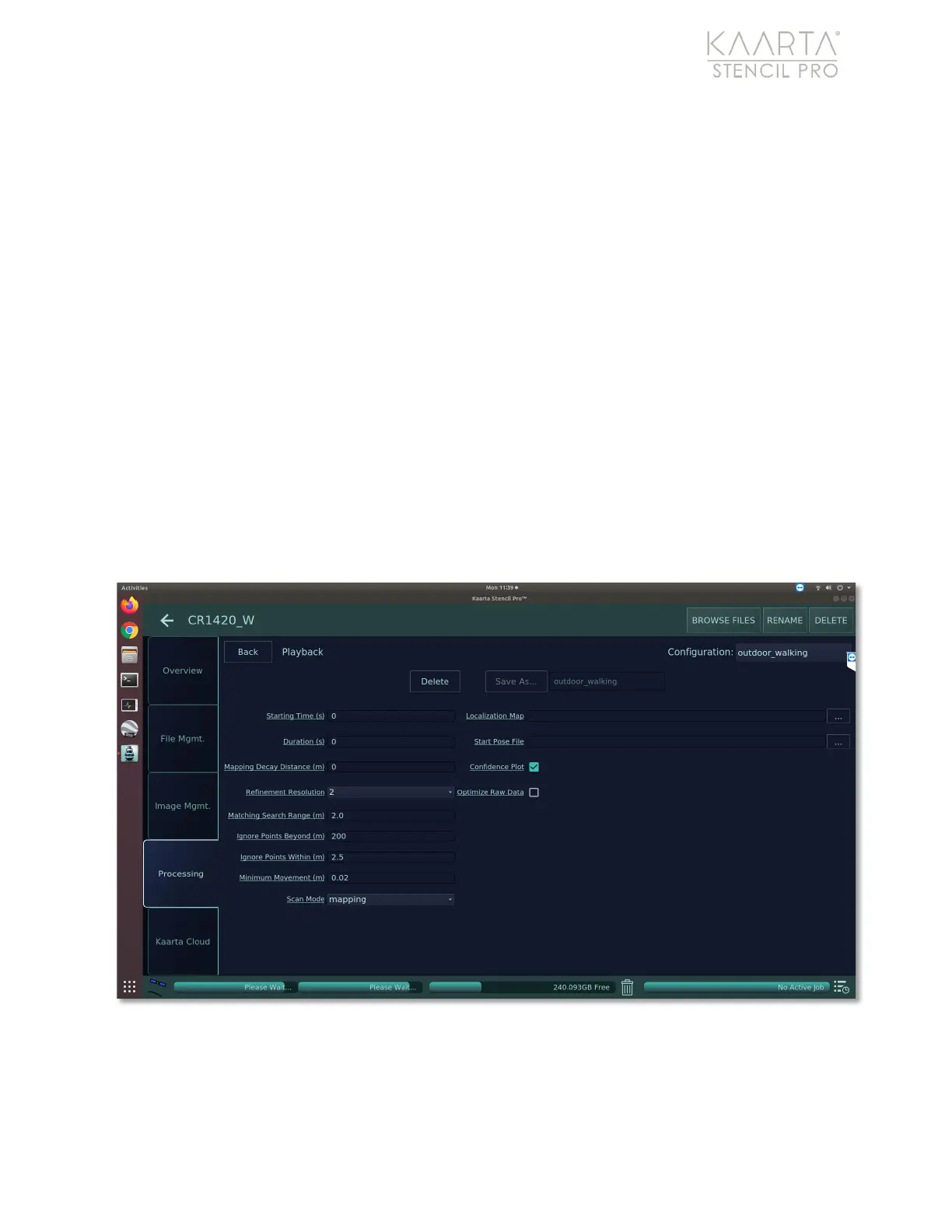
After creating the reference map, select the Localization Map by tapping into the ellipse.
If you are using a map you have previously processed on Stencil Pro, browse and select it.
You can also select an external map that you’ve imported onto Stencil Pro. See Import
Scan under the Main Gallery Menu on page 17 for more details.
If starting a run from a specific location within a previous scan, select the Start Pose File
with the desired starting location. The Start Pose File is a text file that includes the xyzypr
of the pose. The x,y, and z are in meters. Yaw, pitch, and roll are in radians. Normally, you
can set pitch and roll to zero, if not known.
During playback, you can elect to show the Confidence Plot. The localization confidence
value provides an indication of how the incoming scans are registered to the apriori map
only.
If you experienced any issues during live scanning, you can choose to Optimize Raw
Data. This feature verifies and can correct issues with the original bag file during
playback.
Figure 44: Playback settings.



 To Next Page