WWW.KAARTA.COM 32
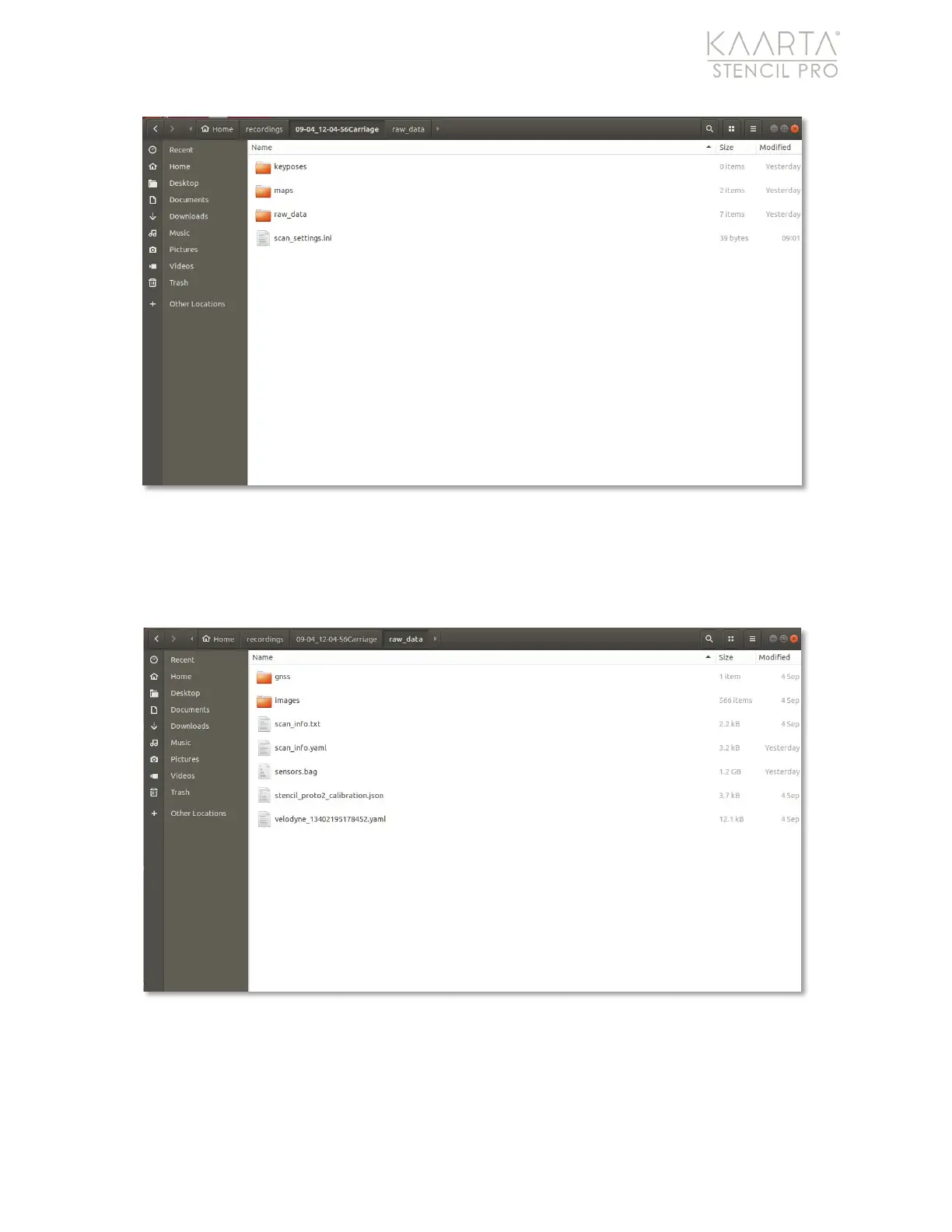
Figure 17: Create three main folders in desktop/recordings/your_scan; keyposes, maps, and raw_data.
Populate the raw_data folder with your sensors.bag file and any associated yaml files. If
copying images or gnss data, create new sub-folders within the raw_data folder to house
them (Figure 18).
Figure 18: Data copied into the desktop/recordings/your_scan/raw_data folder.
SYSTEM INFORMATION
From the Main Gallery, you can view Stencil Pro system information. These elements are
accessible throughout the Stencil Pro UI and are displayed on all screens (Figure 19).



 To Next Page