WWW.KAARTA.COM 31
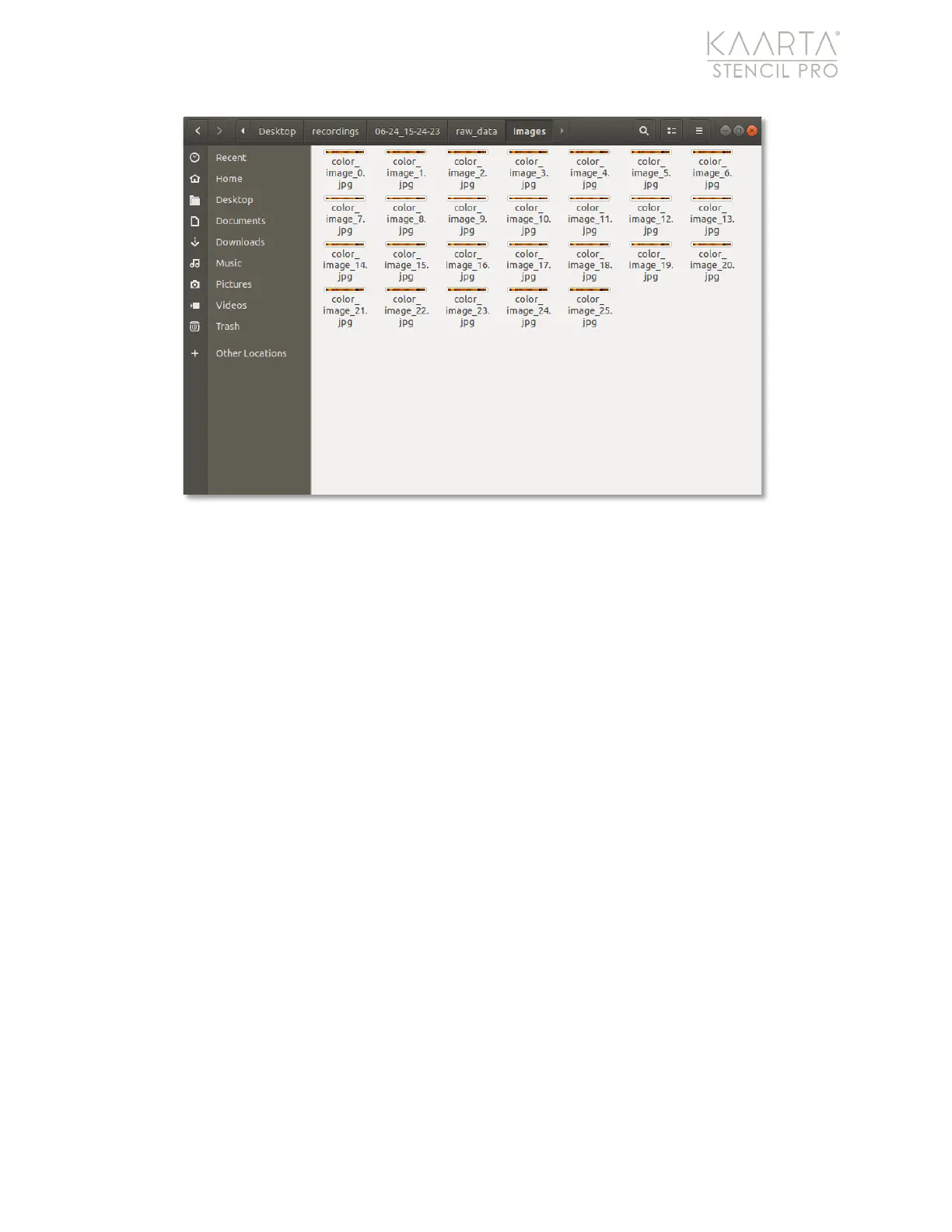
Figure 16: Images are in the raw_data/images folder of each scan.
Copying Scans to/from the Recordings folder
When moving data between Stencil Pro hard drives, select the entire scan folder located
in the desktop/recordings/ root directory. Copy the entire folder contents to the
desktop/recordings/ folder of the second Stencil Pro. The files should be recognized on
the second Stencil Pro device once the scan folder has successfully copied to the desktop.
The scan should be recognized by Stencil Pro and display in the Main Gallery.
COPYING R AW_D ATA
When copying raw data only, you must have certain files copied into a specific folder
structure for Stencil Pro to recognize (and perform any processing on) the raw data.
Create a main scan folder in which to copy your data in the root desktop/recordings/
folder. Within your scan folder desktop/recordings/your_scan, you need to have three
sub-folders present – keyposes, maps, and raw_data (Figure 17). Even though you are
copying the raw data only, the keyposes and maps folders must also be present. Create
these three folders. Within the maps folder desktop/recordings/your_scan/maps,
create a sub-folder called “initial” or “preview.” Although empty, this folder must also be
present.



 To Next Page