WWW.KAARTA.COM 90
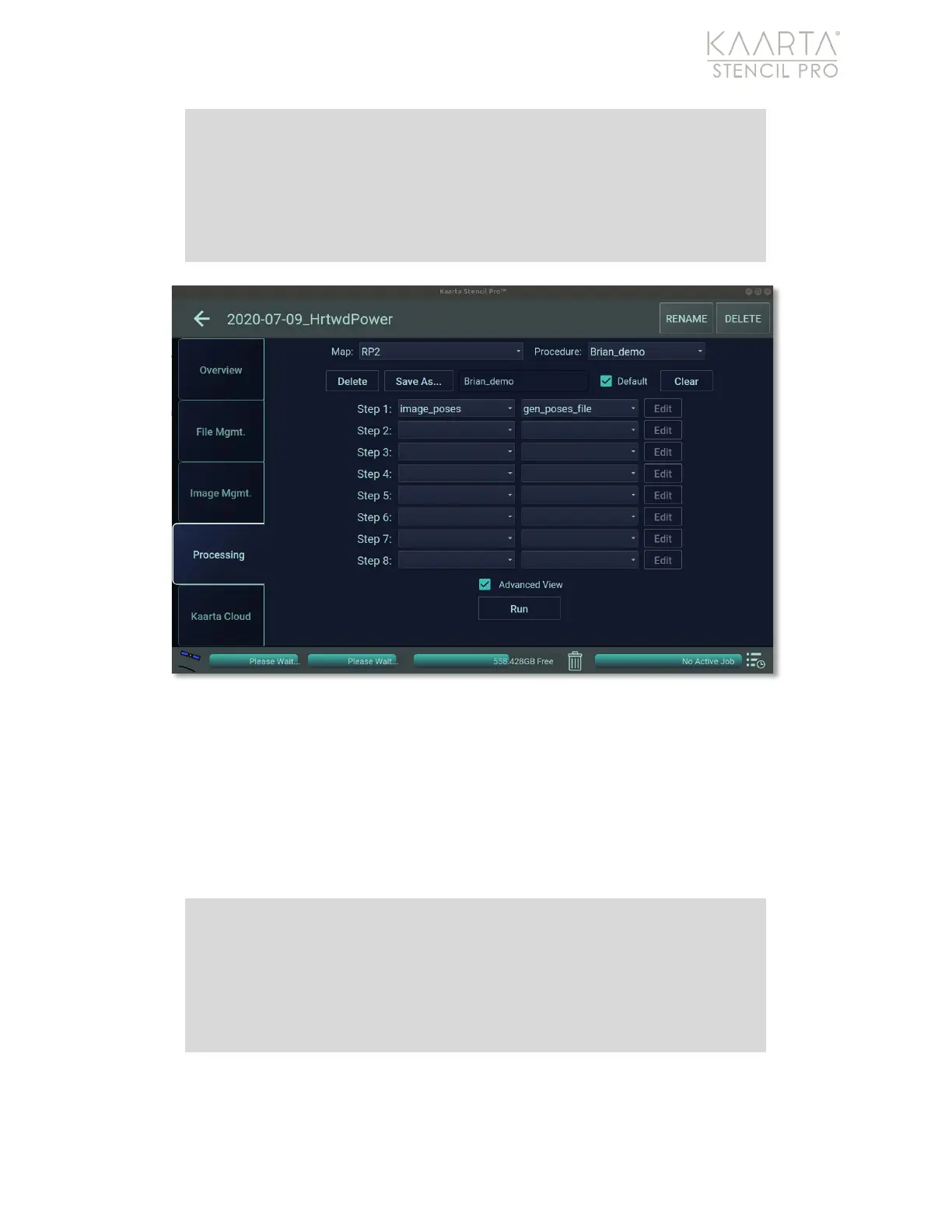
Figure 62: Image Poses.
Relabel Panos
Relabel Panos attempts to convert the image poses into GPS and adds that metadata to
images. See Image Poses on page 89 for more information. The process tags the images
with metadata based on the prior processed map. The tagged imagery can be viewed in
mapping software, such as ESRI or Google Earth, as a photo overlay. There is only one
preset for Relabel Panos, and no option to configure settings (Figure 63).
Note: Both Image Poses and Relabel Panos are already embedded in
the Colorization process. If there is a change in alignment, such as
during GNSS Correct or Align, you can choose to rerun these two
processes to update the change in poses and correct the metadata of
the images.
Note: Both Image Poses and Relabel Panos are already embedded in
the Colorization process. If there is a change in alignment, such as
during GNSS Correct or Align, you can choose to rerun these two
processes to update the change in poses and correct the metadata of
the images.



 To Next Page