WWW.KAARTA.COM 93
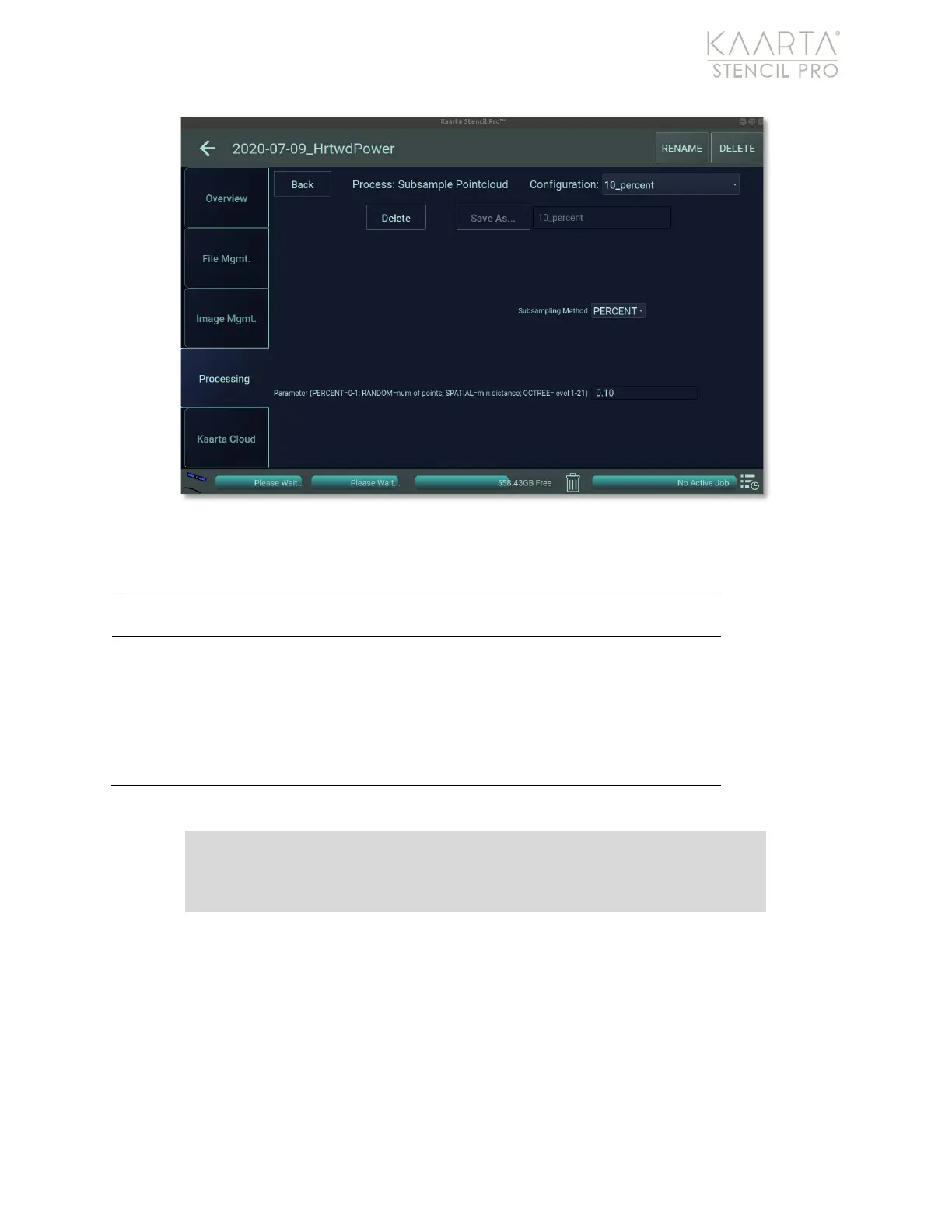
Figure 65: Subsample settings.
SUBSAMPLE SETTINGS
Select subsampling method from drop-down menu:
Percent, Random, Spatial or Octree.
If percent, adjust parameter by changing decimal value
to percent of points remaining (default is 0.10
or 10%
).
If random, adjust parameter by changing number of
the total points remaining. If spatial, adjust parameter
by changing the distance between points (in meters;
default is 0.10
or 10cm
). If octree, adjust parameter by
changing the level (1-12; default is 11).
Convert to LAS
You can convert a point cloud into an LAS file, an open, binary format designed for the
interchange and archiving of lidar point cloud data. It is specified by the American Society
for Photogrammetry and Remote Sensing (ASPRS) and is regarded as an industry
standard for lidar data. Conversion of a PLY pointcloud to an LAS pointcloud will embed
the GNSS offsets and zone from the scan_info.yaml file into the LAS pointcloud.
Prior to converting a point cloud to an LAS file, you must subsample the data. See
Subsample on page 91 for more information. Convert to LAS has one preset (Figure 66).
Note: It is recommended that you Subsample prior to Converting your
data to an LAS.



 To Next Page